Working With the TestFlow Mobile Application
158 OX1
Working With a Wireless Network
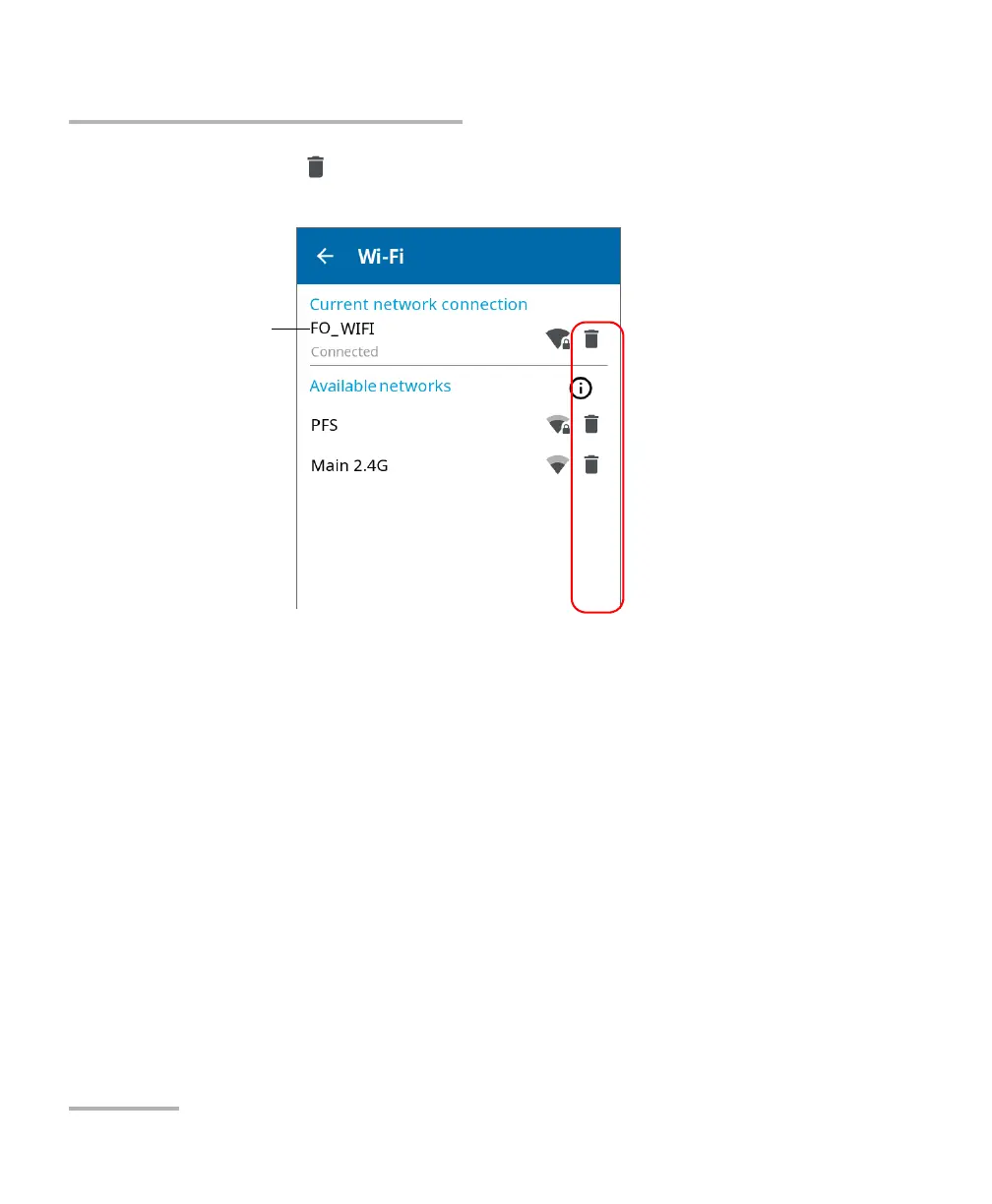
3. Tap the icon corresponding to the wireless network that you want
to remove.
4. When the application prompts you to confirm the removal of the
network, confirm by tapping Forget.
The network is removed from the list automatically.
If these networks are still in range, they will reappear on the list of available
networks.
Network to which the unit
is currently connected or
network used during the
last work session



 To Next Page