Working With the TestFlow Mobile Application
166 OX1
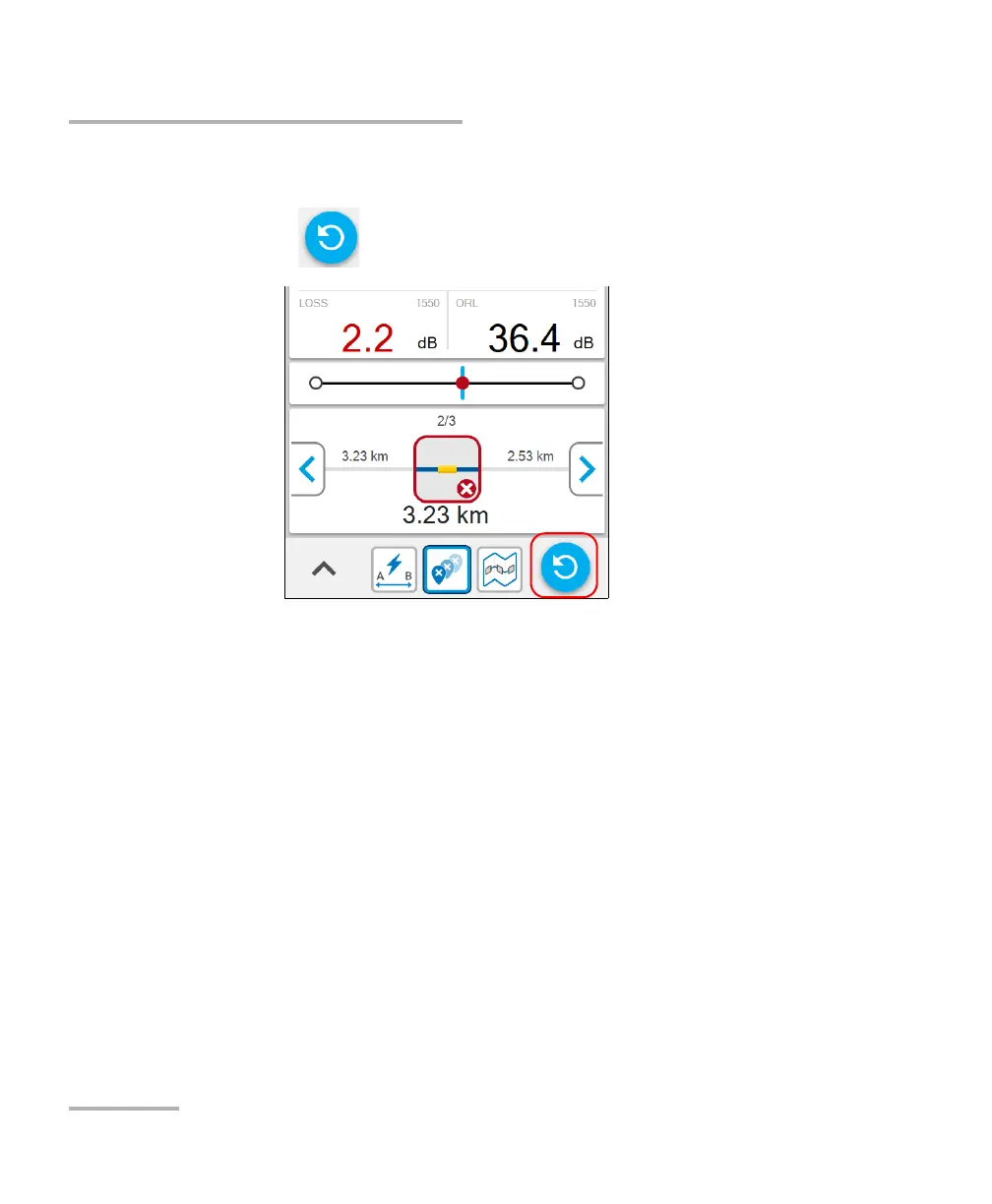
Performing a Measurement Again
To perform a measurement again:
1. Select the measurement you want to perform again.
2. Tap the button to redo the measurement.
3. When the unit prompts you, tap YES.
The new result is available as soon as the measurement is complete.
Once a measurement is performed, you can view the results in different
parts of the screen. See Working With Link Results on page 96, Working
With Link Overview on page 98, and Working With Link View on page 99.
The results are stored automatically on the unit. The application will notify
you if a synchronization with the TestFlow mobile application is necessary.



 To Next Page