Working With the TestFlow Mobile Application
170 OX1
Generating Job Measurement Reports
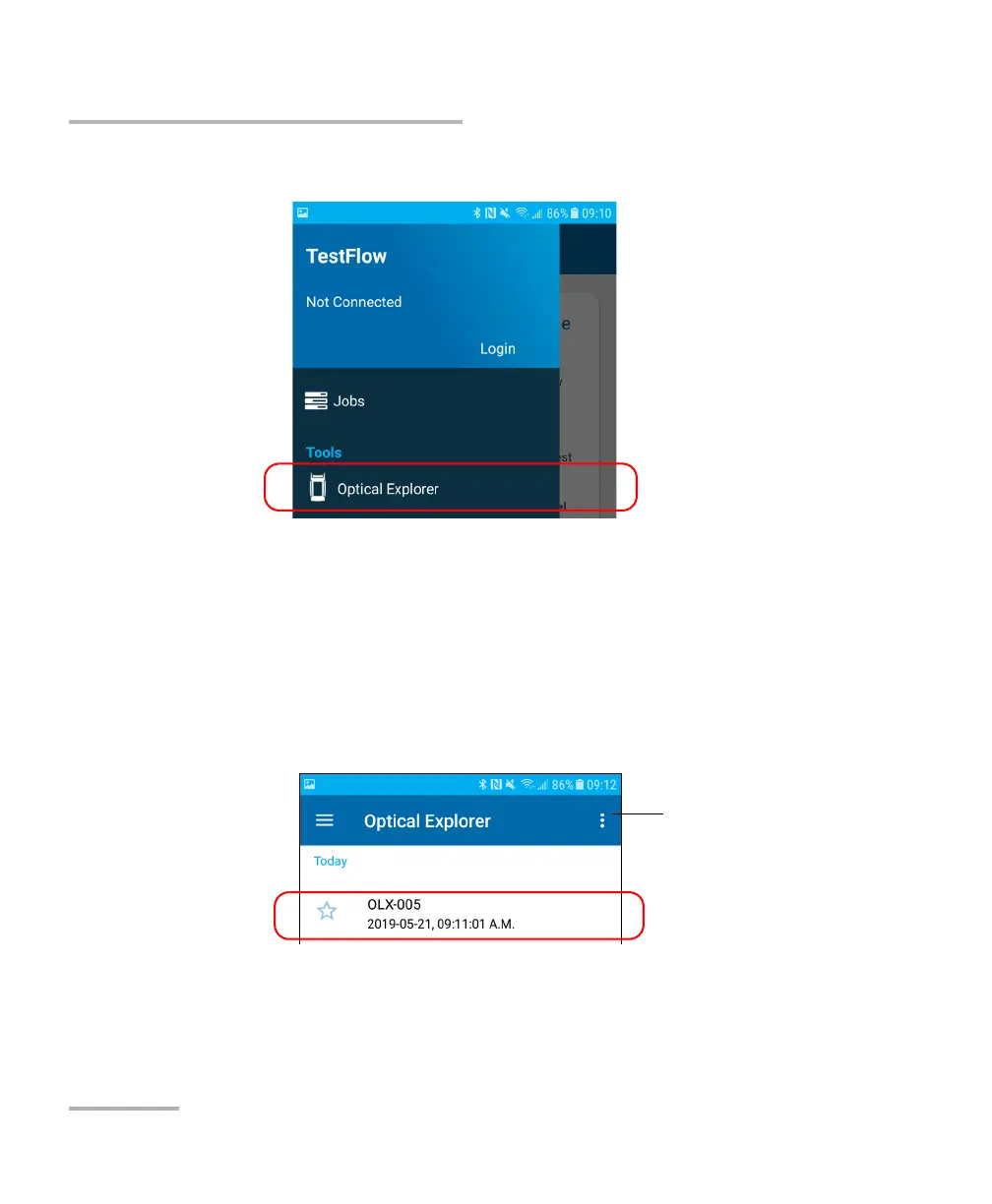
3. Under Tools, tap Optical Explorer.
4. Select the job for which you want to generate single- or
multi-measurement reports.
5. If you want to generate a single-measurement report, tap the desired
measurement.
OR
If you want to generate a multi-measurement report, tap the three-dot
menu.
6. Select PDF report.
Note: As soon as the report is generated, you can transfer it with the tools
available from your smart device as you would do with any other PDF file.



 To Next Page