Working With the TestFlow Mobile Application
172 OX1
Accessing the Online Documentation From the Smart Device
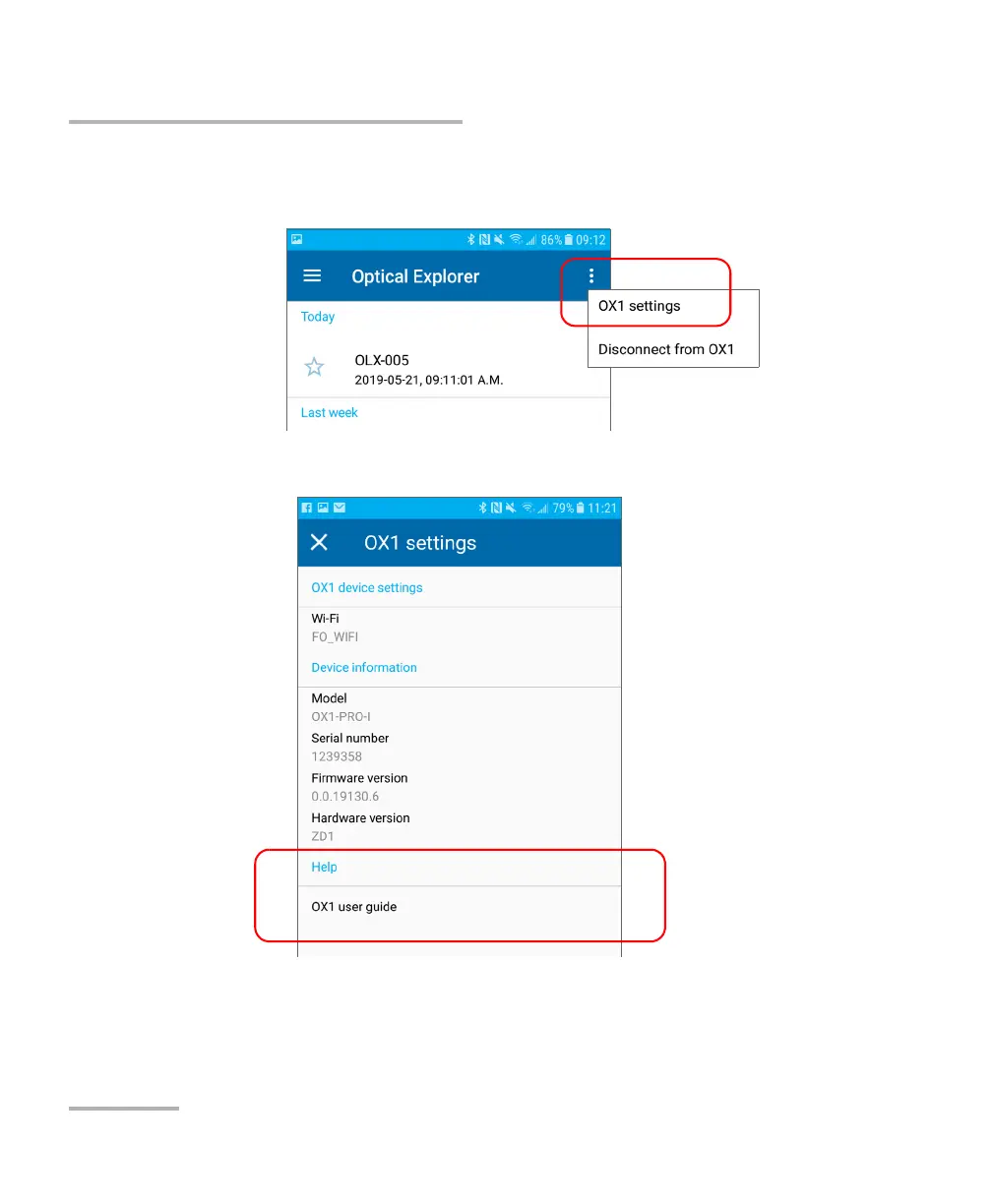
4. From the Optical Explorer tool, open the three-dot menu, and then
select OX1 settings to access the parameters.
5. Under Help, tap OX1 user guide.



 To Next Page