Maintenance
192 OX1
Determining the Condition of the Click-Out Optical Connector (Pro Units Only)
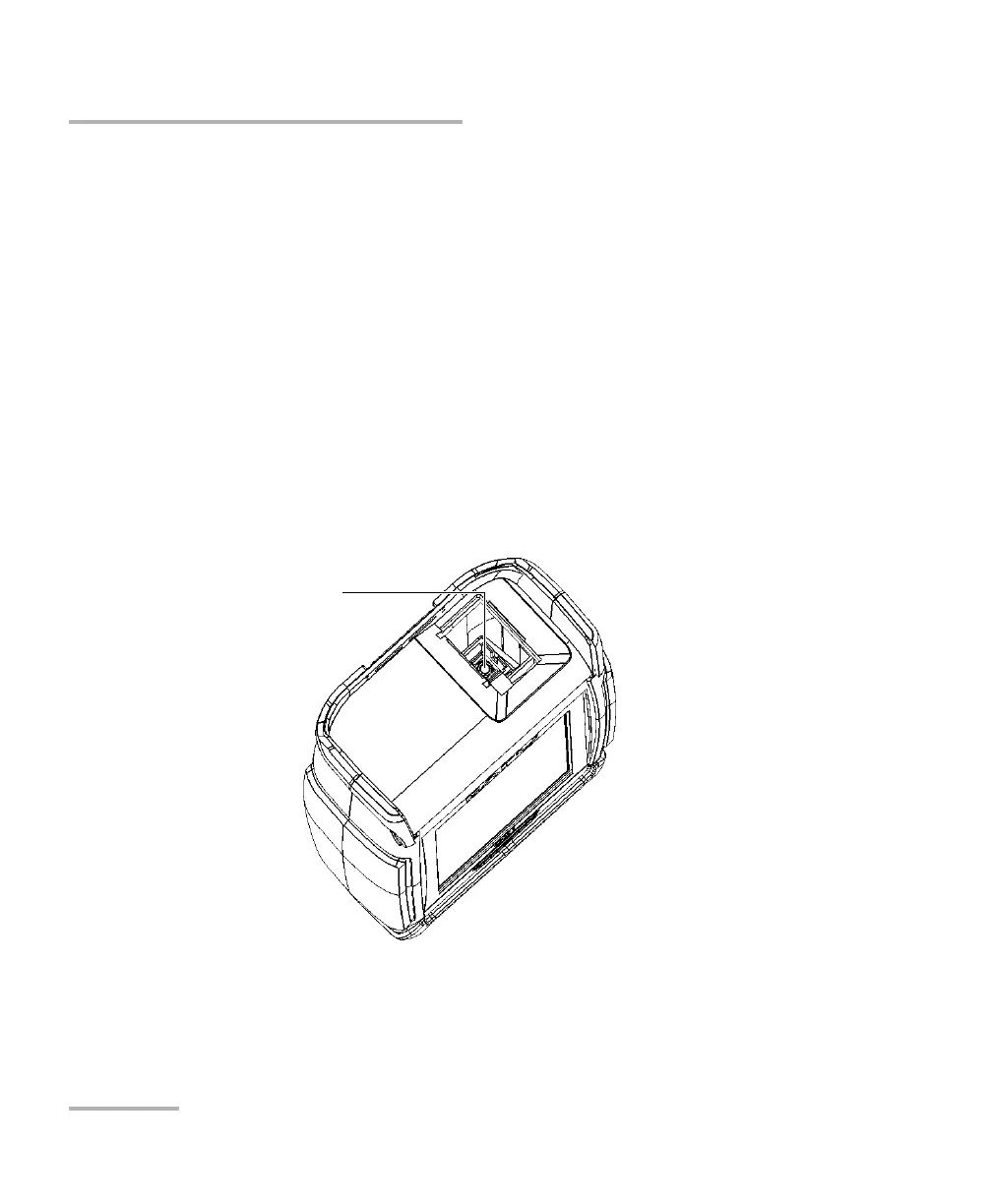
3. If the port or the connector is damaged, replace the Click-Out
connector (see Replacing the Click-Out Optical Connector (Pro Units
Only) on page 193).
OR
If the port and connector seem fine, continue with the remaining steps
of this procedure.
4. It is not necessary nor recommended to clean or inspect the internal
connector. However, if you still need to clean the internal connector,
you can do so from the Click-Out connector bay by using a 2.5 mm
pencil cleaner.
Note: If you do not have a 2.5 mm pencil cleaner, you can use a dry lint-free
swab.



 To Next Page