Getting Started with Your Unit
28 OX1
Viewing Notifications
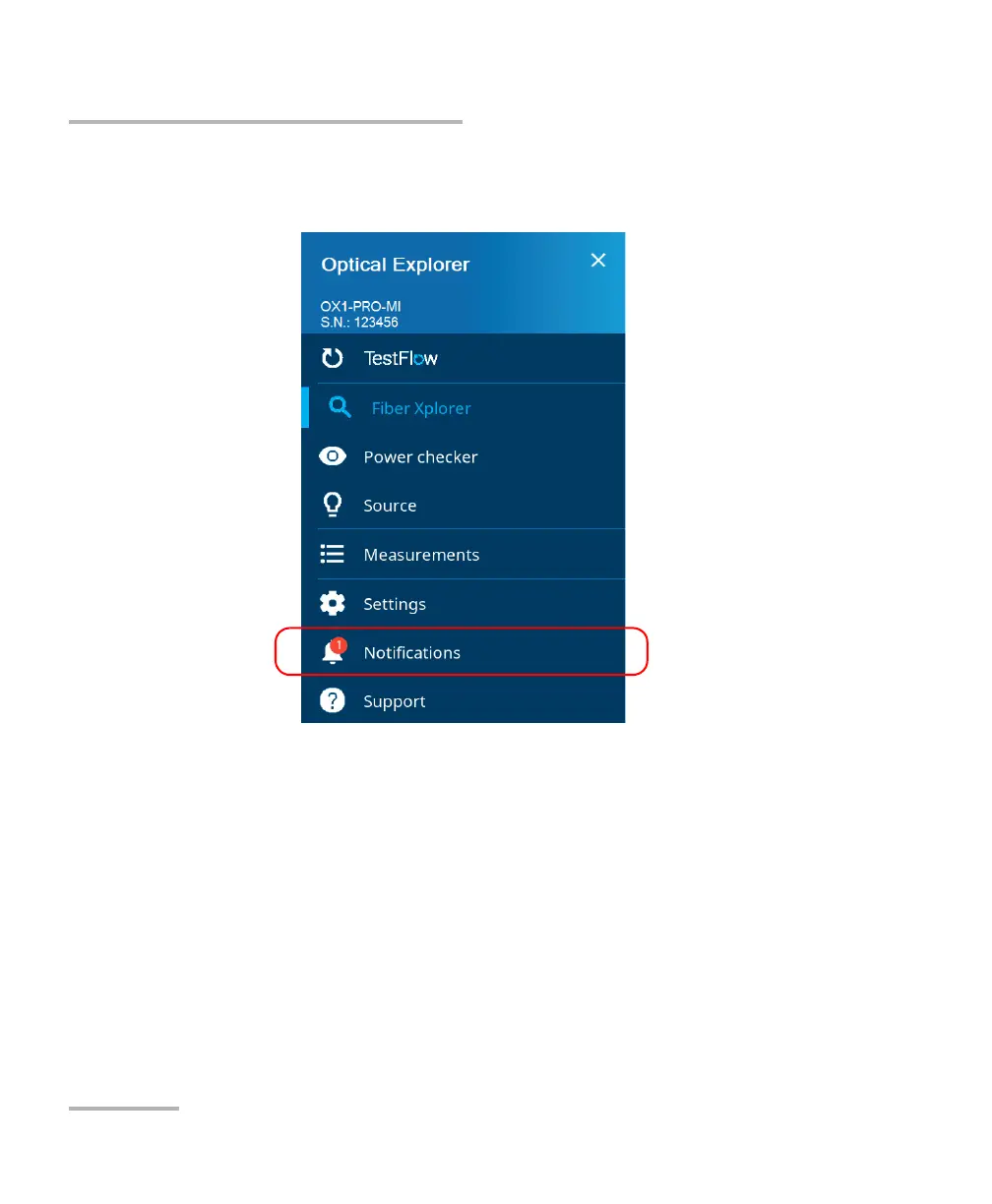
To view notifications:
1. From the main menu, tap Notifications.
The pending notifications are displayed in a list.
2. You can delete the notification you have read with the X.
3. When the unit prompts you, tap YES.



 To Next Page