Getting Started with Your Unit
Optical Explorer 31
Working With Launch and Receive Test Cords
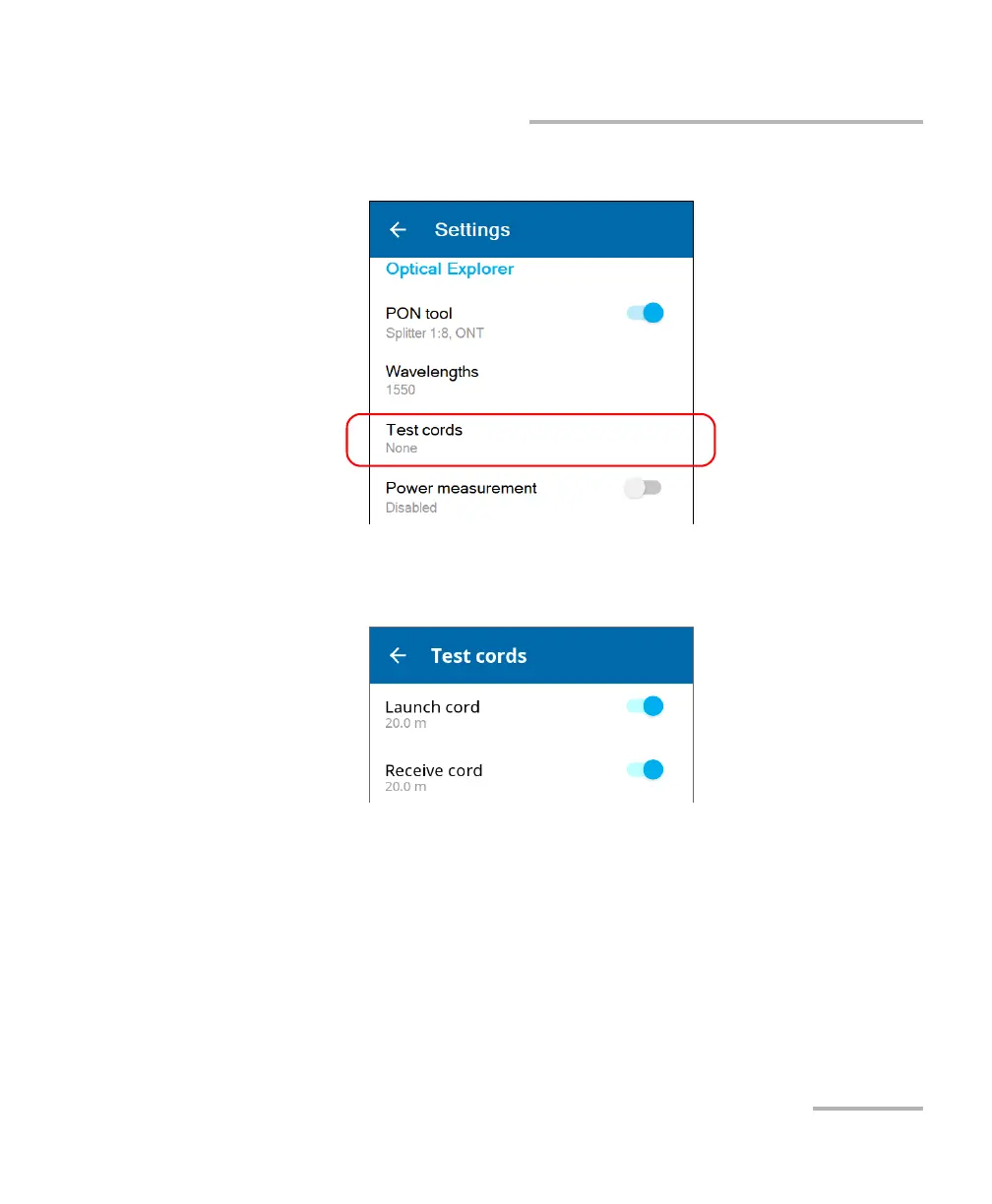
2. From the Optical Explorer section, tap Test cords.
3. To configure the launch and receive cords settings, proceed as follows:
3a. If necessary, activate the feature with the corresponding toggle.
3b. Under the desired test cord, tap the displayed length to edit it.



 To Next Page