Setting up Your Unit
58 OX1
Selecting Test Wavelengths
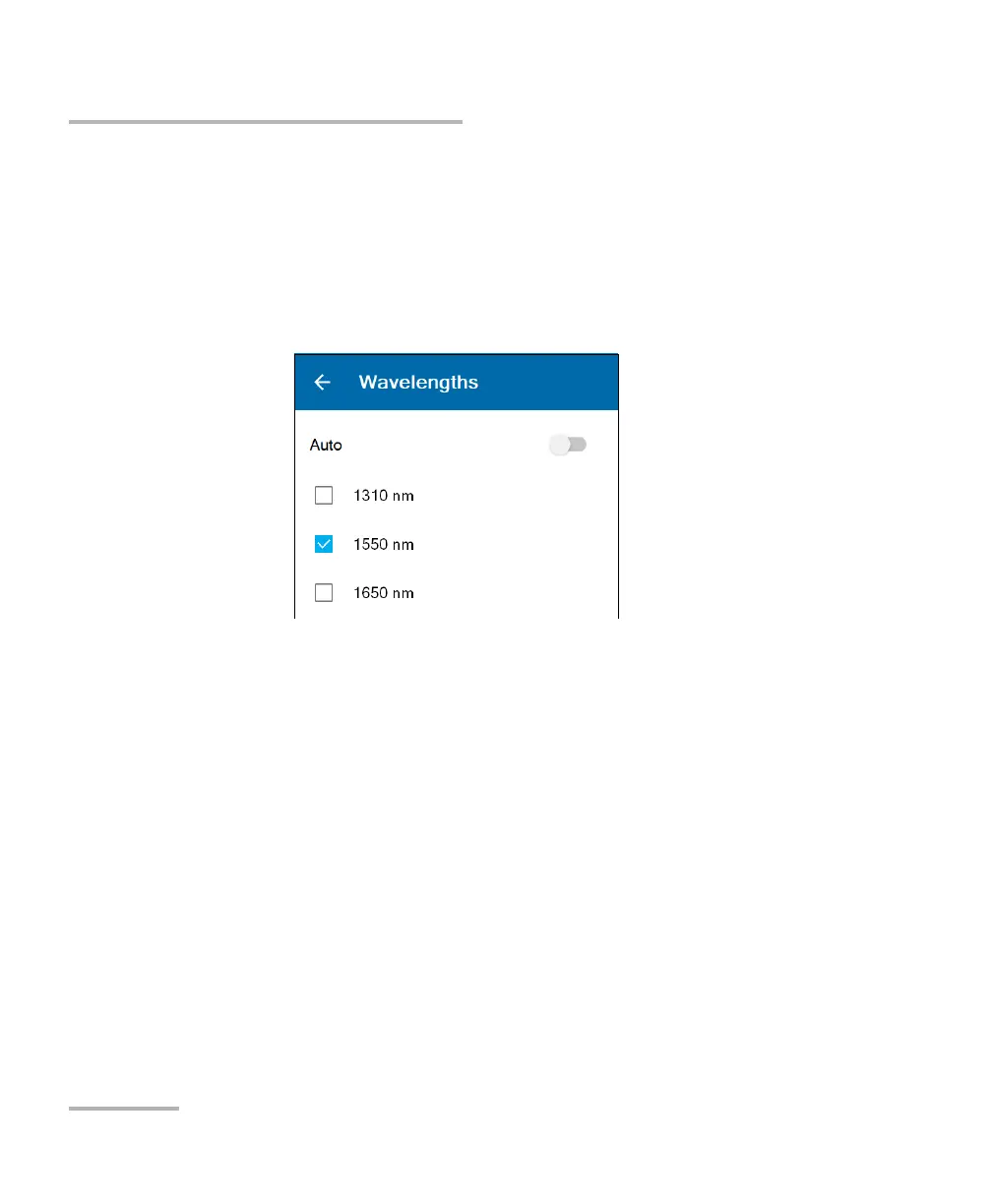
3. If you want to let the application select the most appropriate
wavelengths, use the Auto toggle to enable the option.
OR
If you prefer to choose the wavelengths yourself, ensure that the Auto
option is deactivated (use the toggle if necessary), and then select the
wavelengths you want to use for your tests.
The new selection will be taken into account for the next measurement.



 To Next Page