Setting up Your Unit
Optical Explorer 63
Enabling or Disabling Power Measurements
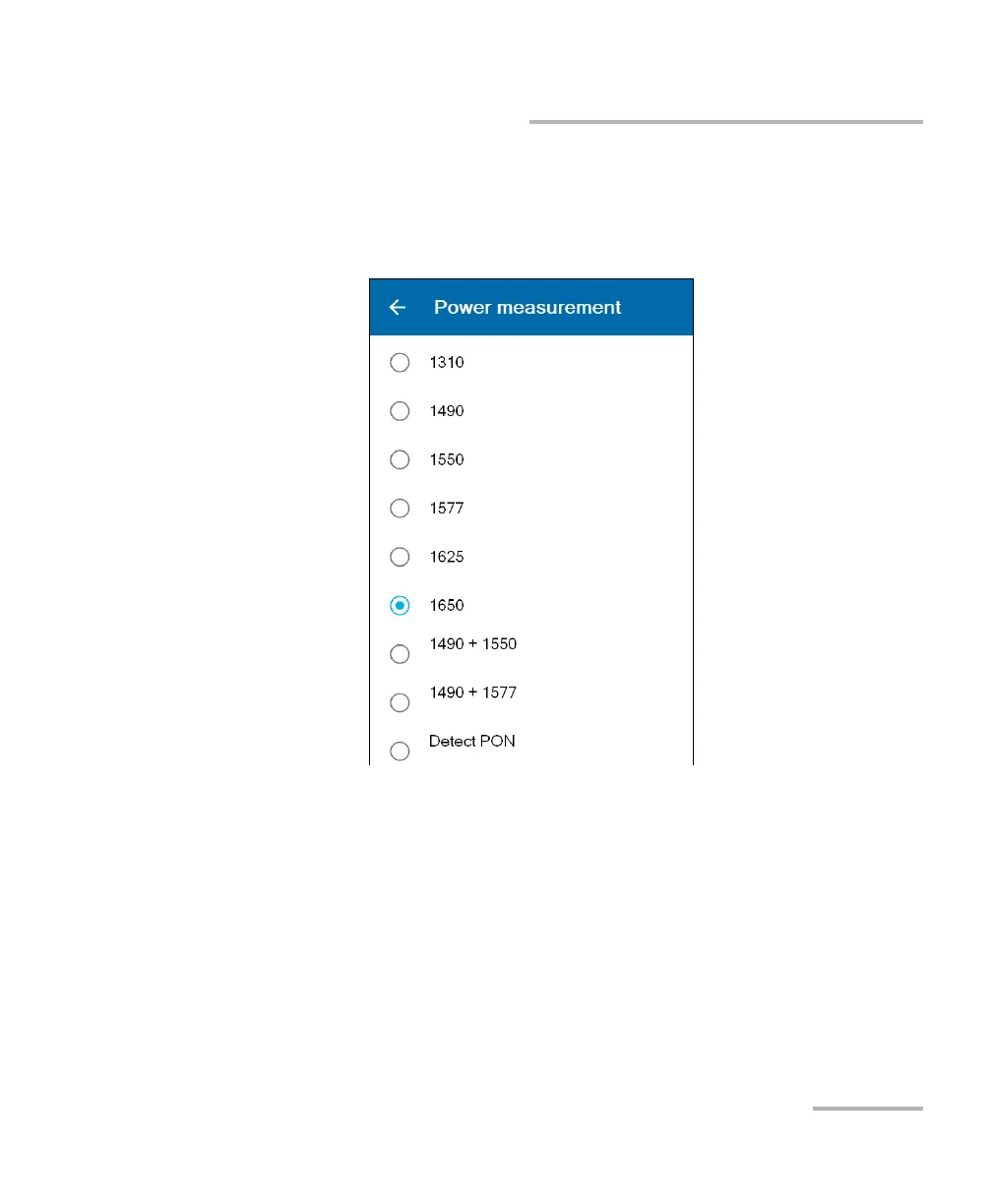
3. In the Power measurement page, select the desired wavelength.
If you are working with a dual-channel unit, you can also select a pair
of wavelengths. If you prefer to let the unit interpret the received
signals (power) for your network automatically, select Detect PON.



 To Next Page