Setting up Your Unit
74 OX1
Working With the PON Tool
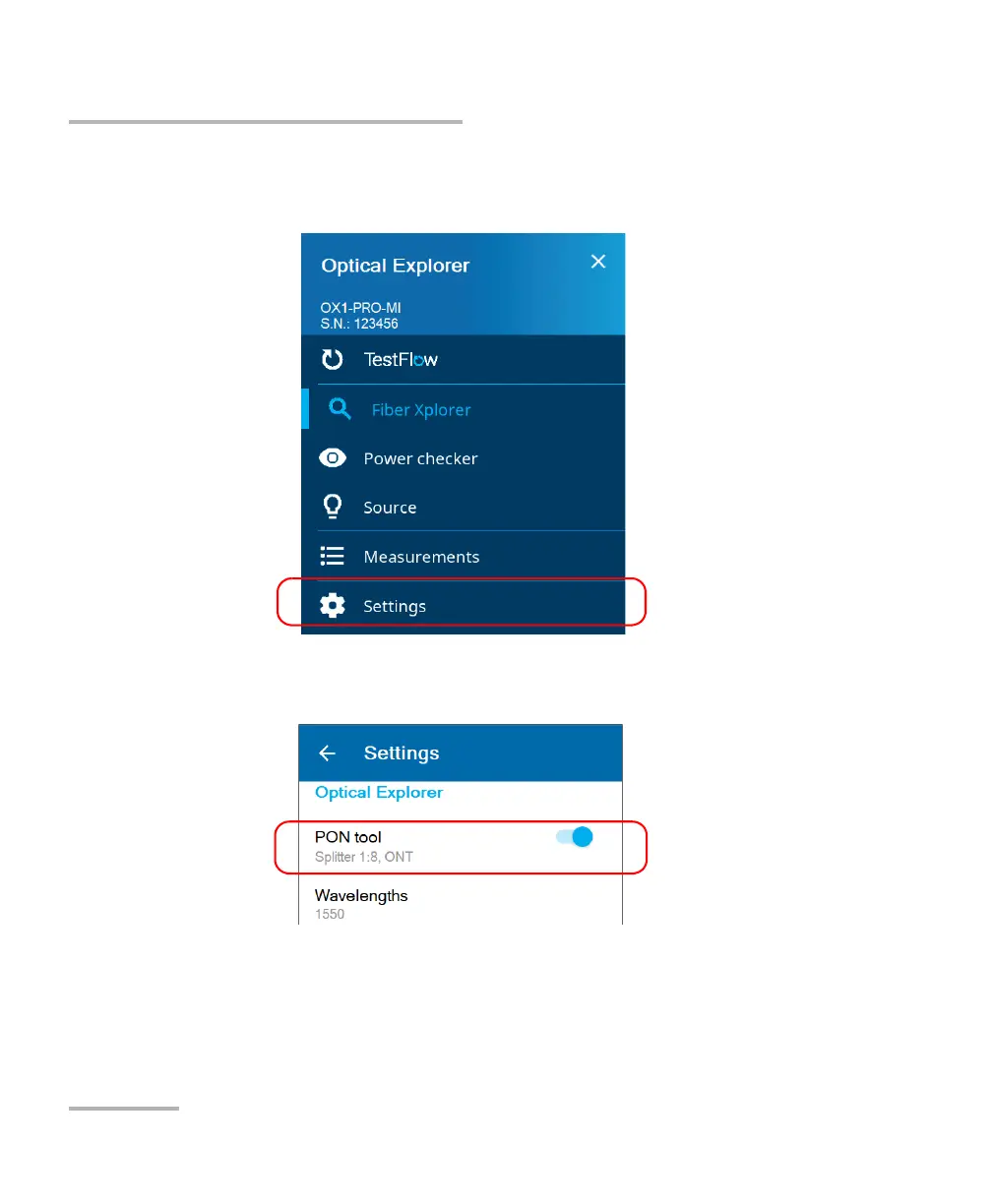
To configure the PON tool:
1. From the main menu, tap Settings.
2. Under Optical Explorer, activate the feature with the toggle button
and tap PON tool.
Note: If you do not see PON tool in the settings, it means that your current OX1
unit is not a PRO model.



 To Next Page