28
SunSDR2 DX User Manual
© 2020 Expert Electronics
ExpertSDR2 SOFTWARE DESCRIPTION
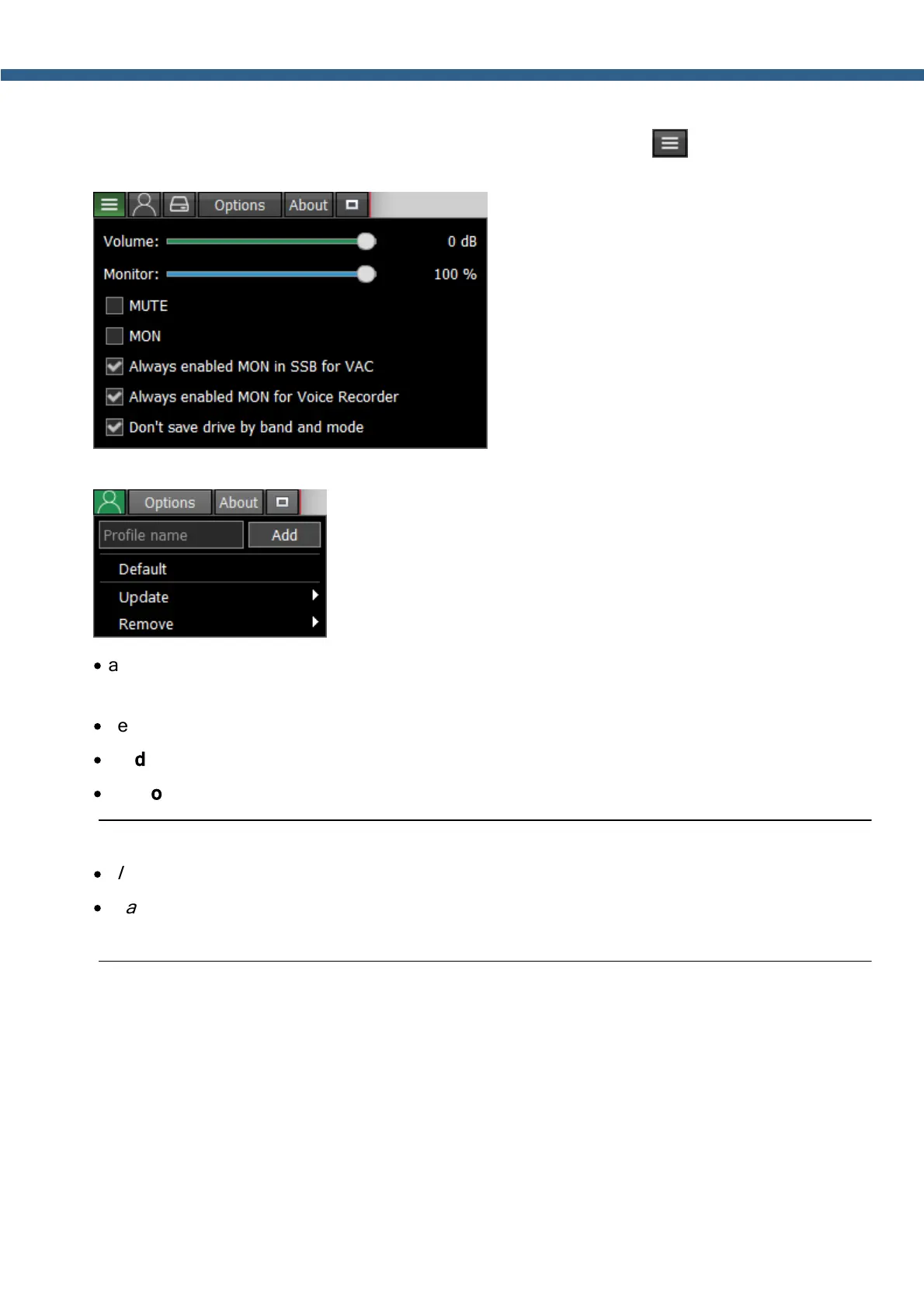
When you squeeze the ExpertSDR2 window, you see this shortcut instead of the Volume
and Monitor sliders:
- In the Profile manager menu you can:
·
add a new profile, by entering the name of the profile in the “Profile name” field and pressing
Add button.
·
set the settings of the whole program to the default state, by the Default button.
·
Update the settings of the certain profile from the list to the current settings.
·
Remove the certain profile from the list.
Note:
·
All new profiles will be stacked up to the drop-down menu as a new line.
·
In a Global Profile you save current states of APF / ANF / NR / NB etc. with no relation to
mode and band.



 To Next Page