90
SunSDR2 DX User Manual
© 2020 Expert Electronics
ExpertSDR2 SOFTWARE DESCRIPTION
·
CW Skimmer always operates in 2 channels.
·
CW Skimmer buffer size is always 1024 samples.
·
Sync frequency - set the Sync frequency to synchronize the CW Skimmer frequency with
ExpertSDR2 frequency.
·
Tune frequency from CW Skimmer - CW Skimmer set the ExpertSDR2 frequency. Set the
Tune frequency from CW Skimmer to tune the ExpertSDR2 frequency by the mouse click
on the station in the CW Skimmer.
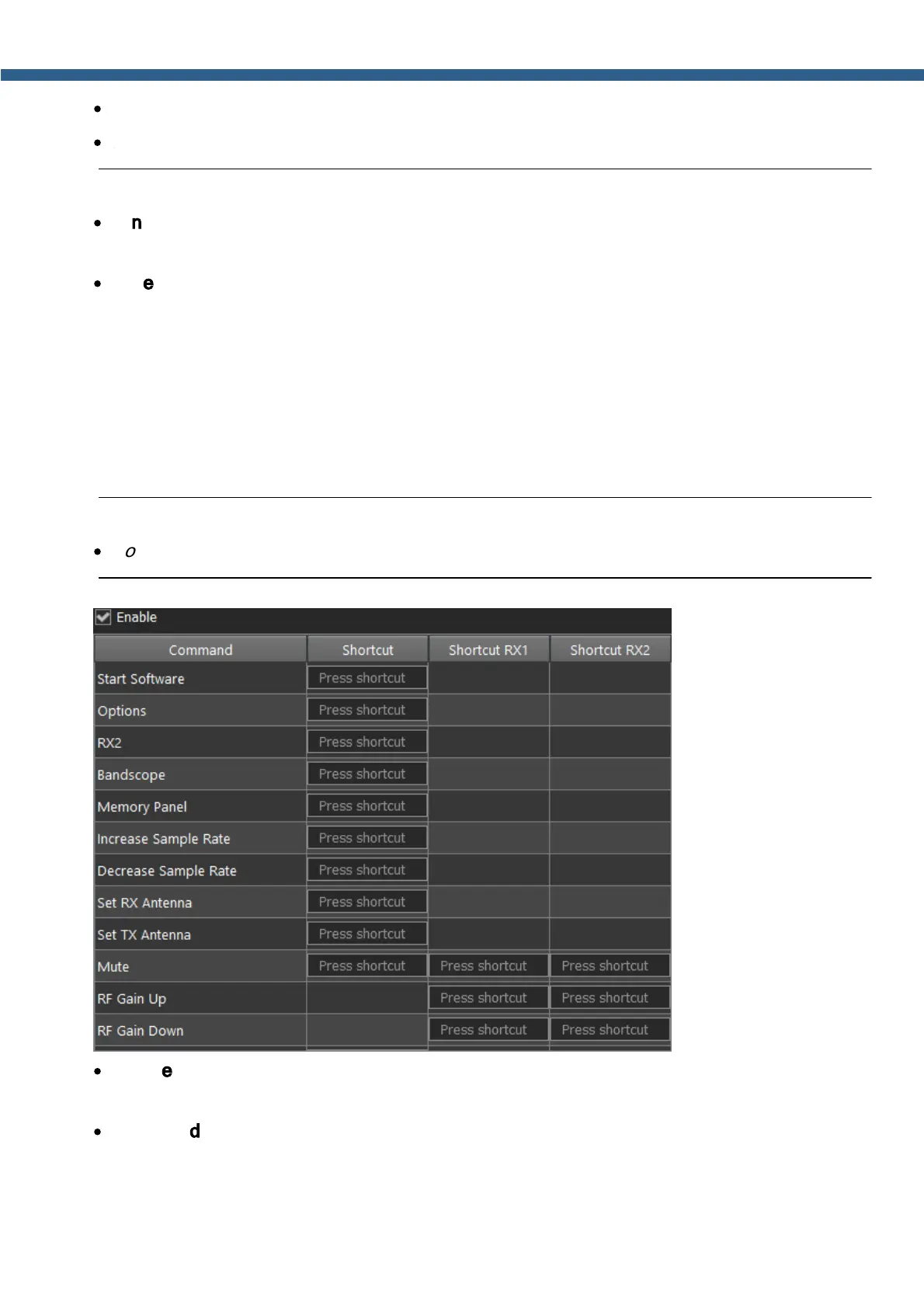
5.7.10 Shortcuts
In the Shortcuts menu, you can see the shortcut key combinations settings.
With the key combinations, you can control the transceiver from your keyboard.
Note:
·
Shortcuts will be active only if the transceiver's software window is in focus.
·
Enable - Enable shortcuts.
Set the Enable checkbox to activate assigned shortcuts.
·
Command - Functions column.
In the Command column displayed all transceiver's functions available for shortcuts.



 To Next Page