53
SunSDR2 DX User Manual
© 2020 Expert Electronics
ExpertSDR2 SOFTWARE DESCRIPTION
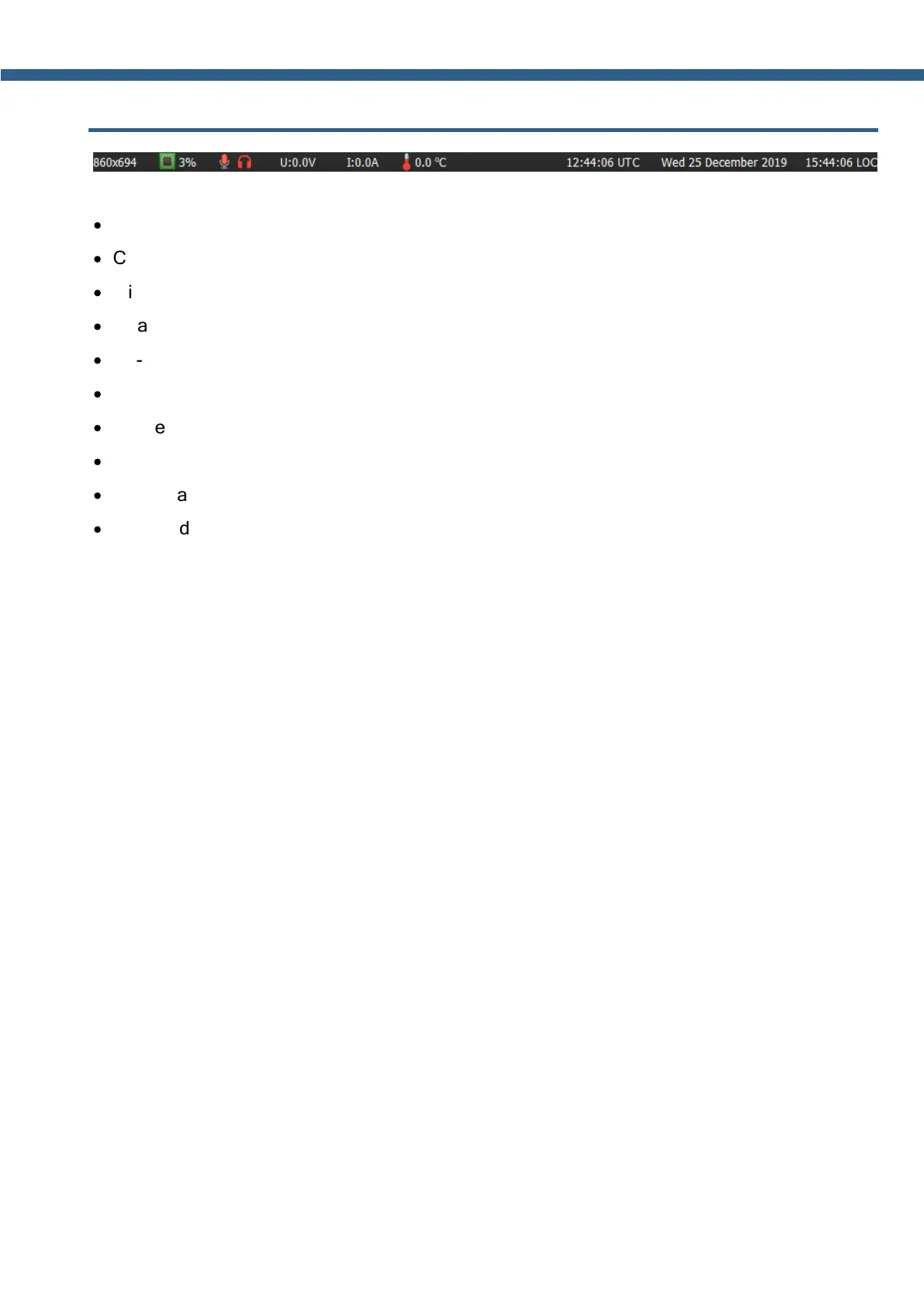
5.6 Status bar
The status bar displays the following information (from left to right):
·
ExpertSDR2 window size in pixels, example: 860x964.
·
CPU load of the ExpertSDR2 in the system.
·
Mic sign - MicPC enabled (green)/disabled (red)
·
Headphones sign - sound output in the PC's Sound Card enabled (green)/disabled (red)
·
U: - Voltage supply indicator (measured inside the transceiver)
·
I: - Current consumption indicator (measured inside the transceiver)
·
The temperature inside the transceiver.
·
Yellow warning triangle, in case you've enabled the BreakIn with CW or SSB mode.
·
Coordinated Universal Time (UTC).
·
Current date and Local Time.



 To Next Page