78
SunSDR2 DX User Manual
© 2020 Expert Electronics
ExpertSDR2 SOFTWARE DESCRIPTION
In the Gradient menu available settings are:
·
Color top – Top gradient color of the background.
Choose the required top gradient color from the palette.
·
Color bottom – Bottom gradient color of the background.
Choose the required bottom gradient color from the palette.
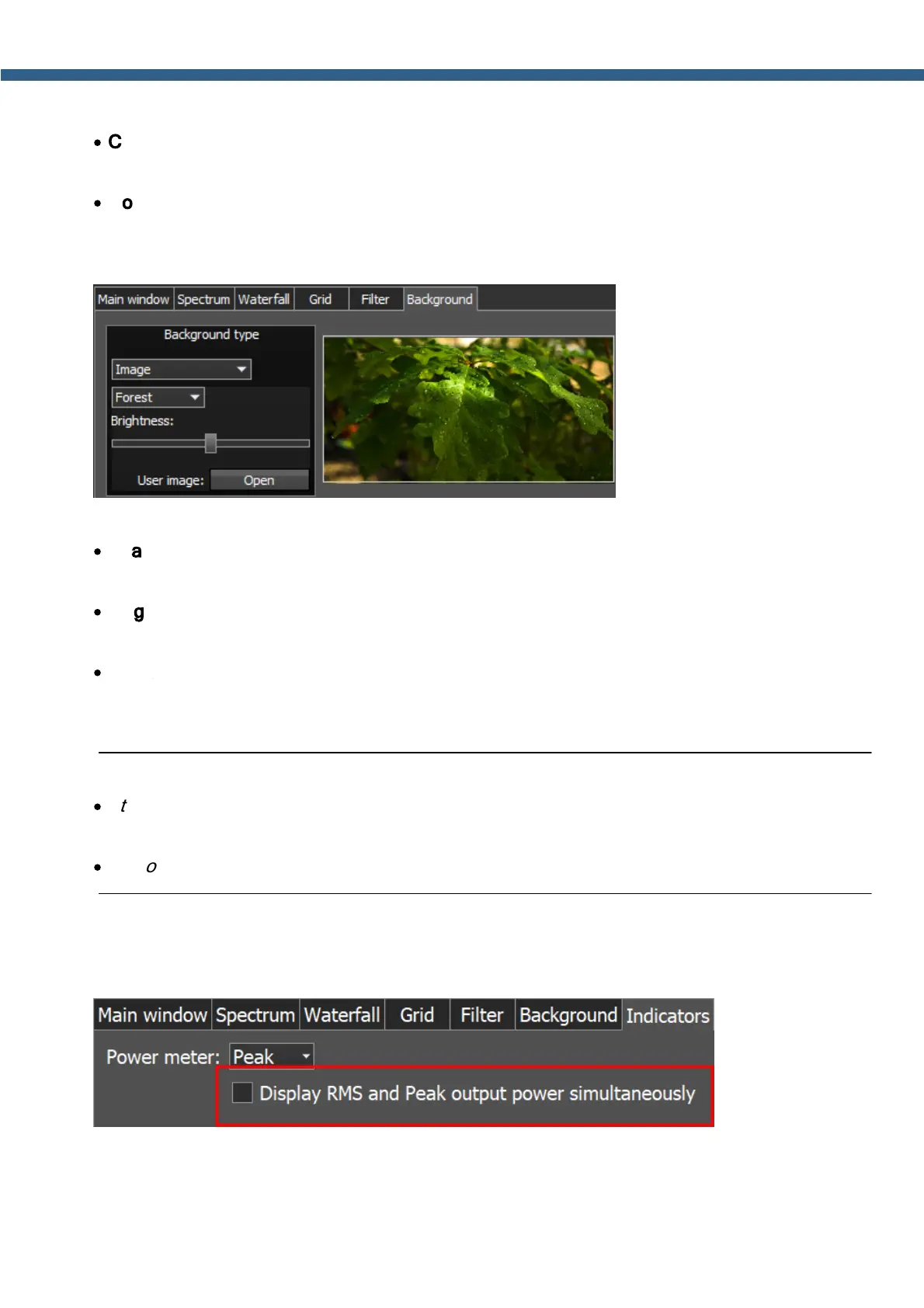
In the Image menu available settings are:
·
Image menu – Image presets menu (Forrest, Bubbles, Space, Water, User).
Pick the required image from the menu or lock one of your own images.
·
Brightness – Background image brightness slider.
Set the required background image brightness.
·
User image - Choose the required image to be displayed on the background.
Press the Open button, in the opened window choose the image file to set as the
background.
Note:
·
If the image file wasn't chosen previously via the Open button, then if you choose the User
image in the presets list it'll open the window to choose the image file.
·
Supported files types: png, jpg, jpeg, bmp.
5.7.4.7 Indicators
In the Indicators tab you can change the algorithm of the output power readings on the
transmitter output.
In the Peak/RMS drop-down menu you set the type of output power which is displayed on the
Power and S-meters. What you check there always displayed as text on the Power meter.



 To Next Page