47
SunSDR2 DX User Manual
© 2020 Expert Electronics
ExpertSDR2 SOFTWARE DESCRIPTION
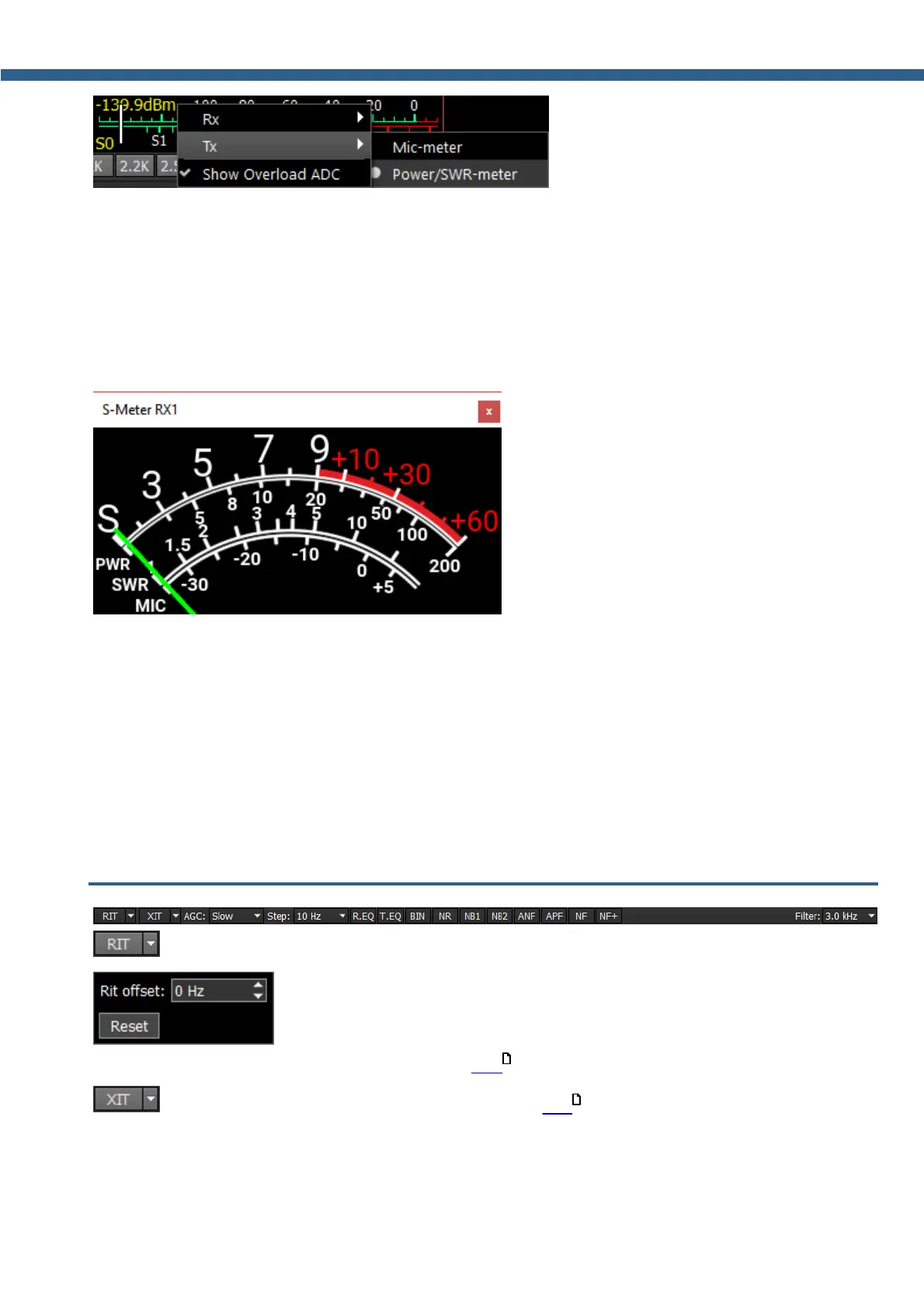
- In the TX mode, the MIC-meter type
shows the microphone's signal level. In the Power/SWR-meter type, the power indicator and
SWR will be displayed.
Show Overload ADC - will be implemented later.
Click the right mouse button on the S-meter and select Show S-meter.
- the S-meter window can be separated from
the software window and moved to any place on the screen.
List of the measured parameters:
S-meter - Displays the level of the received signals in the receiver filter bandwidth (in units).
PWR - Displays the level of the output power in TX mode (in Watts).
SWR - Displays the SWR level in TX mode (blue bar).
MIC - Displays the level of the MIC signal before modulator (in dBW, green bar).
SQL - Squelch trigger threshold for the received signals (yellow needle).
5.4 DSP control panel
- Receive Incremental Tuning.
- In the drop-down menu, you can set the frequency offset in Hz. Reset -
resets the offset value to zero (more details in RIT ).
- Transmit Incremental Tuning (more details in XIT ).
101
102



 To Next Page