48
SunSDR2 DX User Manual
© 2020 Expert Electronics
ExpertSDR2 SOFTWARE DESCRIPTION
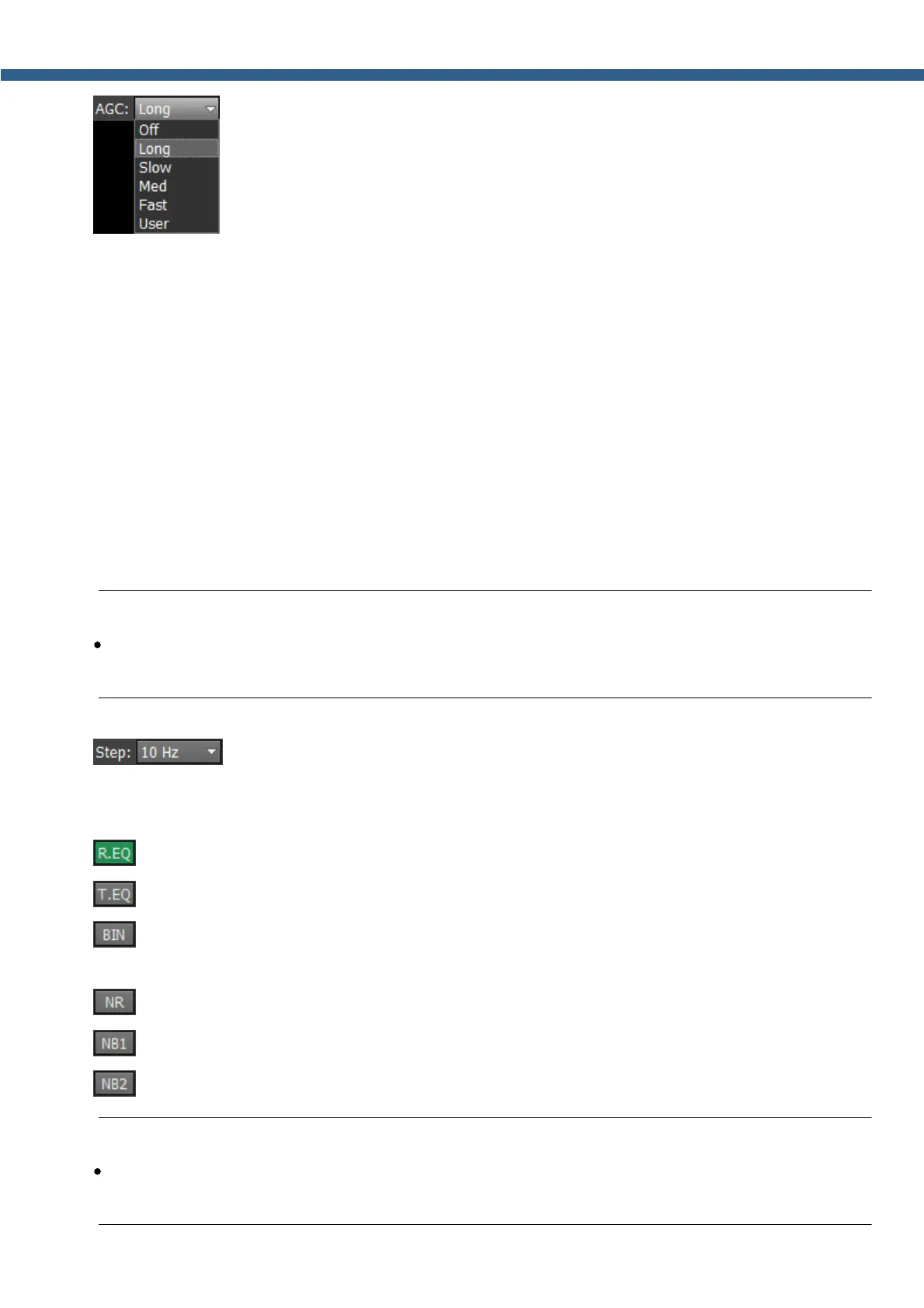
- AGC presets menu. In the drop-down menu, you can select the receiver's
AGC preset:
OFF - AGC is off.
LONG - preset with long AGC reaction (approximately 750 ms). Recommended for phone
modes.
SLOW - preset with slow AGC reaction (approximately 500 ms). Recommended for phone,
digital modes.
MED - preset with medium AGC reaction (approximately 250 ms). Recommended for CW,
digital modes.
FAST - preset with fast AGC reaction (approximately 100 ms). Recommended for CW, digital
modes.
USER - preset with custom AGC reaction (by default the slowest 1000 ms).
Note:
·
AGC settings influence the quality of the received signal. Be careful selecting the AGC
preset or tuning your own preset.
- Step list allows to change the step of the mouse wheel in the range from 0.1
Hz to 100 kHz.
DSP functions:
- enable the RX equalizer (enabled on the picture).
- enable the TX equalizer.
- binaural audio mode (the phasing of the audio signal within the RX filter gives a stereo-
like effect).
- enable the adaptive Noise Reduction to clean the signal from noise interferences.
- enable the First Noise Blanker for impulse interference.
- enable the Second Noise Blanker for impulse interference.
Note:
·
The NB1 and NB2 algorithms are different. Try each of them to reach the best impulse
interference reduction. NB1 and NB2 Noise Blankers can be used simultaneously.



 To Next Page