44
SunSDR2 DX User Manual
© 2020 Expert Electronics
ExpertSDR2 SOFTWARE DESCRIPTION
enjoy the operation on the air.
If you don't like this AFC you can use equalizer to adjust it.
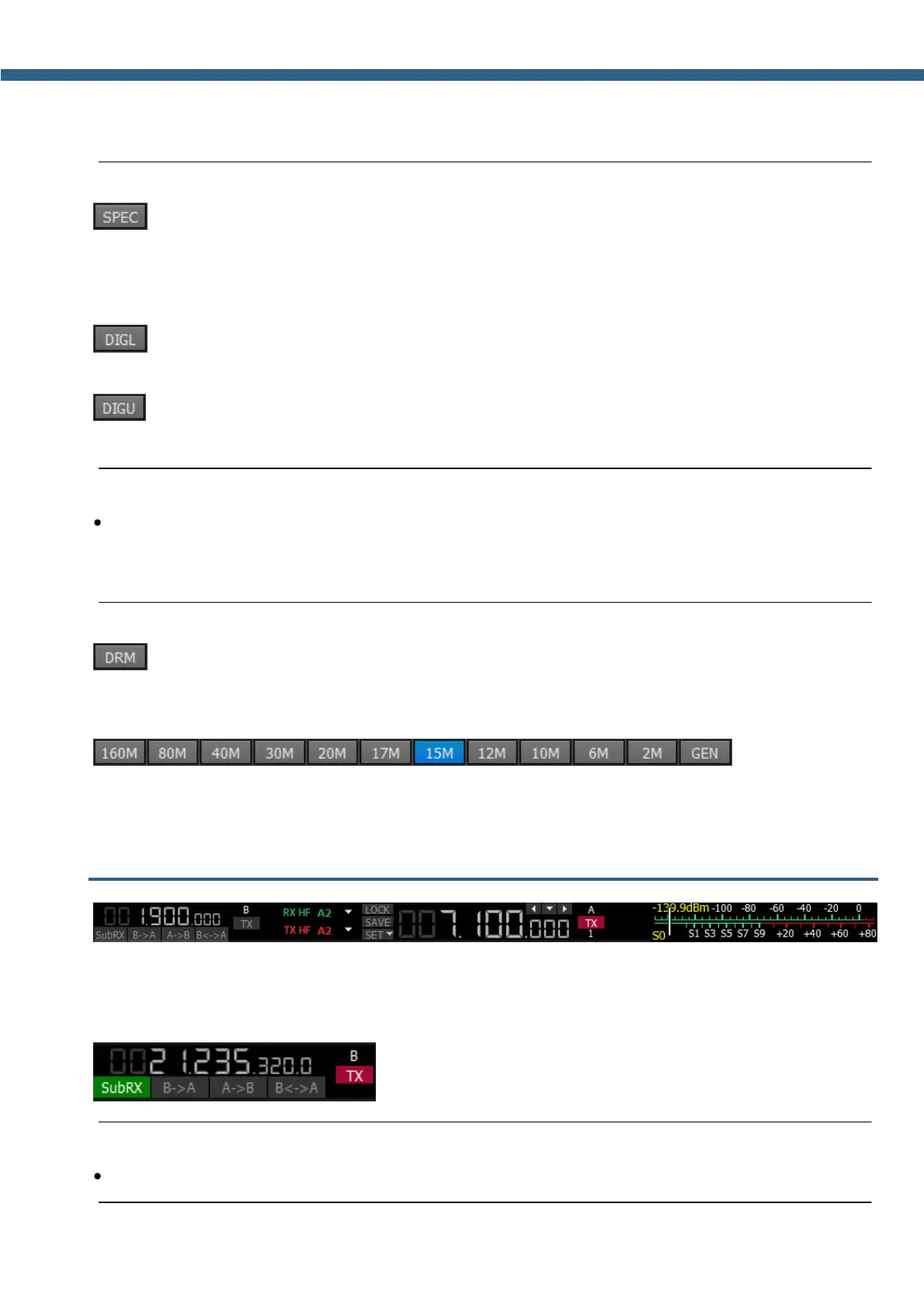
- Spectrum mode. Receive the pure signal without any demodulation (panadapter
bandwidth). The idea is to receive pure signal then pass it to some special device, via a cable
connected to the PHONES audio output of the transceiver or PC audio output, with certain
demodulation capabilities
- Digital Lower Side Band. Connect a third-party software (is not supplied) to the
transceiver software for operating in digital modes
- Digital Upper Side Band. Connect a third-party software (is not supplied) to the
transceiver software for operating in digital modes
Note:
·
To work in digital modes, use DIGL and DIGU. Mic AGC gain, COMP and EQ can distort the
TX digital signal, that's why they are automatically disabled in these modes. Also in DIGL and
DIGU modes, you can save your TX and RX filter width.
- Digital Radio Mondiale, 10 kHz filter with 5 kHz IF to work with the external decoder of
the DRM signals. Connect third-party software (is not supplied) to the transceiver software for
decoding of the DRM signals
160M - 2M - amateur bands
GEN - if out of the amateur bands
5.3 Frequency and S-meter indicators
Mainly, this panel consists of the visual indicators, like the VFO A/B frequencies, the signal level
on the antenna's input (S-meter) and several control buttons.
Displaying elements:
- VFO B frequency indicator (sub-receiver).
Note:
·
You won’t hear the audio from the VFO B if it is out of the panorama bandwidth.



 To Next Page