45
SunSDR2 DX User Manual
© 2020 Expert Electronics
ExpertSDR2 SOFTWARE DESCRIPTION
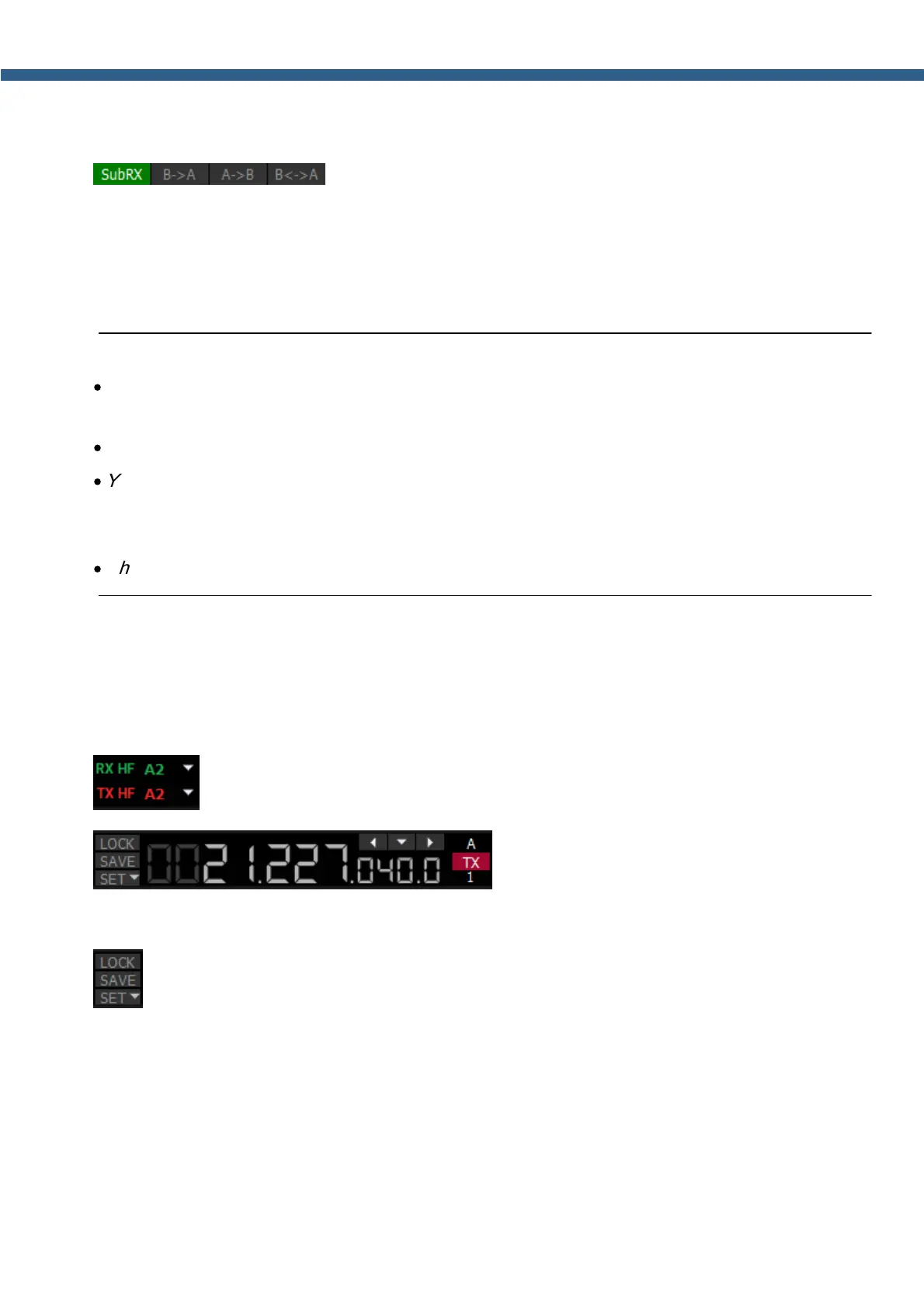
Sub-receiver control unit:
- SubRX – enable sub-receiver. If you want to listen to the VFO A
and VFO B frequencies simultaneously, use the Sub-receiver.
1. Activate the Sub-receiver by pressing the SubRX button.
2. Set the required VFO B frequency.
3. Listen to the VFO A and VFO B frequencies simultaneously.
Note:
·
VFO A receiver's red tuning line means that in Sub-RX mode you'll transmit on the VFO A
frequency.
·
To turn the Sub-receiver to transmit, press the red TX button/indicator.
·
You can switch the point and click control on the panorama between VFO A and VFO B
receivers, by pressing the middle mouse button. You’ll control the RX with the same color to
the mouse cursor.
·
When you change the band the SubRX is disabled.
B>A – assign the VFO B frequency to VFO A
A>B – assign the VFO A frequency to VFO B
B<>A – swap frequencies between the VFO A and VFO B
- Antenna switch indicator. It displays which antenna input is used for RX and TX.
- VFO A frequency indicator (main receiver).
Main receiver control unit:
LOCK – lock the VFO A frequency tuning.
SAVE – save the current VFO A frequency and mode type in the memory panel.
SET – manual frequency input for VFO A or VFO B.



 To Next Page