46
SunSDR2 DX User Manual
© 2020 Expert Electronics
ExpertSDR2 SOFTWARE DESCRIPTION
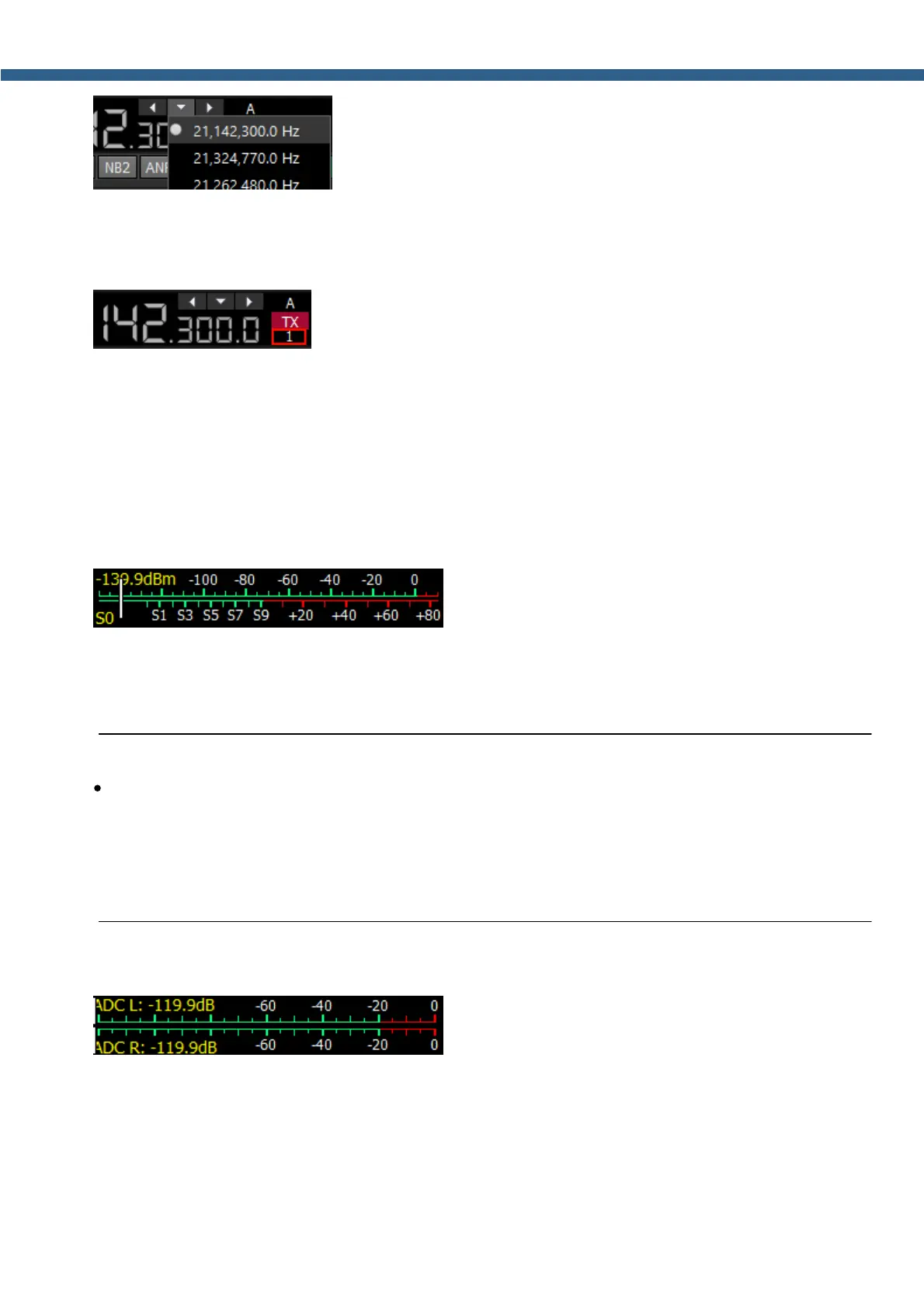
- Navigation buttons. The quick memory cells are automatically
stored with the frequencies if the receiver stands still over a second. Then those frequencies
can be selected in order back and forth, as in an internet browser. The total stack contains 16
cells.
- Band Stacking Memories indicator (VFO A only). Each memory
slot has a frequency, mode, and filter settings. Each band has three memory slots associated
with it. Successive presses of a band button will cycle through the stored memory slots. It might
be useful for quick frequency and mode changes within a band. To replace one memory slot:
1. click the required band button you would like to modify.
2. change the frequency (within a selected band), mode, and filter to the required settings.
3. click the band button again to save the values.
- S-meter - by default this scale displays the power
level of the signals in the RX filter bandwidth. The scale has two grade types: in S-units and in
dBm. The signal strength displayed in dBm to mW (yellow figure) in the top left corner of the S-
Meter. In the TX mode, the output power is indicated in W and antenna’s SWR.
Note:
·
S-Meter in the ExpertSDR2 has two different calibrations for HF (0-30 MHz) and VHF (30-
300 MHz). HF and VHF signals with the same dBm level have different S-scale values.
For example: HF S9 = -73 dBm = 50 uV (50 Ohm), VHF S9 = -93 dBm = 5 uV (50 Ohm). S-
Meter in the ExpertSDR2 corresponds to the IARU recommendations, each device is
calibrated at the manufacturing.
Click the right mouse button on the S-meter and select the display type for RX or TX:
- ADC type displays the power in each quadrature
channel (double scale) in RX mode.



 To Next Page