52
SunSDR2 DX User Manual
© 2020 Expert Electronics
ExpertSDR2 SOFTWARE DESCRIPTION
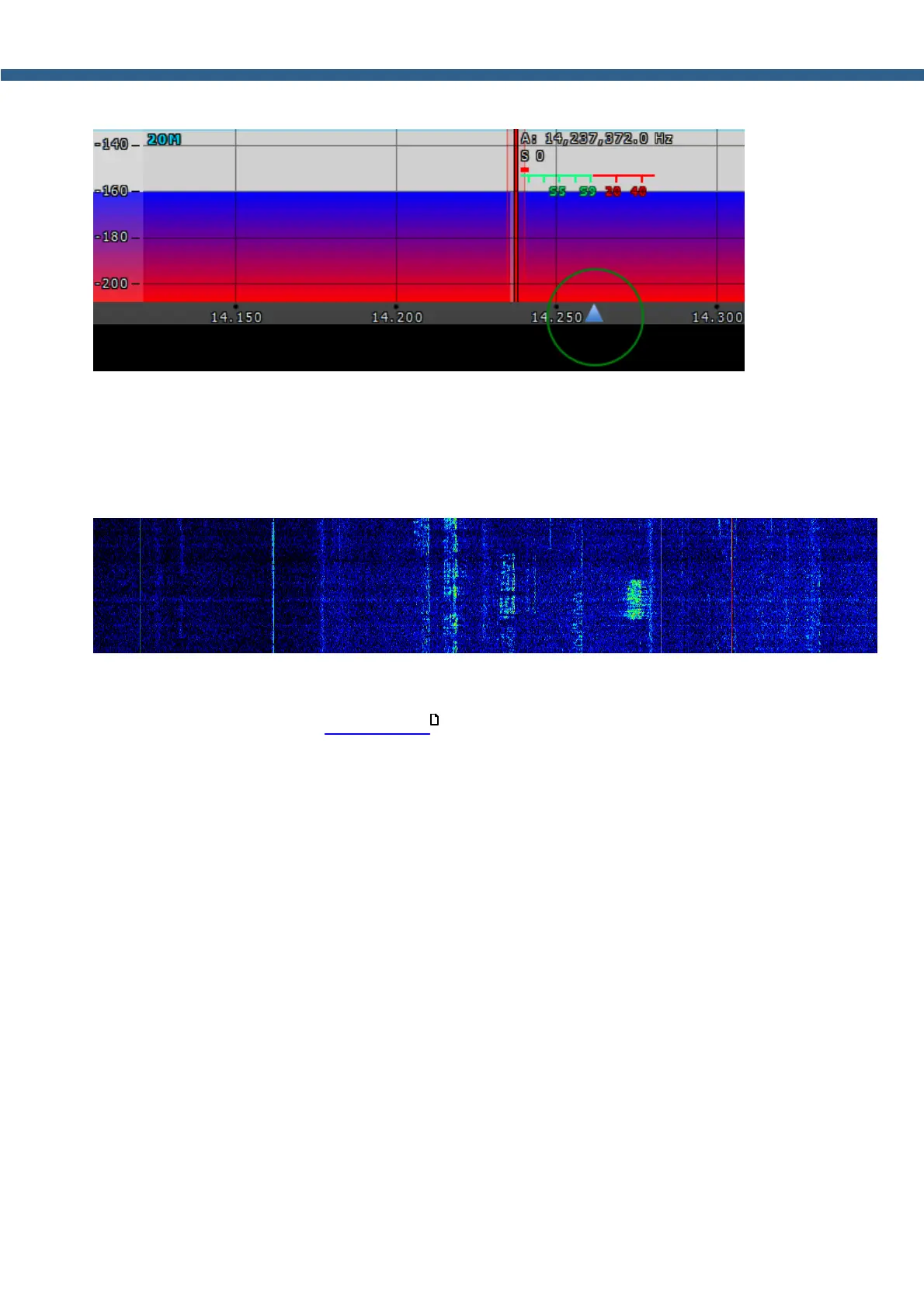
Zoom in/out of the panorama is carried out relative to the Zoom position marker.
There are two ways to change the Zoom position:
1. Press and hold the left mouse button on the Zoom marker and drag it left/right,
2. Click the mouse wheel on the frequency scale.
5.5.2 Waterfall
Waterfall graphic - timed spectrum scope in the format: amplitude - brightness, frequency -
horizontal, time - vertical. The comfortable settings are set by default, but you can change them
if necessary (more details in Waterfall tab ).
75



 To Next Page