77
SunSDR2 DX User Manual
© 2020 Expert Electronics
ExpertSDR2 SOFTWARE DESCRIPTION
·
Filter color - Filter's frequency color menu.
Choose the required filter's tuned frequency color from the palette.
·
Band filter color - Filter's bandwidth color menu.
Choose the required filter's bandwidth color from the palette.
·
Transparency - Filter's transparency slider.
Set the required filter's transparency.
In the Rit/Xit category displayed RIX/XIT active zone settings.
·
Rit/Xit zone color - RIX/XIT active zone color menu.
Choose the required RIX/XIT active zone color from the palette.
·
Transparency - RIX/XIT zone transparency slider.
Set the required RIX/XIT zone transparency.
5.7.4.6 Background
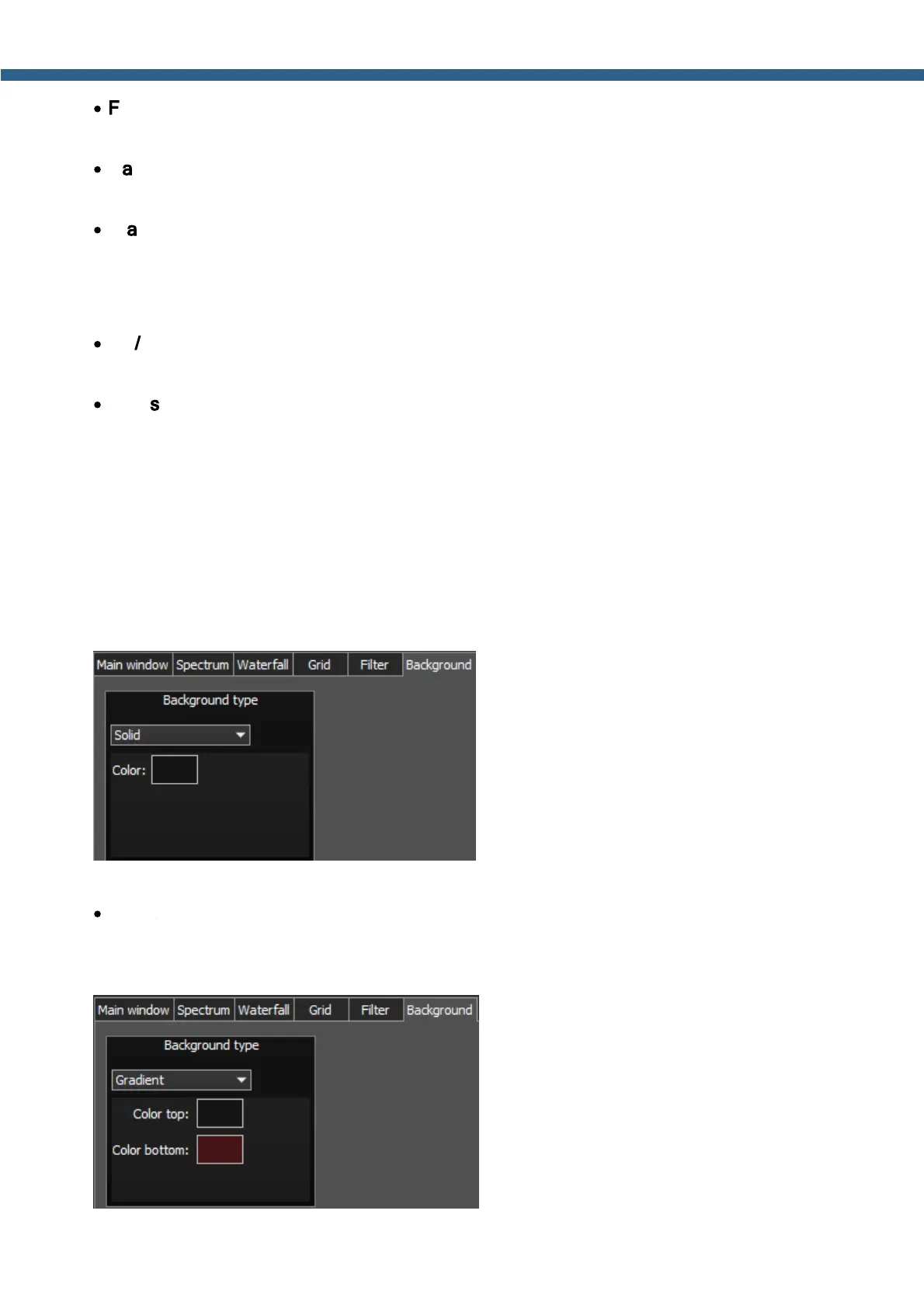
On the Background tab you can see the spectrum scope background settings.
Background type - Spectrum scope background type menu: Solid, Gradient, Image.
Select in the Background type menu spectrum scope background render type.
In the Solid mode available settings are:
·
Color – Background color menu.
Choose the required background color from the palette.



 To Next Page