82
SunSDR2 DX User Manual
© 2020 Expert Electronics
ExpertSDR2 SOFTWARE DESCRIPTION
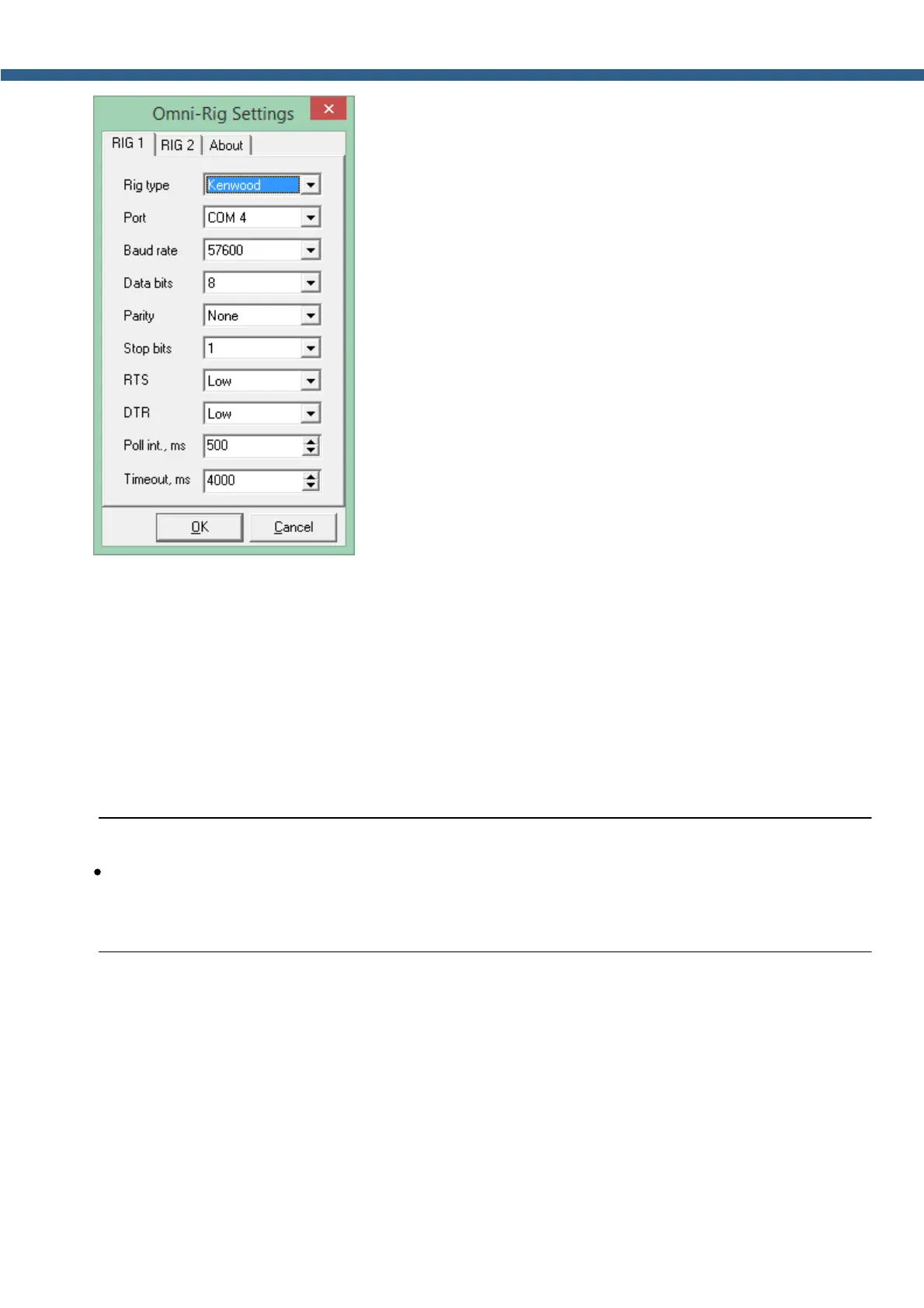
OmniRig RX1 Status - RX1 receiver and OmniRig connection status.
OmniRig RX2 Status - RX2 receiver and OmniRig connection status.
Swap RIG1 and RIG2 - swaps control of the RIG1 and RIG2.
5.7.6 Panel
In the Panel menu you can see the settings of the E-Coder control panel.
In the drop-down Device menu, you can select the type of the connected control panel. In the
meantime only one type is available - E-Coder.
Note:
·
If one E-Coder panel is connected to the PC in the Panel menu will be displayed one E-
Coder 1 tab, if several E-Coder panels are connected to the PC in the Panel menu you'll see
several tabs E-Coder 1, E-Coder 2 etc. with identical settings for each panel.



 To Next Page