83
SunSDR2 DX User Manual
© 2020 Expert Electronics
ExpertSDR2 SOFTWARE DESCRIPTION
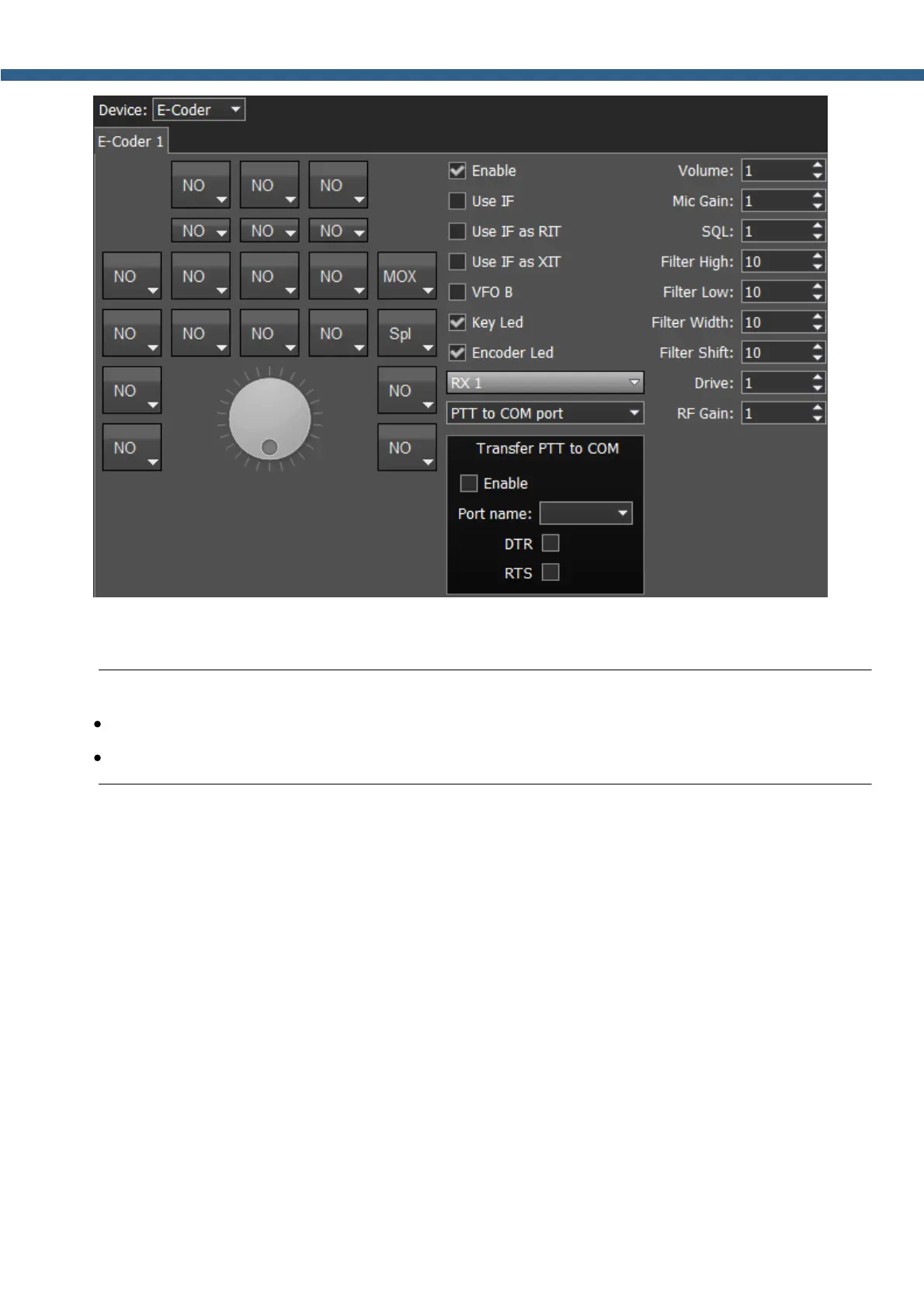
In the left part of the menu you can see the schematic picture of the E-Coder panel with buttons
and knobs. Press any button, you'll see the list of the available functions.
Note:
·
The list of the available functions is constantly growing. Keep track of the software updates.
·
You can make a request to add a new function on the control button.
The following functions may be assigned to the E-Coder panel buttons:
Unused – button is unused.
Main:
AGC Up/Down – AGC type switching.
Band Up/Down – band switching.
Filter Up/Down – receiver's filter switching.
Mode Up/Down – mode switching.
MOX – enable/disable manually operated transmit mode.
PA – enable/disable power amplifier.
Preamp Up/Down – preamp or attenuator level switching.
Start/Stop – start/stop the ExpertSDR2.
RX ANT - enable/disable receive antenna.



 To Next Page