50
SunSDR2 DX User Manual
© 2020 Expert Electronics
ExpertSDR2 SOFTWARE DESCRIPTION
activate previously set Notch Filters settings for the current band. Each Notch Filter stores two
parameters: tuned frequency and width, until you delete it. RX1 and RX2 may operate on
different bands, thus you may have up to 16 active Notch Filters at the same time.
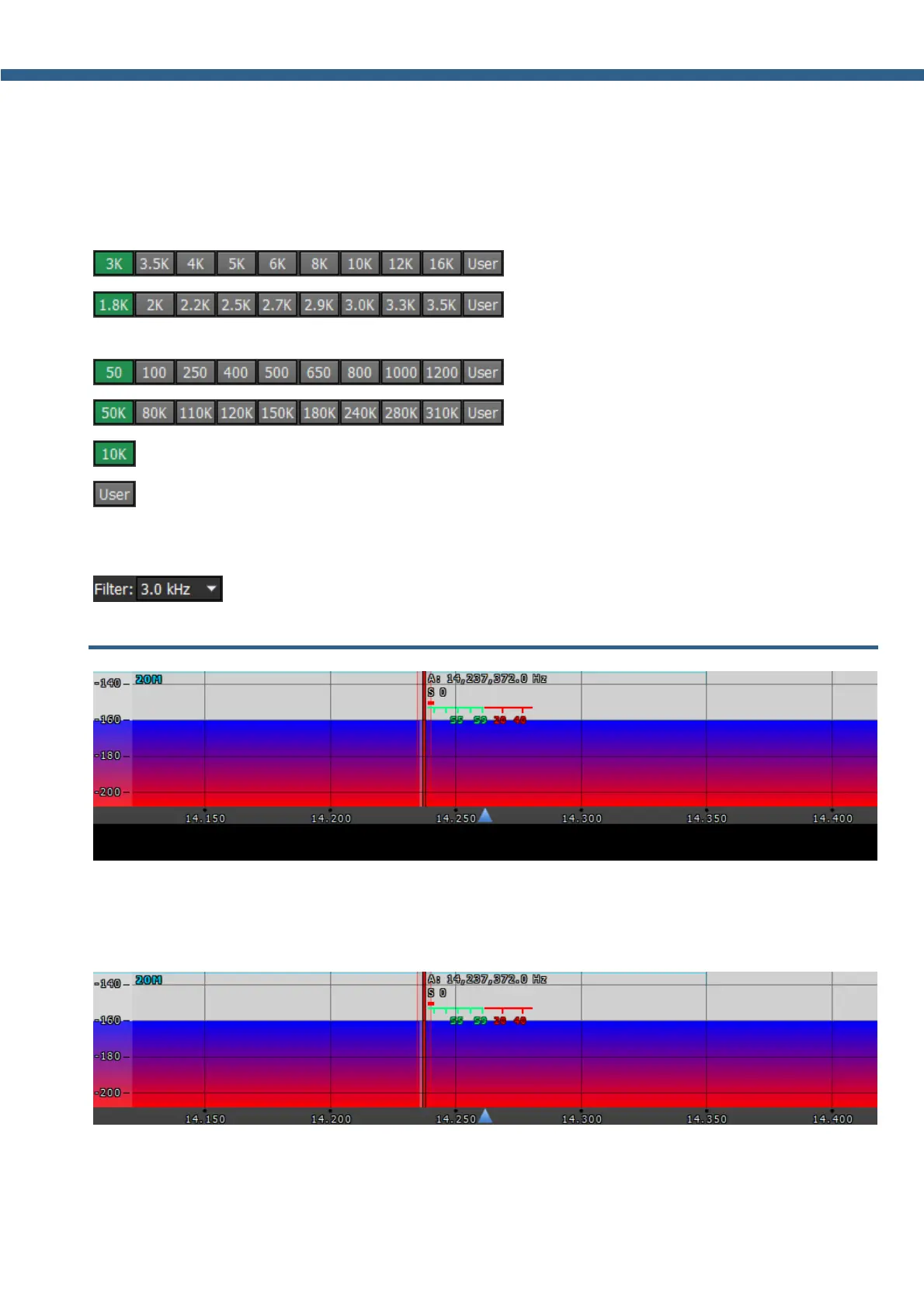
RX filter bandwidth presets. Presets list depends on the mode type:
- AM, SAM, DSB, NFM modes (3 – 16 kHz);
- LSB, USB, DIGL, DIGU modes (1.8 – 3.5
kHz);
- CW mode (50 – 1200 Hz);
- WFM mode (50 – 310 kHz);
- DRM mode (has one fixed bandwidth 10 kHz);
- user can adjust the RX filter bandwidth by himself (available at any modulation type
except DRM).
When you squeeze ExpertSDR2 window filter preset turns into drop-down menu:
5.5 Panorama description
The panorama consists of two parts separated by the horizontal scale: 1) Spectrum Scope and
2) Waterfall.
5.5.1 Spectrum Scope
In this window, you can see the spectrum, with the sample rate from 39 up to 312 kHz
(adjustable by User) and the RX filter to tune and listen to the stations.



 To Next Page