81
SunSDR2 DX User Manual
© 2020 Expert Electronics
ExpertSDR2 SOFTWARE DESCRIPTION
5.7.5.2 OmniRig
There is an experimental function to synchronize any of our devices with an external device via
the OmniRig software.
Note:
·
Using the OmniRig software you can send a limited set of control commands. Available
control commands:
- Set VFO frequency, if no VFOB in the CAT protocol;
- Set VFO A frequency;
- Set VFO B frequency;
- Enable receiver's RIT offset;
- Set RIT offset; – Reset RIT offset;
- Enable transceiver's XIT offset;
- Set mode type;
- Enable SPLIT.
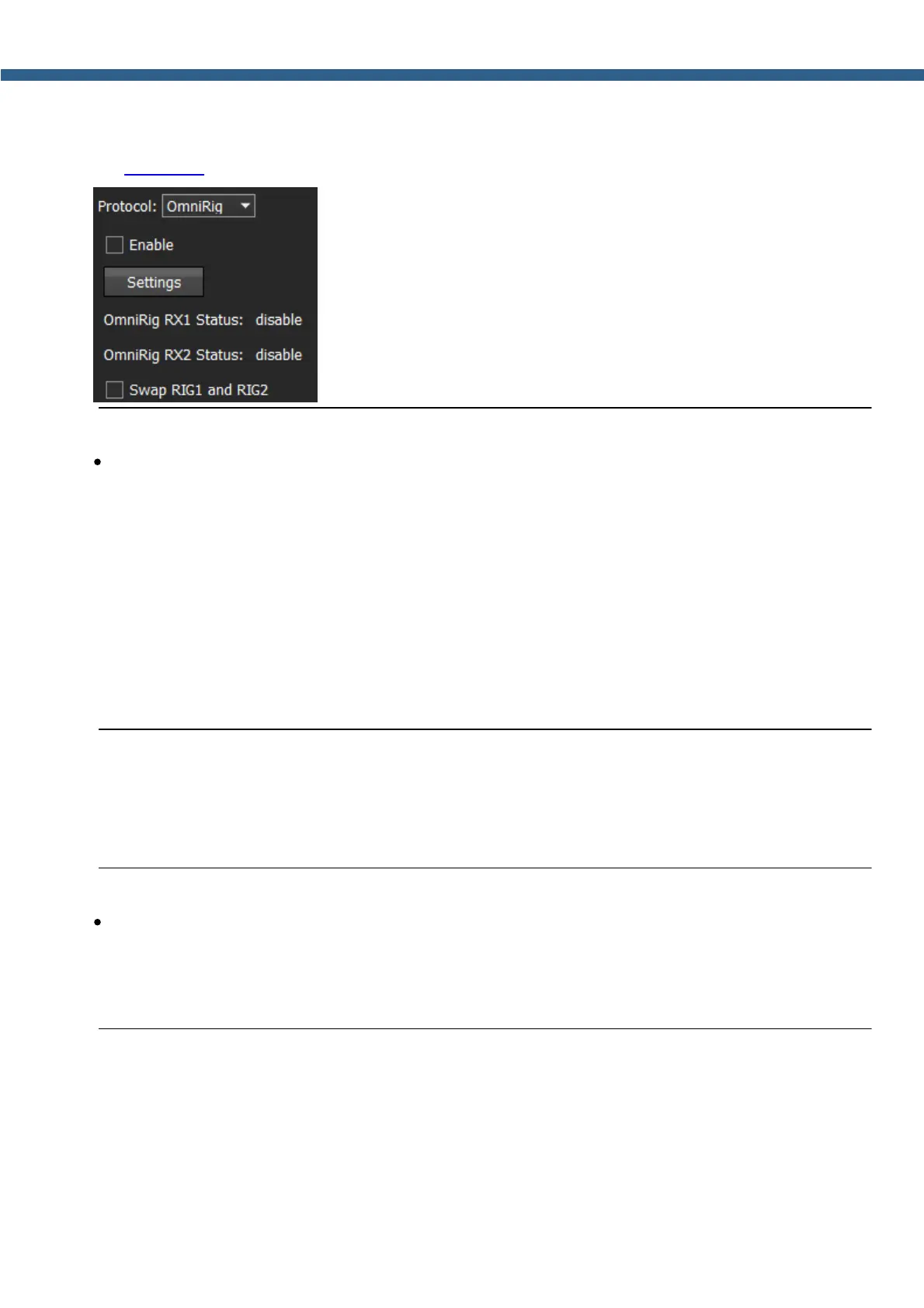
In the OmniRig menu you can find the settings of the OmniRig software.
Enable - set the Enable checkbox to control the receiver via the OmniRig software.
Settings - press the Settings button to open the OmniRig software settings.
Note:
·
If the ExpertSDR2 software uses OmniRig protocol to exchange data with an external
contest log software, which also uses OmniRig, then COM-port and other settings in the
OmniRig software are not required. Select in the OmniRig settings any idle COM-port in the
system, to avoid conflict.



 To Next Page