74
SunSDR2 DX User Manual
© 2020 Expert Electronics
ExpertSDR2 SOFTWARE DESCRIPTION
·
Show spots - Show spots from the CW Skimmer on the spectrum scope.
Set the Show spots checkbox to show spots from the CW Skimmer on the spectrum scope
as a markers with call-signs.
·
Automatic SPLIT disable – SPLIT function is automatically disabled when you change the
mode type or frequency band, VFO B frequency becomes equal to VFO A frequency.
·
Show broadcast HF bands - enable for display of broadcast HF bands on panorama and
Band Scope.
·
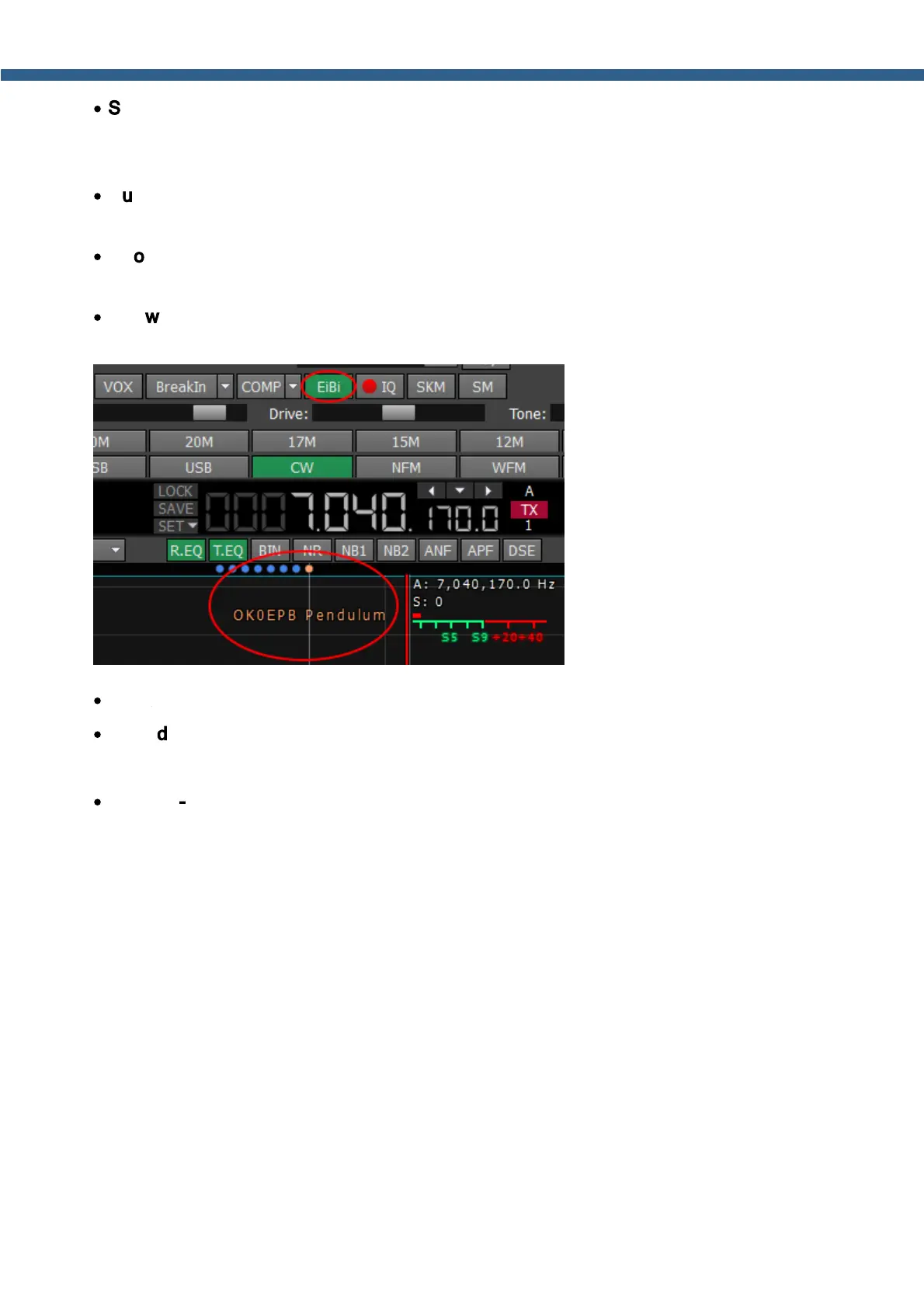
Show EiBi stations - show the HF stations markers on the panorama from the EiBi
database. Hover with the mouse pointer on the station frequency and you’ll see its name.
·
Hide spectrum slopes - cut of unusable spectrum slopes.
·
Hide disabled NF - check to hide disabled Notch Filters.
·
Show S-Meter on Band Scope - Show the S-Meter on the Band Scope.
Set the Show S-Meter on Band Scope checkbox to show the S-Meter on the Band Scope
for each VFO.



 To Next Page