93
SunSDR2 DX User Manual
© 2020 Expert Electronics
ExpertSDR2 SOFTWARE DESCRIPTION
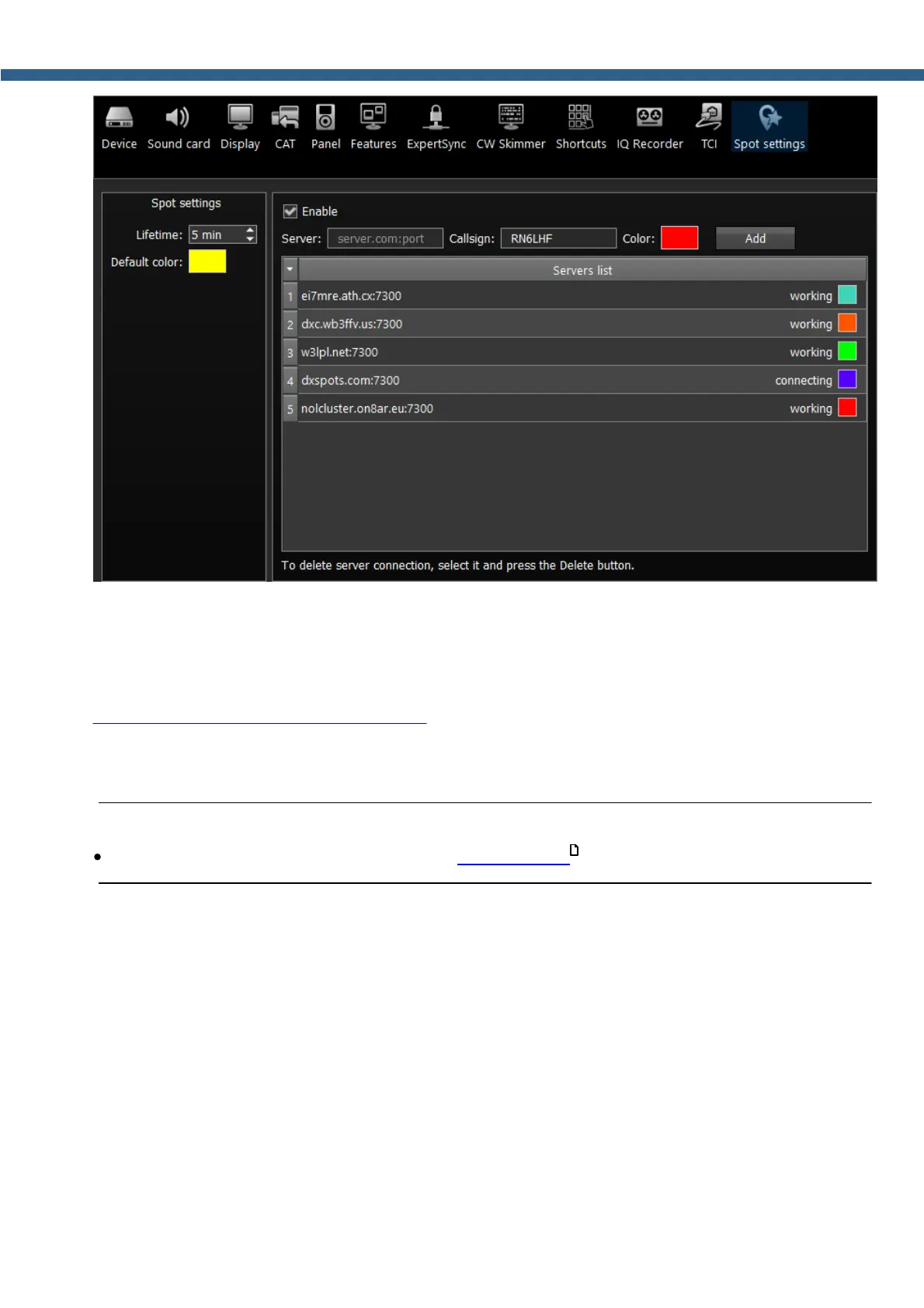
In the Spot settings section (left part of the menu) you can set up Lifetime and Default
color for spots received from CW Skimmer.
In the right half of the menu you can add connections to telnet clusters to receive spots. To add
a cluster, enter a server address (you may find examples on this website
http://www.dxcluster.info/telnet/index.php), enter your callsign and select a certain color, press
the Add button, it’s done.
To delete a server connection, select it and press the Delete button on your keyboard.
Note:
·
Enable the Show spots checkbox in the Spectrum tab .
72



 To Next Page