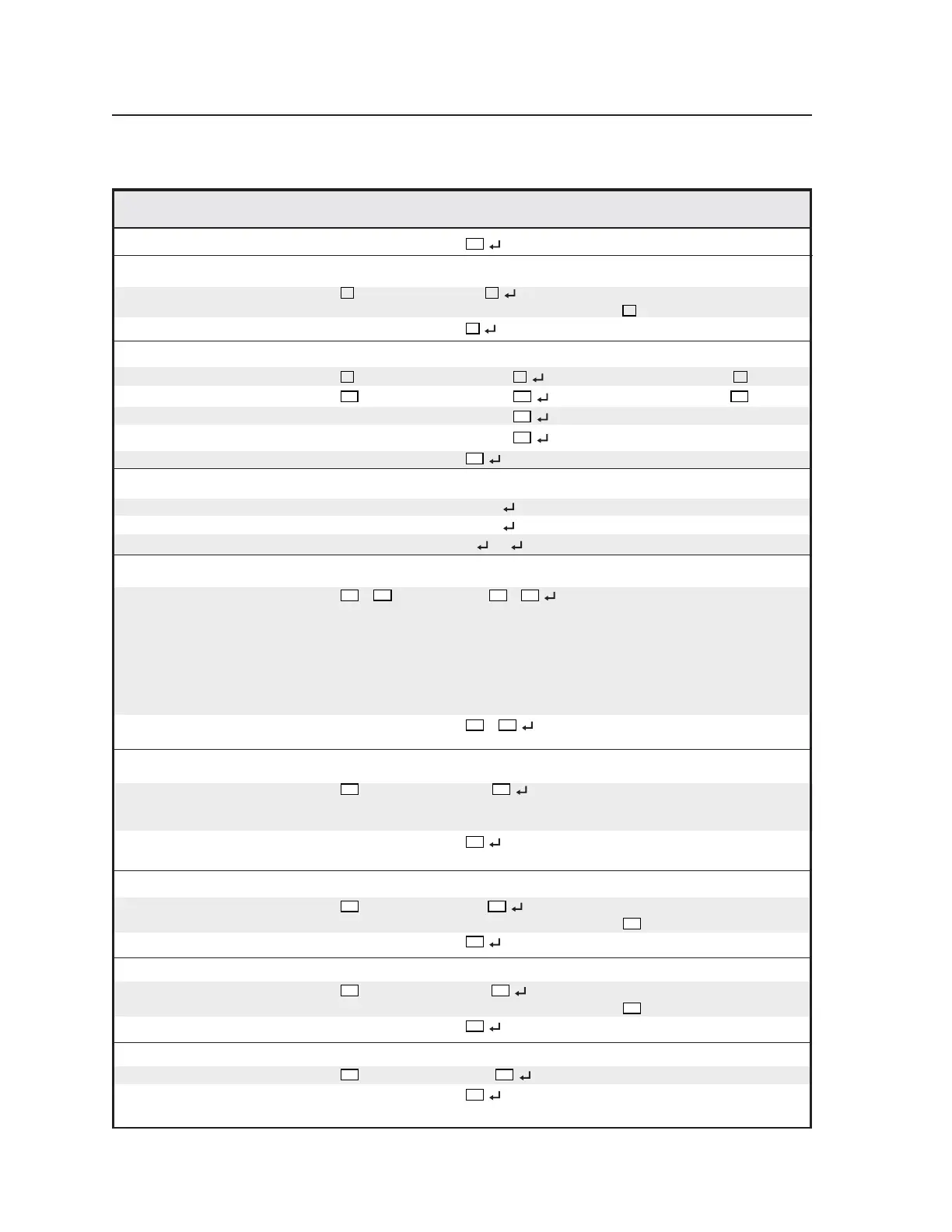
Serial Communication, cont’d
VTG 400/400D • Serial Communication3-8
View 5#
X15
View current setting.
Set audio level scale
Set audio level scale
X8
*16# Scl
X8
Set the VTG 400 level scale to
X8
.
View 16#
X8
View current setting.
Set audio output level
Set audio level to + value
X9
G Lev = +
X9
Set audio level to +
X9
.
Set audio level to - value
X10
g Lev = -
X10
Set audio level to -
X10
.
Increment up +G/+g Lev =
±
X11
Increase audio level 1 dB.
Increment down -G/-g Lev =
±
X11
Decrease audio level 1 dB.
View G/g
X11
View current setting.
Mute audio outputs
Enable mute 1Z Amt1 Mute audio for all outputs.
Disable mute 0Z Amt0
Unmute audio for all outputs.
View status Z 1
/0 = on/off Show audio mute status.
Set start and stop frequencies (frequency sweep)
Frequency sweep
X14
*
X14
*12# Sfq
*
X14
Set the start and stop
frequencies for the frequency
sweep to be between these two
frequencies. The first value
must be lower than (never
equal to) the second value.
Default is 100 Hz to
10 kHz (29 * 109).
View 12#
X14
*
View the start and stop
frequencies.
Select 3.5 mm audio output channels
Select channels
X32
*14# Och
Select the 3.5 mm stereo
output connector channels to
enable (L + R, L, R).
View 14#
X32
Show which 3.5 mm audio
channels are enabled.
Set burst signal interval (cycles)
Set
X36
*22# Bin
Set the burst signal interval to
X36
cycles.
View 22#
X36
View the burst signal interval.
Set burst on duration (cycles)
Set
X36
*23# Bon
Set the burst on duration to
X36
cycles.
View 23#
X36
View the burst on duration.
Set frequency sweep mode
Set
X37
*24# Smd
Set the frequency sweep mode.
View 24#
X37
View the frequency sweep
mode.
Command/response table for SIS commands (continued)
Command ASCII Command Response Additional description
(host to VTG) (VTG to host)
Tel. 07131 911201
Fax 07131 911203



 To Next Page