3-9VTG 400/400D • Serial Communication
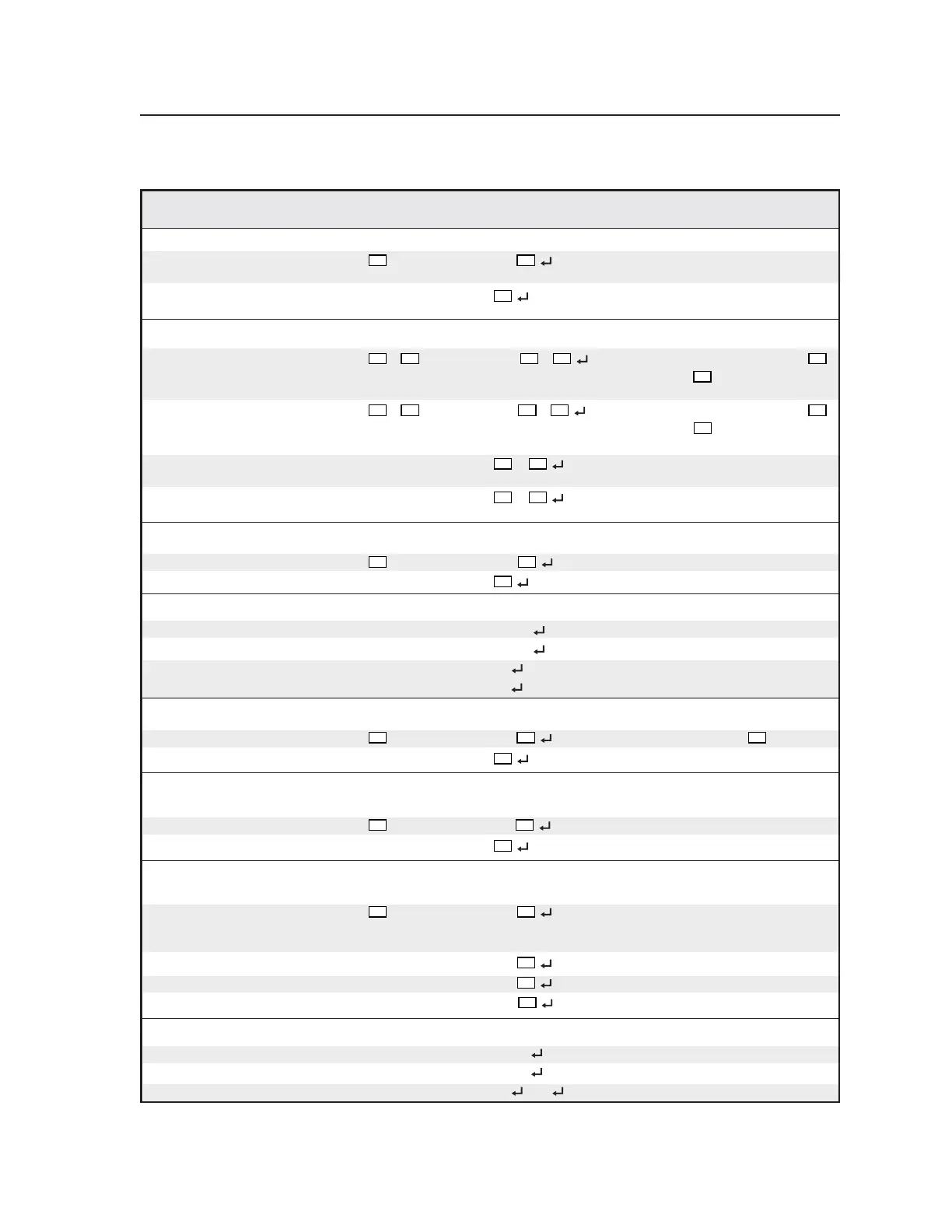
Command/response table for SIS commands (continued)
Command ASCII Command Response Additional description
(host to VTG) (VTG to host)
Set frequency sweep direction
Set
X38
*25# Sdr
X38
Set the frequency sweep
direction.
View 25#
View the frequency sweep
direction.
Set Scope Trigger cursor position
Set cursor to specific coordinates
X16
*
X17
*6# Cpa
X16
*
X17
Set cursor position to pixel
X16
(relative to active area) on line
X17
(relative to active
area of the screen).
Set cursor to specific coordinates
X18
*
X19
*7# Cpt
X18
*
X19
Set cursor position to pixel
X18
(relative to total area) on line
X19
(relative to total
area of the screen).
View position 6#
•
X17
View cursor position (relative
to active area).
View position 7#
•
X19
View cursor position (relative
to total area).
Set Scope Trigger cursor type
Set cursor type
X20
*8# Cty
X20
Set cursor type.
View current type 8 #
View cursor type.
Hide/reveal Scope Trigger cursor
Hide cursor 0*9# Cur00 Hide cursor.
Reveal cursor 1*9# Cur01
Reveal cursor.
View status 9# 00
(hidden) View status.
01
(visible)
Set color channel enable
Set color type
X23
*10# Col
X23
Set color type to
X23
.
View current type 10#
View current color type.
Set RGB sync format
Set sync format
X29
*13# Syf
X29
Set the RGB sync format.
View 13#
View current setting.
Adjust test pattern video level (applies to flat field, targets, checkerboard, window, CTF, and hum bar
patterns only)
Specific value
X33
*15# Vlv
X33
Set the video level of the
currently selected test pattern
to a specific level.
Increment +15# Vlv
X33
Select next higher level.
Decrement -15# Vlv
X33
Select next lower level.
View 15#
X33
View current setting.
Test pattern auto sequence mode
Enable 1*11# Tas01 Turn auto sequence mode on.
Disable 0*11# Tas00
Turn auto sequence mode off.
View status 11# 01
/00 = on/off View current mode status.
Tel. 07131 911201
Fax 07131 911203



 To Next Page