CHAPTER 1 ASSEMBLY
1-3
VERIFY THAT THE 2277 TABLET IS CONNECTED TO THE SERIAL CABLE
The serial cable underneath the handle mount needs to be connected to the left side of the
Tablet. You can leave it connected, even when it is in the case.
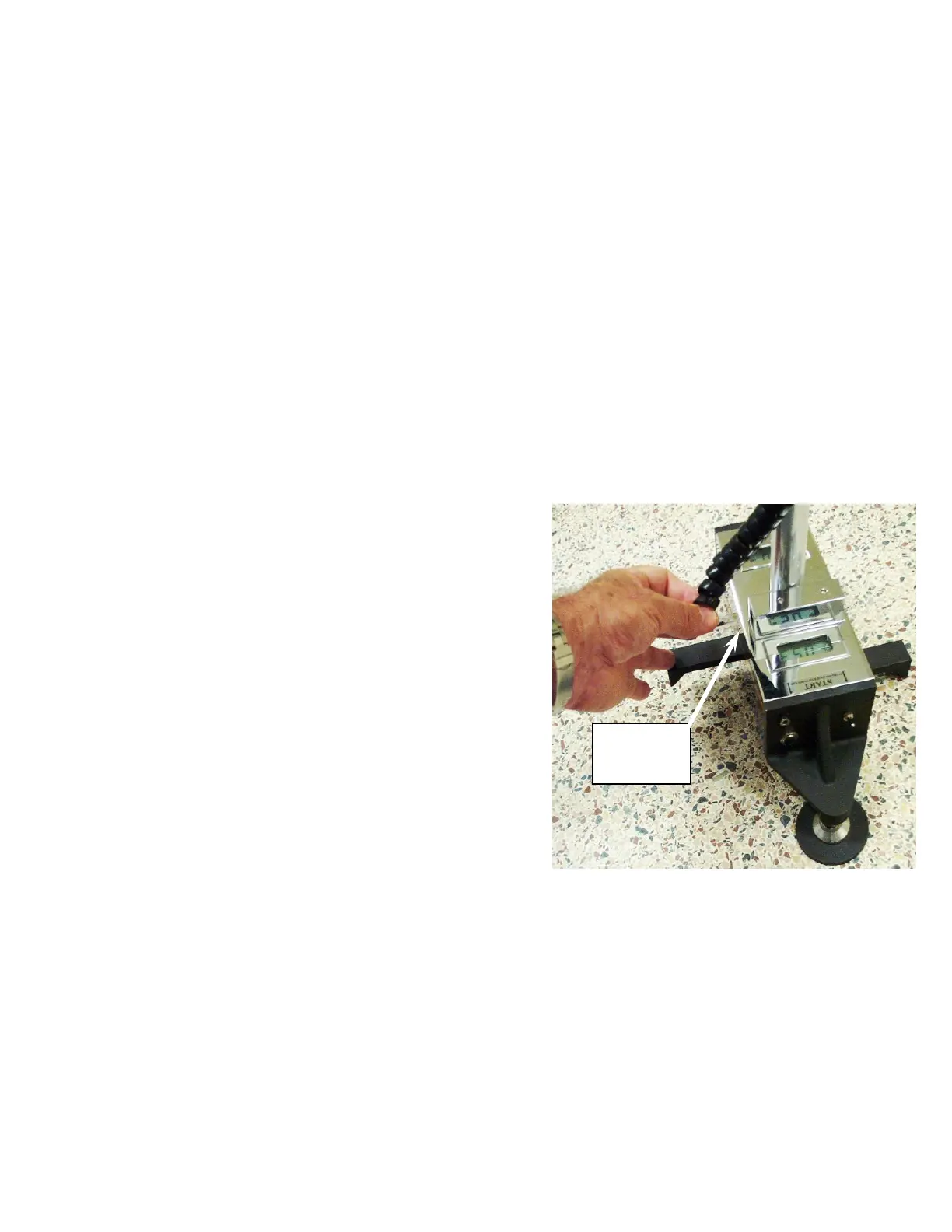
CONNECT THE POWER CABLE TO THE TABLET
Connect the clear power cord from the lower handle section to the side of the Handle
Mount and connect the black power cord from underneath the Handle Mount to the right
side of the Tablet as shown in the photo on the previous page. The Handle Battery
provides power to the Tablet computer. If the Tablet and the Handle Battery are both fully
recharged, you can run it for more than 8 hours on a single charge. Note that the LED
Voltmeter measures the available voltage in the Handle Battery (not the voltage in the
Dipstick) There is a menu item on the Tablet’s data collection program that allows you to
monitor the voltage in the Dipstick.
PLUG IN THE DIPSTICK
®
COMPUTER CONNECTOR CABLE
Plug one end of the Dipstick
®
computer connector
cable (the black "coily" cord) into the phone jack
connector on the Dipstick
®
, and the other end into
the large phone jack on the Handle Mount.
PLUG IN THE TRIGGER CONNECTOR
(All Road Dipstick Profilers come with a "Trigger" handle)
Plug the phone cord "pig tail" cable from the top handle section into the small phone jack
connector on the Handle Mount. It will only fit in one of the two sockets.



 To Next Page