CHAPTER 4 COLLECT
4-15
OTHER SPECIAL DATA COLLECTION FEATURES
MAKING NOTES
While you are collecting data, you may wish to make notes for reference purposes later on.
(Locations of sawcuts or cracks in the pavement, corners of a box, etc.) Your RFCollect Program
allows you to make and save notes using the 2277 Tablet as you collect data, either by tapping a
special letter or by typing the notes.
To record the location of a corner of a box while you are collecting data, stop turning the
Dipstick, press the trigger to collect the reading at this point, and press the keyboard letter “C”.
The Dipstick will Beep once to let you know this Corner has been recorded. Then just
continue turning the Dipstick and collecting data.
To record the location of any repetitive
event, such as crossing a joint or crack,
press the keyboard letter “S”. This will
record the step number of this event,
whatever it is.
Another way to record any event is to
press the keyboard letter “T”. This will
record the step number of this event.
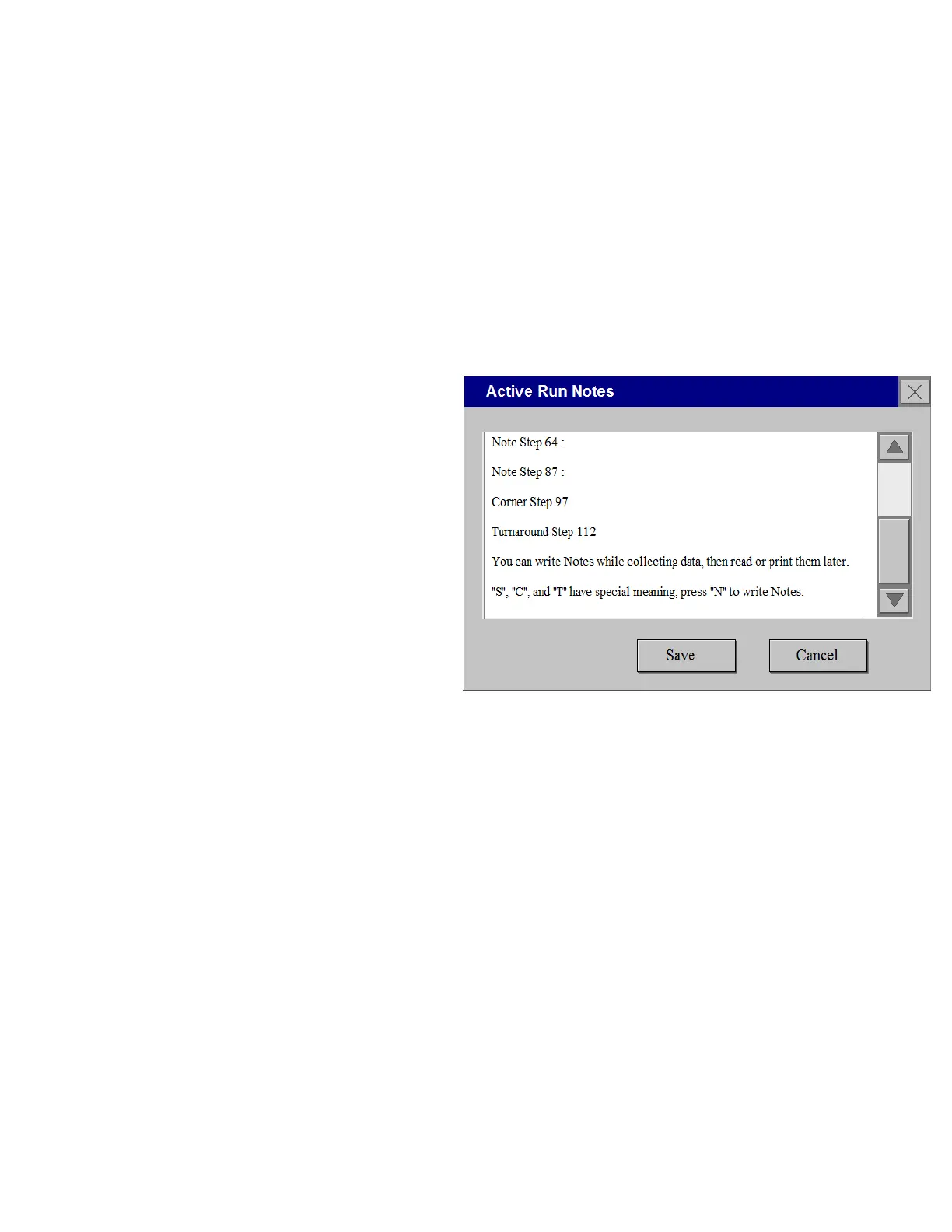
To record more complex notes, press the
keyboard letter “N”. This will open a
small window in the middle of the screen.
Tap the middle of the screen to activate it,
then type whatever text you wish to
record. If you have used “C” or “S” or
“T” on this Run, you will see any notes that you have already recorded.
o A note recorded by using "C" will look like this: "Corner Step 57 :"
o A note recorded by using "S" will look like this: "Note step 23 :"
o A note recorded by using "T" will look like this: "Turnaround step 23"
o A note recorded by using "N" will contain whatever text or numbers you typed in from the
keypad.
These Notes always stay with the Run that they were collected in. You may open the notes and
read them in the RFCOLLECT menu while you are actually collecting data. To see them, you
must be at the Run level. Just Tap REPORT/NOTES.
You can use “C” for the corners of Boxes and “T” for the turnaround point on a Test Track Run, or
you can use them for anything else that you want to note. For example, you could use “C” to mark
the location of cracks, “S” for the location of Sawcuts, and “T” for anything else. Any time you
have a complex note to record, just press “N” and type the note. You pay want to press “S” and
then open the notes so you will have the step number recorded for you, then you only need to type
whatever other information you want to record.



 To Next Page