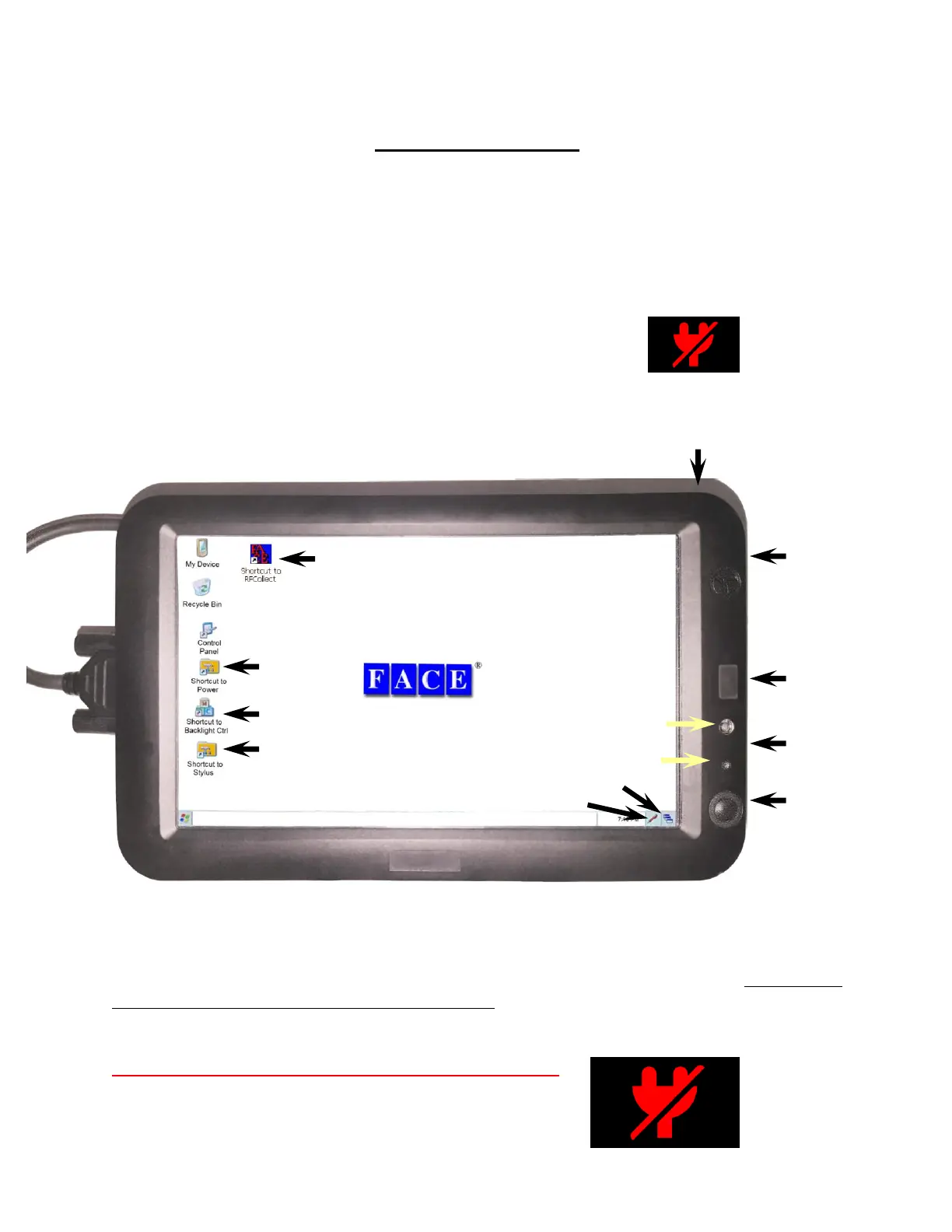
Introduction to the 2277 Tablet Computer
READ THIS NOW
The 2277 tablet computer used on the Dipstick
®
is different from anything you have used before.
Read these two pages before doing anything else, and read Chapter 6 (all about the 2277 Tablet)
as soon as you can. Here’s what you need to know right now:
1. When you turn off the computer,
press and hold the On/Off button until you see this icon.
This is very important. Remember this and do this.
If you simply press and release the ON/Off button, the tablet will close the screen but will keep
running and will burn up power while it does this. The next time you try to turn it on, it will be
dead. If you try to turn it on but it does not come on when you press the On/Off button, almost
certainly you have not actually turned it off, but you have only turned off the screen.
Press and hold the On/Off button until you see this icon.
AC Power Socket
(on side)
(on side)
Power Indicator
(green/red/black)
Face Co. SD Card
(on side)



 To Next Page