Chapter 7 MAINTENANCE
7-6
HANDLE BATTERY (for powering the 2277 Tablet computer)
The Face Companies have developed a rechargeable power supply which fits in the lower
Dipstick handle section. When properly charged, this Handle Battery Pack will provide many
hours of power to the computer, so you are able to collect a large amount of data without needing
to recharge the tablet computer's own battery. Whenever you collect data, and whenever you are
at a desk but are not able to use the AC adapter, you should use the handle battery. This will
greatly prolong the life of the battery in the back of the 2277 Tablet. This special handle battery
is not user-serviceable. If anything should ever go wrong with it, return it to the Face
®
Companies for repair or replacement.
WHEN TO USE THE HANDLE BATTERY
Use it to power the 2277 Tablet whenever you can't use the AC adapter. This means whenever
you are collecting data and whenever you are processing data but for some reason cannot use the
2277 Tablet's AC adapter.
When the handle battery pack is in use, the battery inside the computer will actually be recharged
by the handle battery.
HOW TO RECHARGE THE HANDLE BATTERY
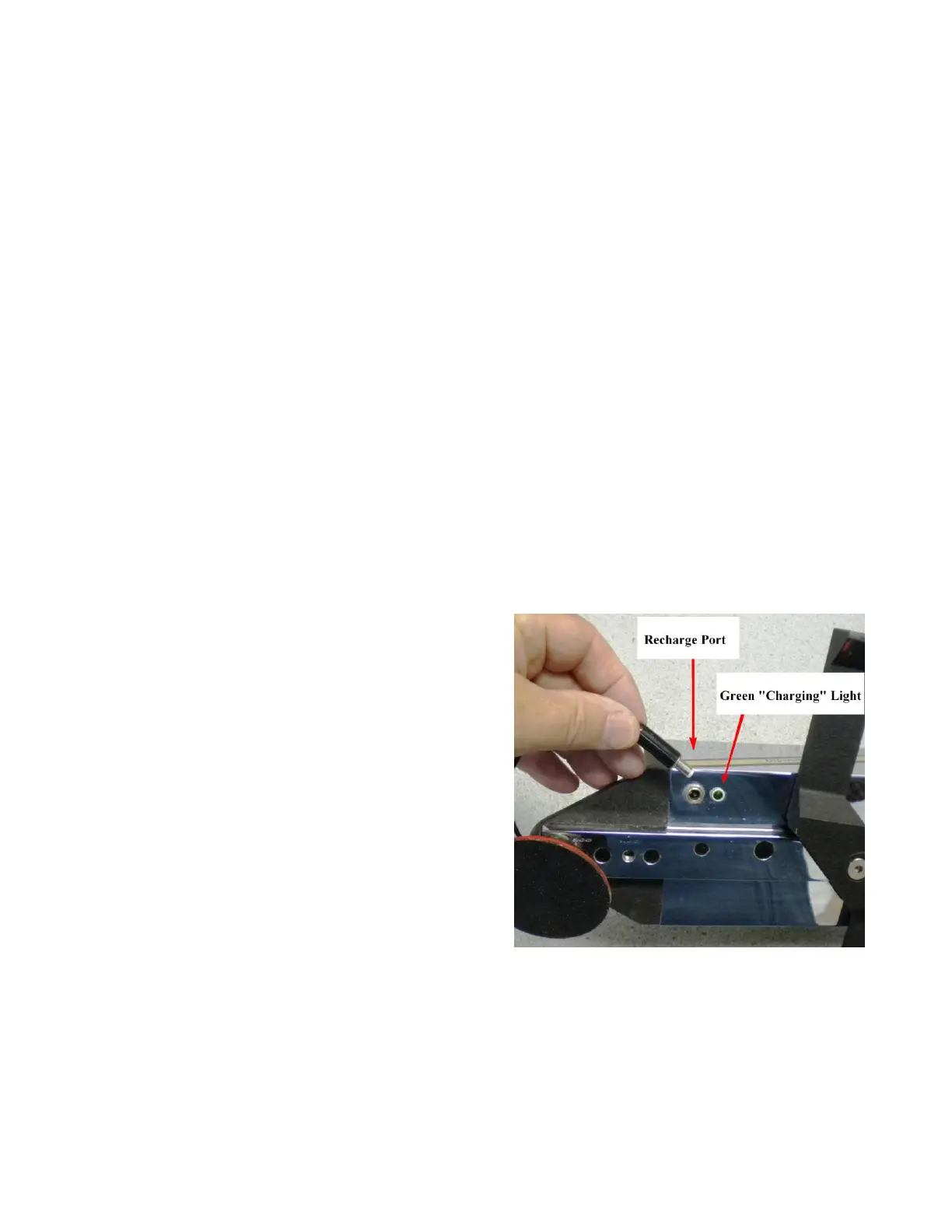
You recharge the Dipstick and the Handle at the same time, using only one AC adapter.
Lay the Dipstick on its side on a smooth clean surface, or a paper towel.
Plug the DS 2277 AC adapter into the wall and
plug the jack into the bottom of the Dipstick
®
.
There are two AC Adapters in the Dipstick
®
kit. Be sure you use the Dipstick2277 AC
adapter, NOT the 2277 Tablet AC adapter. If you are charging properly, the green indicator
light on the bottom of the Dipstick
®
will light up. You can tell which AC Adapter belongs to
which device by matching the “FACE” logo on the AC Adapter to the “FACE” logo on the
Dipstick or Tablet computer.



 To Next Page