CHAPTER 2 - ZEROING
2-2
A “Moon Foot”
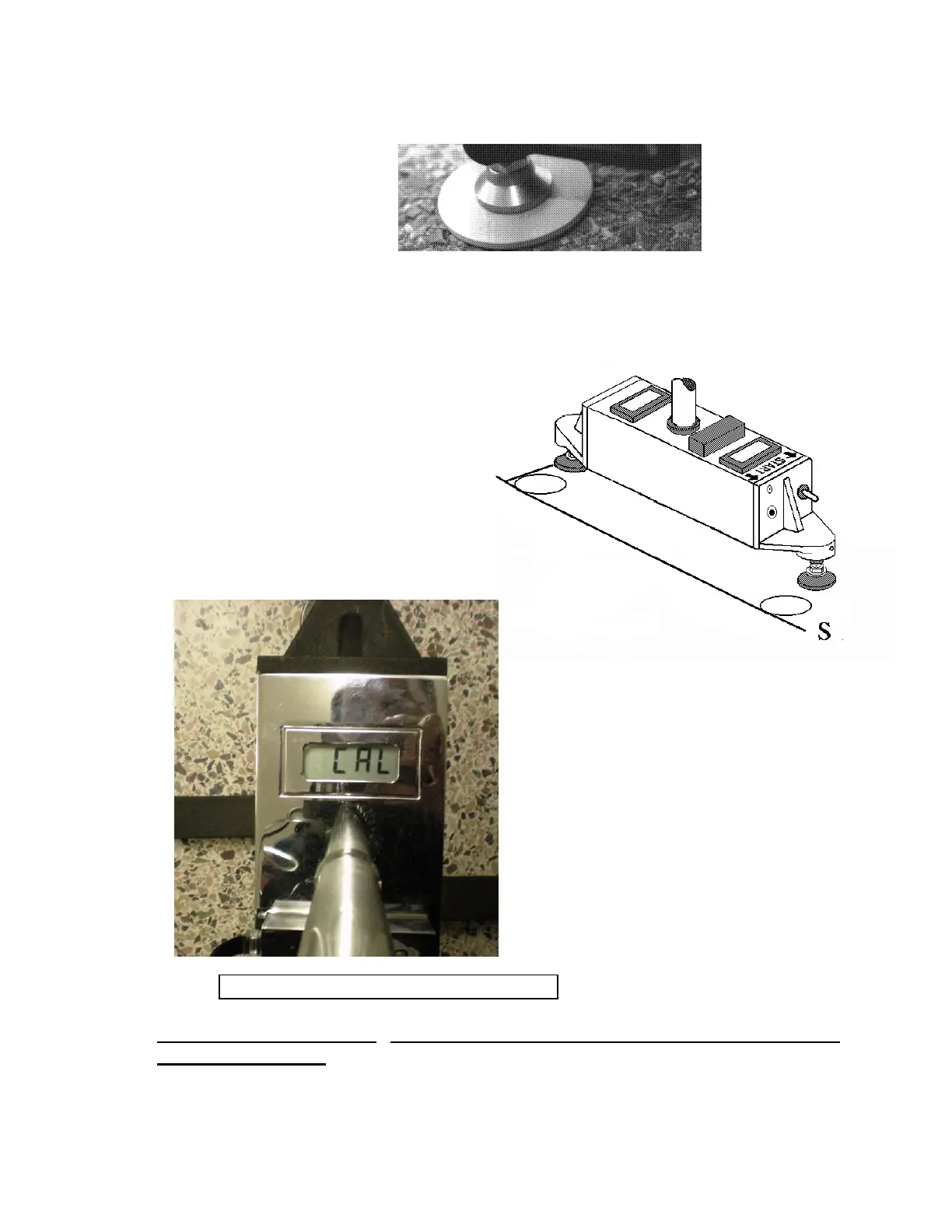
Place the Dipstick
®
Moon Feet Tangent to the Two Lines as shown below.
ZEROING USING THE 2277 COMPUTER
Turn On the 2277 Tablet Computer and
start the RFDC program. Tap the
"Collect" header, then hold the Dipstick
®
still with the handle straight up and down
and tap the menu item “Zero”.
The L.C.D. screens on the Dipstick
®
will
flash “CAL - CAL - CAL” as shown here.
Once the reading is taken and stored in the
Dipstick
®
, the L.C.D. screens will turn
back on and the computer will show this
statement:
Please Rotate the Dipstick and click OK
Lift and rotate the Dipstick
®
180 degrees (end for end) placing the Moon Feet tangent
to the two lines again, and press <Enter>. The Dipstick
®
will flash “CAL - CAL - CAL”
again. Once the second reading is taken and stored, the Dipstick
®
is zeroed.



 To Next Page