CHAPTER 5 PROCESS
5-13
PROCESSING ELEVATION PROFILE DATA IN WHEELPATHS
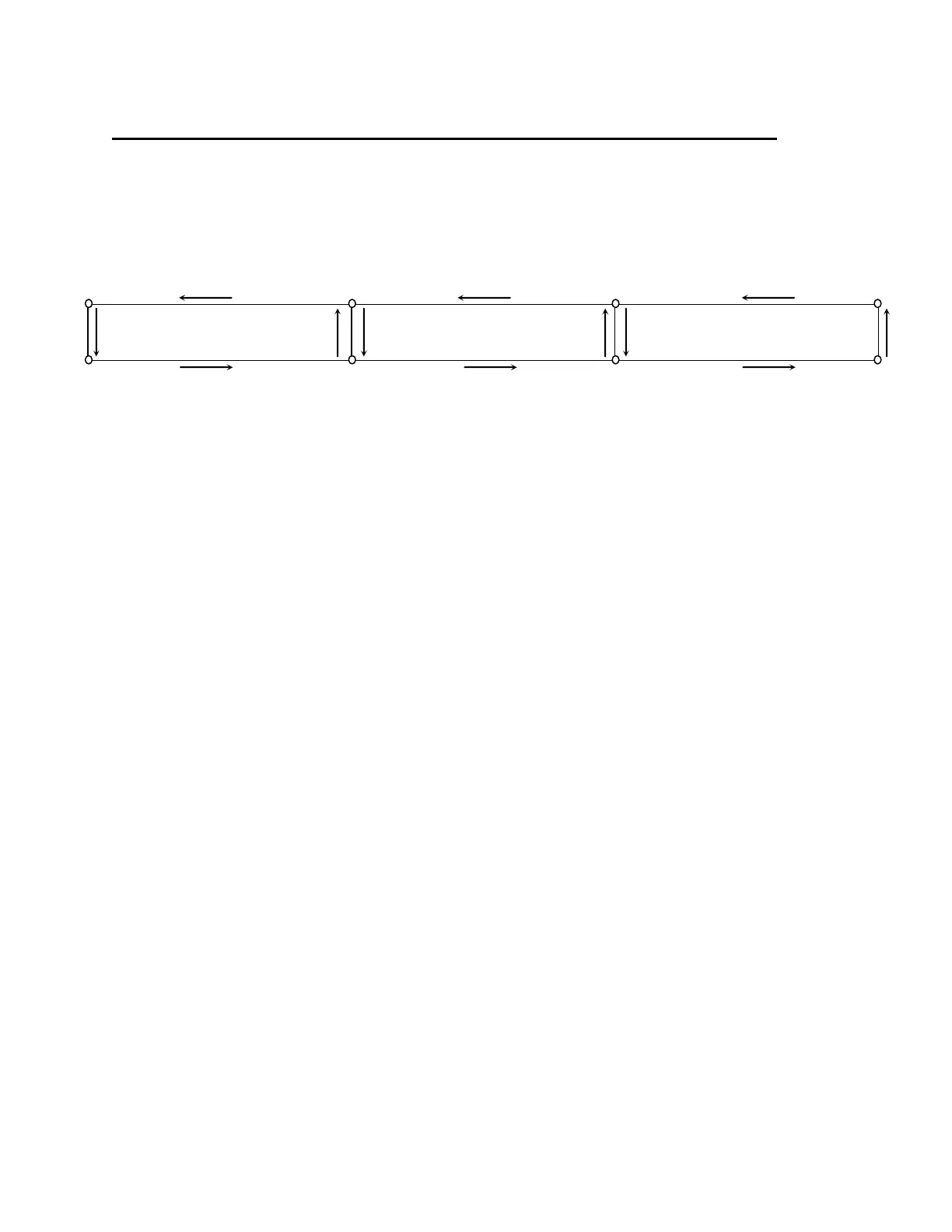
The best way to collect elevation profile data in wheelpaths is to use a series of "boxes" that are
end-to end. These boxes each consist of 4 sequential straight lines, 90 to the adjacent lines, with
the 4
th
line ending at the same location as the start point.
Details on how to collect the data have been provided in Chapter 4, COLLECT.
Note: Arrows show the path taken by the Dipstick
operator as data is collected.
PROCESSING BOX DATA - OVERVIEW
You will "UnBox" the first box, separating the four legs of each box. UNBOX creates four
smaller records from a larger one. This routine assumes that you have walked a "box" pattern on
a test site and you finished the run at the same spot where you started it.
The program will automatically calculate and apply data collection Bias, and will automatically
reverse the third and fourth legs.
The program will automatically adjust the start point for each leg so that the elevations on each
leg will be correct relative to the start point elevation of the box.
The program will automatically name the four legs Box_A, Box1_B, Box1_C, and Box1_D.
After the legs are separated, the computer will automatically calculate the IRI of each leg.
(Assuming the legs are long enough to get an IRI)
You will then unbox each of the other boxes in turn to create Box2_A, Box2_B, and so on.
Finally, you will link all the _A legs together to form a single run along the right wheelpath, and
you will do the same with all the _C legs to form a single run along the left wheelpath. The
computer will automatically calculate the IRI of any runs that are long enough to get an IRI.
You can do this on the Dipstick's on-board computer, or you can do this on your desktop PC.
The software works the same in both programs.
Point 250 Box 1/Start/end Box 2
Point 250 Box 2/Start/end Box 3
Point 256 Box 1/Point 506 Box 2
Point 256 Box 2/Point 506 Box 3



 To Next Page