CHAPTER 5 PROCESS
5-16
TEST TRACK
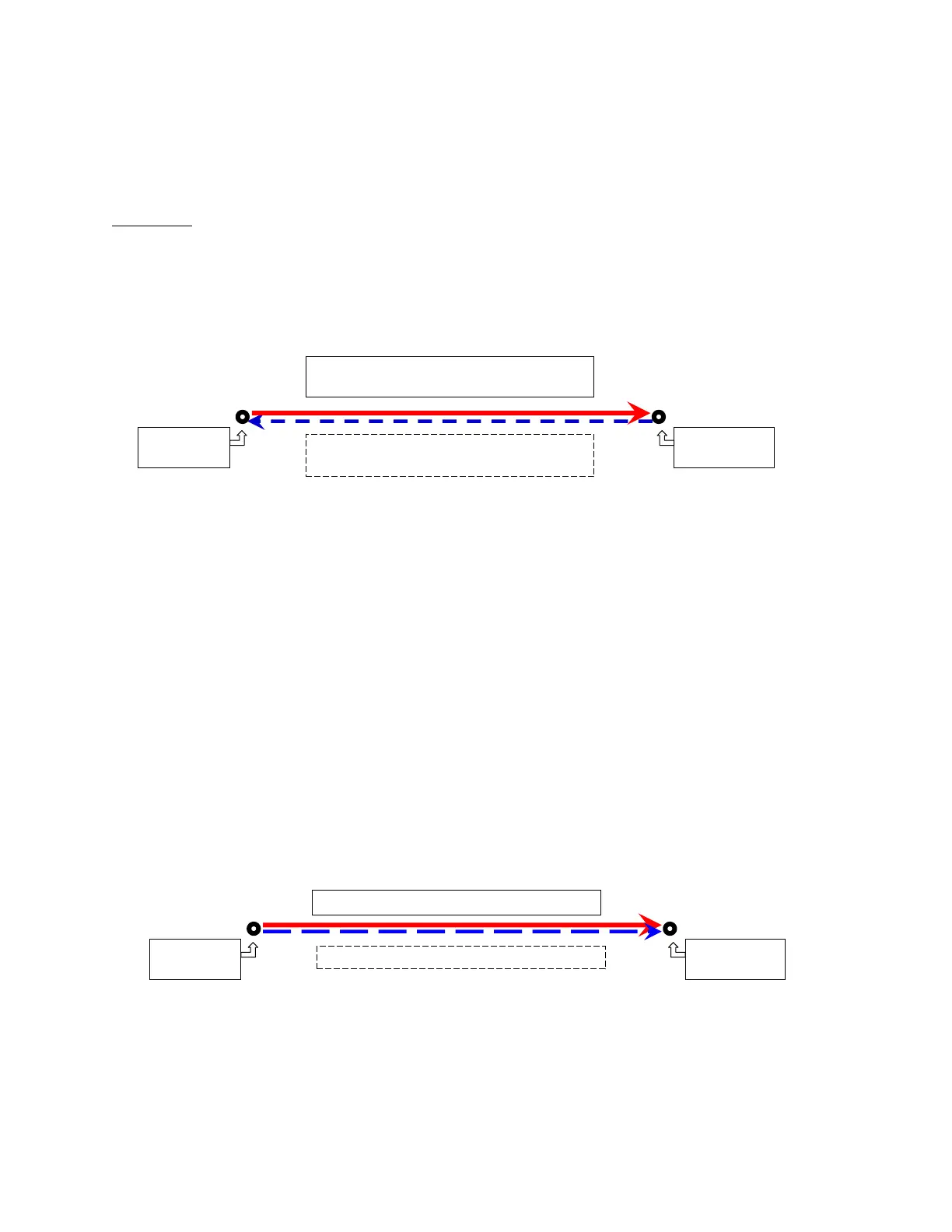
"Test Track" creates two smaller records from a larger one. This routine assumes that you have
walked a line "out-and-back" and you finished the run at the same spot where you started it.
Why do it?
Use this menu item when you want to check the performance of the Dipstick, after walking the
Dipstick carefully on your Test Track. . By splitting the data in half and reversing the second
half, the "Out" leg can be compared with the "Back" leg. This is a special kind of Bias Run, done
only to check to see if the Dipstick is working correctly. You normally do this on a marked floor
indoors, so the “Test Track” will not change with the weather.
Note: Arrows show the path taken by the Dipstick
operator as data was collected.
Select your “Test Track” Run and use EDIT/TEST TRACK.
The "Test Track" window will appear. You will need to know the step number at the
Turnaround point. Note:
If you wish to change the step number for the Turnaround point, or if you are manually entering
the Turnaround point, just type the step number for the Turnaround point in the box, then press
<Enter>.
The program will now automatically calculate a Bias, Segment the run at the Turnaround point,
Reverse the second leg and assign a Start Point for each of the two Runs that is in relationship
to the original Start Point.
The legs will have an "A" and "B" letter added as a suffix to the name of the original run. These
letters correspond to the legs of the box as shown below.
Since you may want to compare the "Out" and "Back" legs, the program
automatically reverses the B leg so it corresponds to the direction of the A leg.
First walk the Dipstick from the start to the
Turnaround point (solid line)
Then walk the Dipstick back to the start point
on the same line (dashed line)



 To Next Page