CHAPTER 1 ASSEMBLY
1-4
TURN ON THE 2277 TABLET
Press the <On/Off> key at the lower right corner of the Tablet. The Tablet’s screen will
show a “Windows Smart” picture with a green bar below it, then a white line will cross the
screen from left to right, and the Data Collection program will start automatically.
Starting from the Windows CE Desktop
If the Tablet is on but the Data Collection program is not
running, you may start the program from the Windows
CE Desktop by double-tapping the red and blue “Face”
icon for the RFDC program. (near the left side of the
screen)
Starting from the Executable
You may start the program by double-tapping the "My
Device" icon, then double-tapping the "NandFlash"
Folder, then double-tapping the "RFDC2277" folder,
then Doubletapping the RFCollect.exe icon.
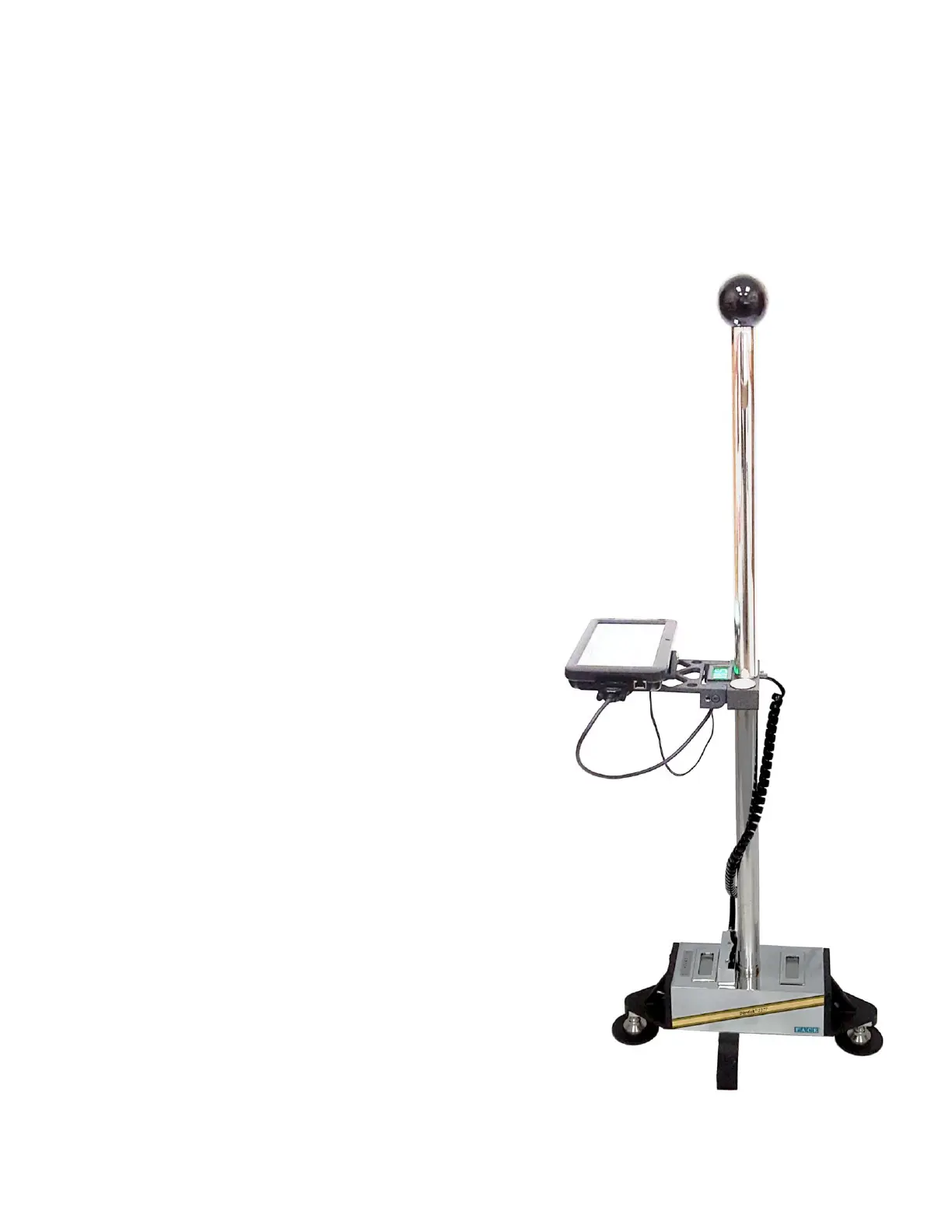
At this point, the Dipstick 2277 is assembled and ready.
Zeroing and elementary data collection are covered in
the next two chapters.



 To Next Page