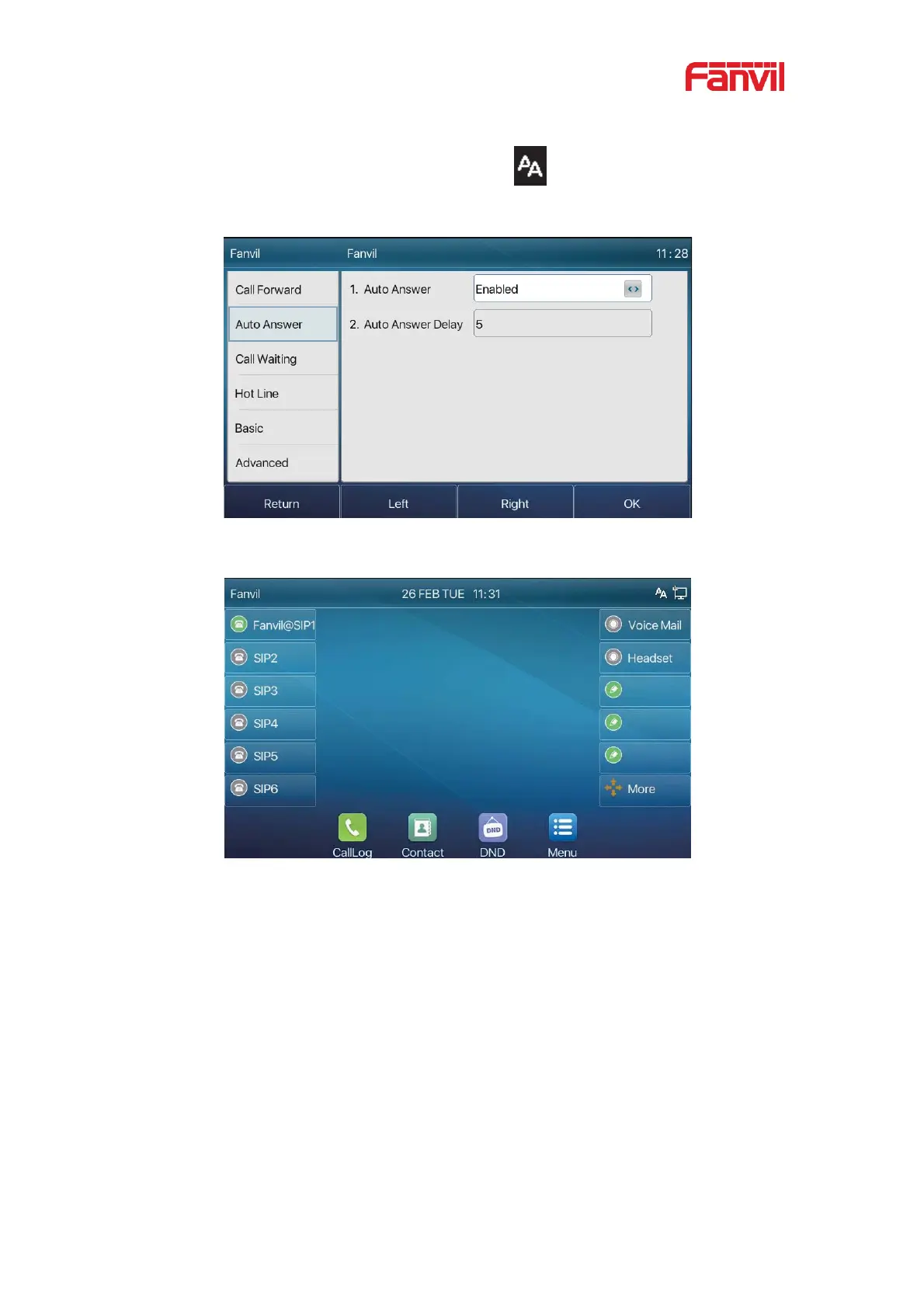
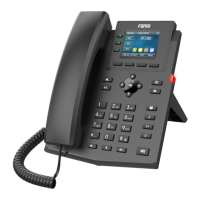
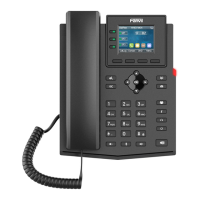
After completion, press [OK] key to save;
The icon in the upper right corner of the screen
indicates that auto answer is
enabled.
Picture 23 - Line 1 enables auto-answering
Picture 24 - The line has enabled auto-answering
z WEB interface
Log in the phone page, enter [Line] >> [SIP], select [SIP] >> [Basic settings], start
auto-answering, and click apply after setting the automatic answering time.


 To Next Page