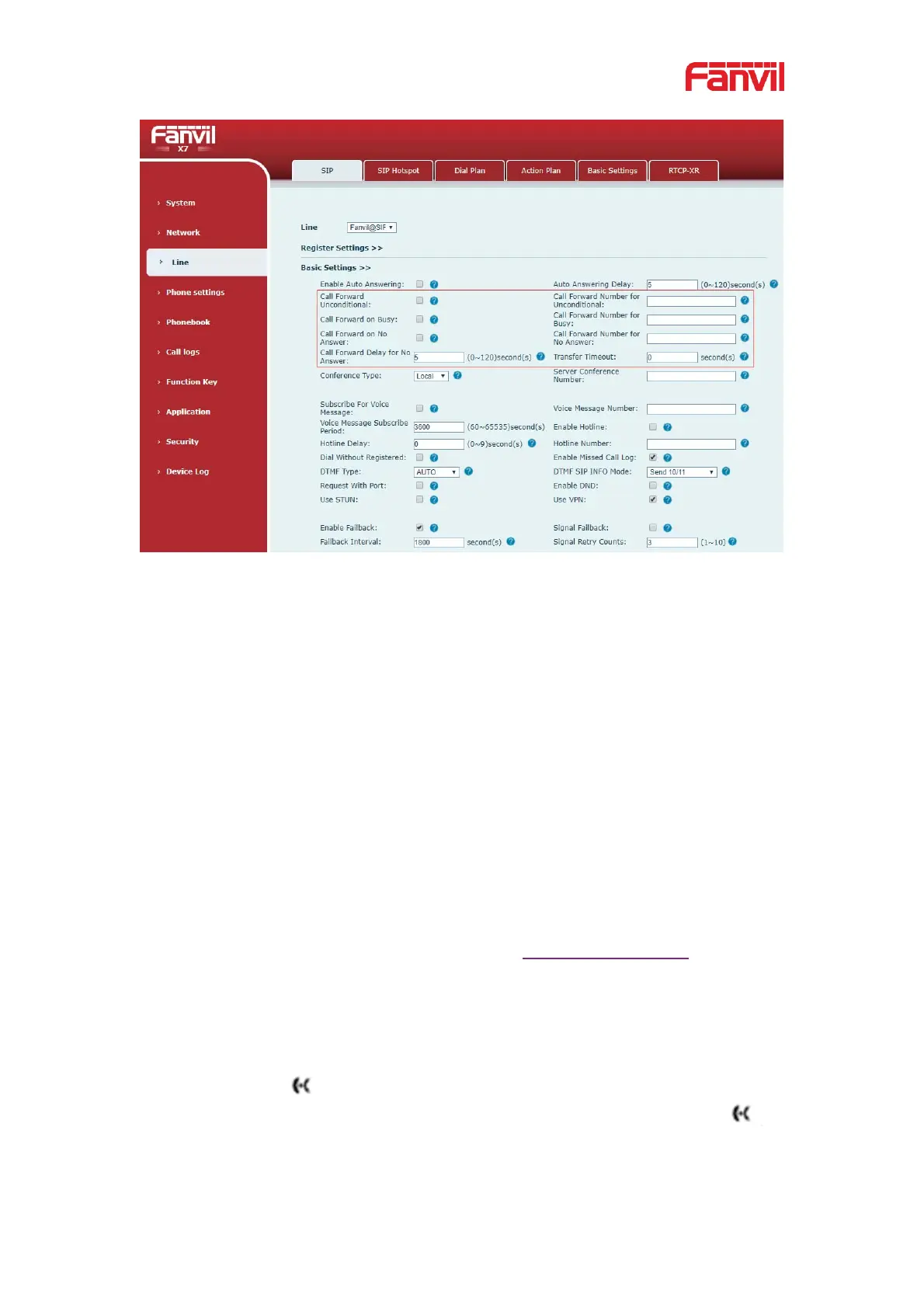
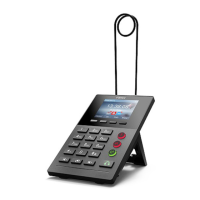
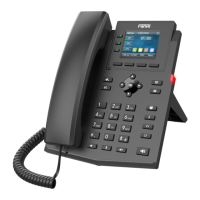
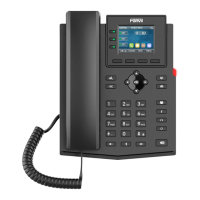
Picture 40 - Set call forward
8.12 Call Transfer
When the user is talking with a remote party and wish to transfer the call to another
remote party, there are three way to transfer the call, blind transfer, attended transfer and
Semi-Attended transfer.
z Blind transfer˖Do not need to negotiate with the other side, directly transfer the call
to the other side.
z Semi-Attended transfer.˖When you hear the ring back, transfer the call to the other
party.
z Attended transfer˖When the caller answers the call, transfer the call to the caller.
Note
For more transfer Settings, please refer to 12.6 Line >> Dial Plan
8.12.1 Blind transfer
During the call, the user presses the function menu button [Transfer] or the transfer
button on the phone
, Enter the number to transfer or press the contact button or the
history button to select the number, press the transfer key again or blind transfer
to
a third party. After the third party rings, the phone will show that the transfer is successful
and hang up.



 To Next Page