FARO
®
Laser Scanner Focus
3D
X 130 Manual
January 2014
95
Chapter 6: The Focus
3D
X 130 Controller Software
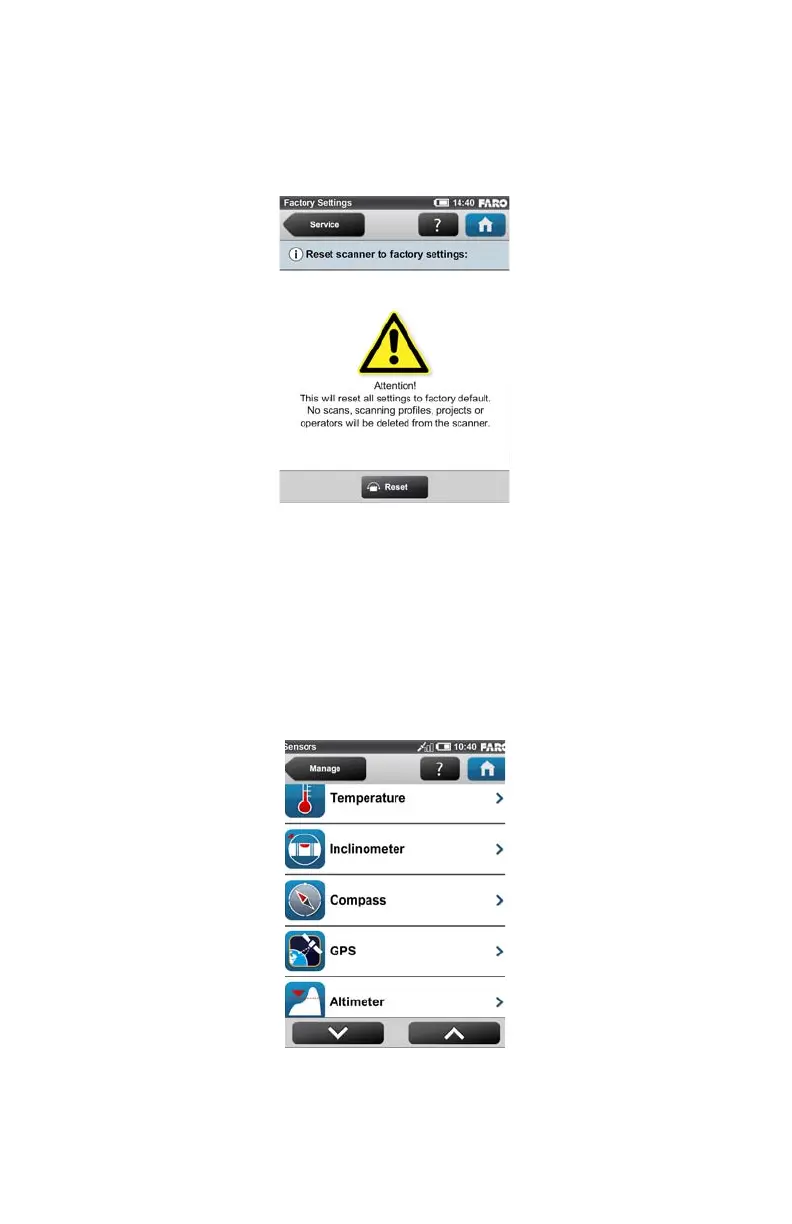
Factory Settings
(Home > Manage > Service > Factory Settings)
This function will reset your scanner settings to factory default. Use this option in
exceptional cases only.
Your scans, scan profiles, scan projects or operators that are saved on the scanner
remain unaffected by this operation.
Sensors
(Home > Manage > Sensors)
Figure 6-33 Reset to Factory Settings
Figure 6-34 Sensors



 To Next Page