FARO
®
Laser Scanner Focus
3D
X 130 Manual
January 2014
51
Chapter 5: Getting Started
Clear Sky - Enables the dynamic sky filter. While scanning, this hardware filter
will remove scan points resulting from hitting no objects at all which mainly
happens when scanning the sky.
Far Distances Optimization - The Far Distance Optimization is a feature which
configures the scanner in order to increase the quality of the points captured at far
distances (> 20m). This feature has the drawback that nearby points which are
bright might be inaccurately measured. Enabling this feature is recommended
when scanning outer spaces where the surfaces to scan are located at a distances
greater than 20 meters from the scanner position, and is not recommended when
scanning indoors.
Recommended Settings button - Enables both filters and disables Far Distance
Optimization.
Scanning Parameters Overview
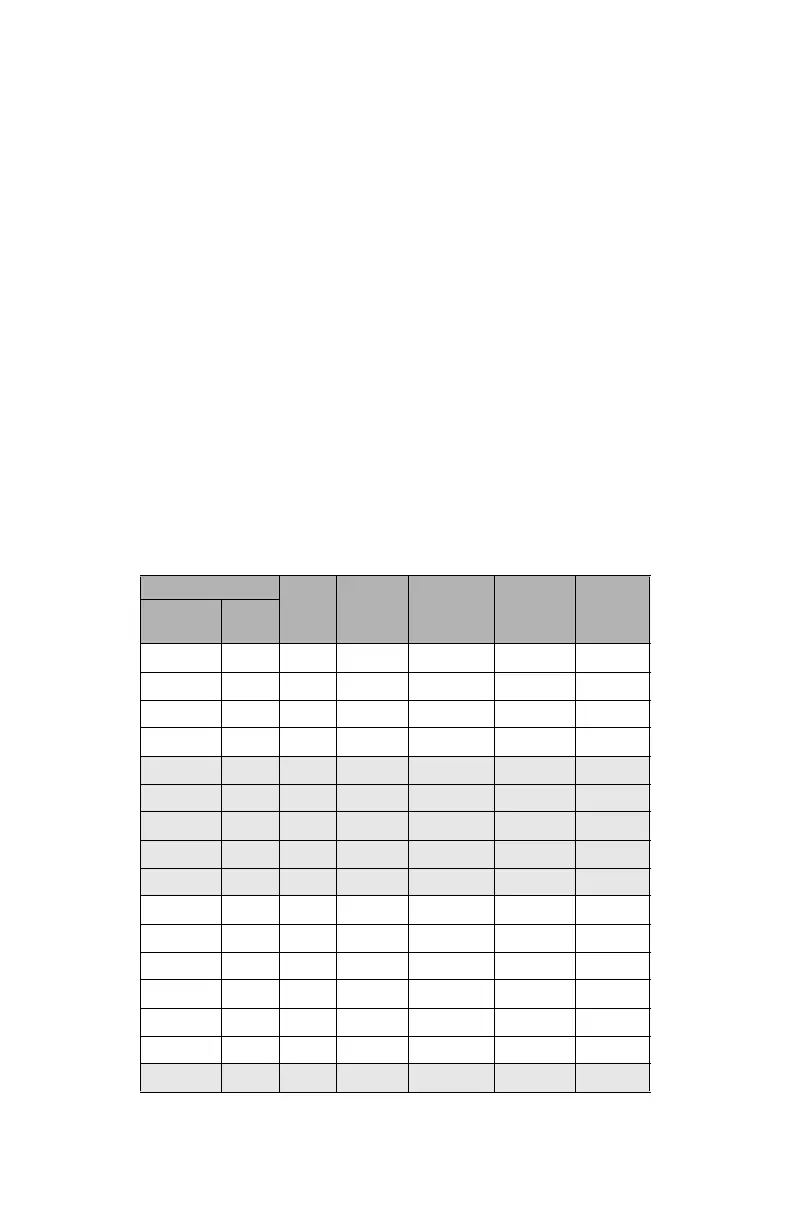
Figure 5-28 shows the measurement speed, noise compression, net scan time for
all the resolution and quality settings that are available.
Resolution
Quality
Speed
(kpt/sec)
Noise
Compression
Net Scan
Time
(full scan)
pt/360°
Mio. Pts
(full scan)
710.7 1/1 1x 976 - 0:14:19 40,960
710.7 1/1 2x 488 - 0:28:38 40,960
710.7 1/1 3x 244 - 0:57:16 40,960
710.7 1/1 4x 122 - 1:54:32 40,960
177.7 1/2 1x 976 - 0:03:35 20,480
177.7 1/2 2x 488 - 0:07:09 20,480
177.7 1/2 3x 244 - 0:14:19 20,480
177.7 1/2 4x 122 - 0:28:38 20,480
177.7 1/2 6x 122 2x 1:54:32 20,480
44.4 1/4 1x 976 - 0:00:54 10,240
44.4 1/4 2x 488 - 0:01:47 10,240
44.4 1/4 3x 244 - 0:03:35 10,240
44.4 1/4 4x 122 - 0:07:09 10,240
44.4 1/4 6x 122 2x 0:28:38 10,240
44.4 1/4 8x 122 4x 1:54:32 10,240
28.4 1/5 2x 488 - 0:01:09 8,192
Figure 5-28 Resolution and Quality



 To Next Page