FARO
®
Laser Scanner Focus
3D
X 130 Manual
January 2014
39
Chapter 5: Getting Started
Setting the Date Format
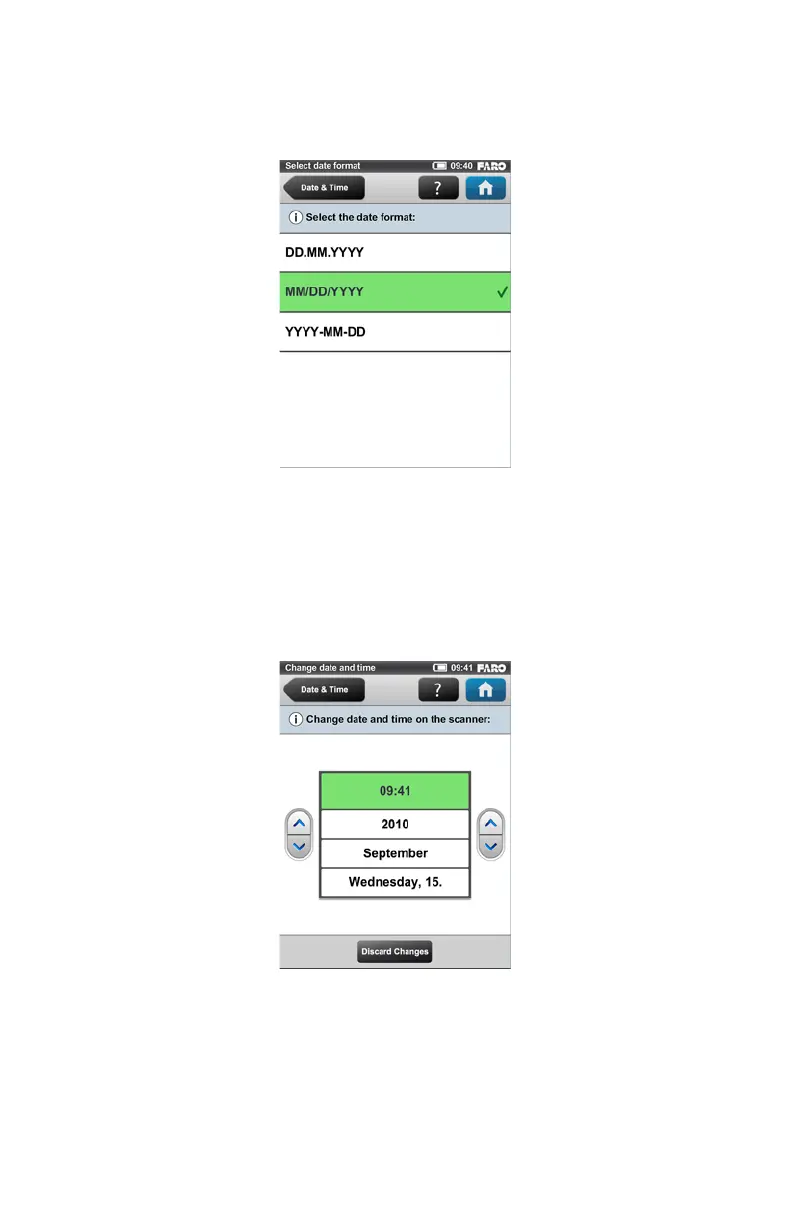
Select the date format by touching the corresponding button. You can select
between the date formats DD.MM.YYY, MM/DD/YYYY or YYYY-MM-DD,
where YYYY is the year, DD the day and MM the month. The selected format
will be highlighted and marked with a check mark.
Changing Date and Time
Select the time button in the list to change the time, then use the buttons on the
left to set the hours, the buttons on the right to set the minutes.
Select the year button in the list to change the year, then use the buttons on the
left or on the right to set the date.
Figure 5-11 Change Date Format
Figure 5-12 Change Date and Time



 To Next Page