FARO
®
Laser Scanner Focus
3D
X 130 Manual
January 2014
67
Chapter 6: The Focus
3D
X 130 Controller Software
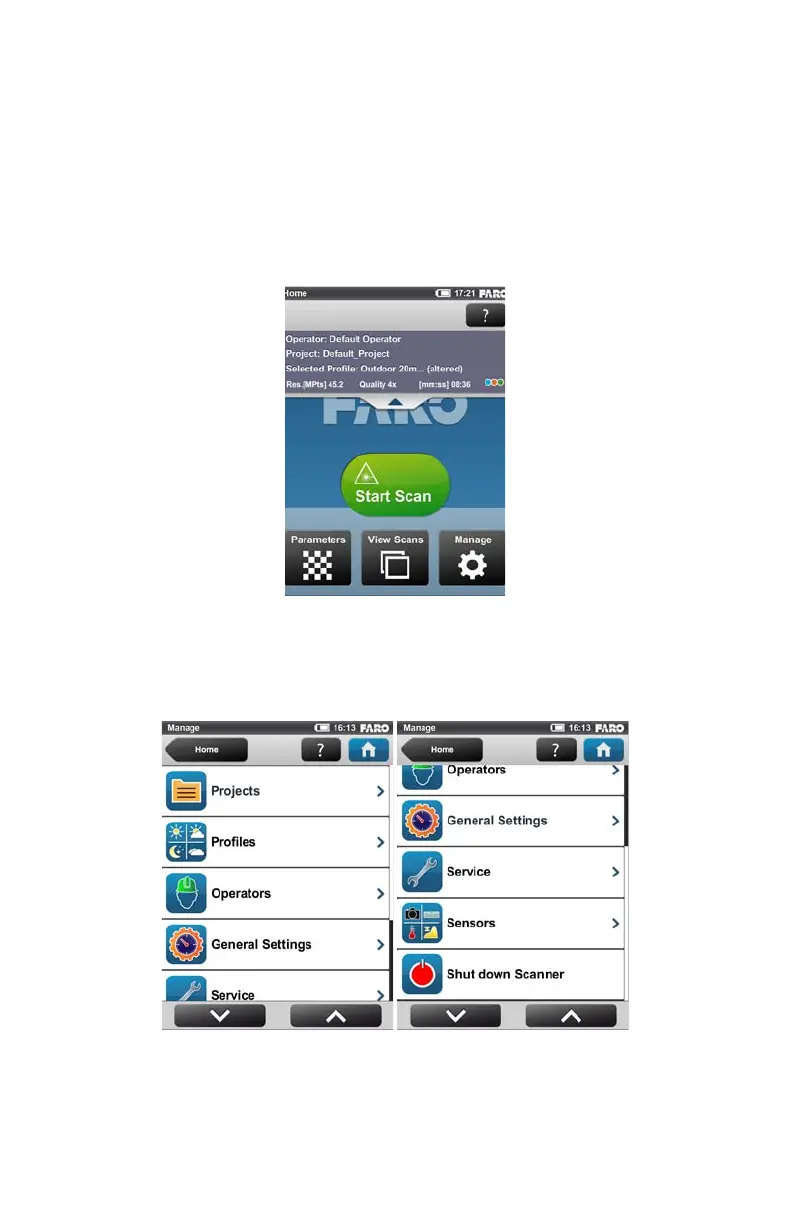
Manage button - Manage scan profiles, projects, operators and the scanner.
See “Manage” on page 67.
Click the arrow button beneath the navigation bar to show or hide the info
box. The info box informs about the currently selected operator, project and scan
profile. It also shows information about the current scanning parameters
resolution in mega points, quality, scan duration and color.
Manage
(Home > Manage)
Figure 6-6 Home Screen with Info Box
Figure 6-7 Manage



 To Next Page