FARO
®
Laser Scanner Focus
3D
X 130 Manual
January 2014
66
Chapter 6: The Focus
3D
X 130 Controller Software
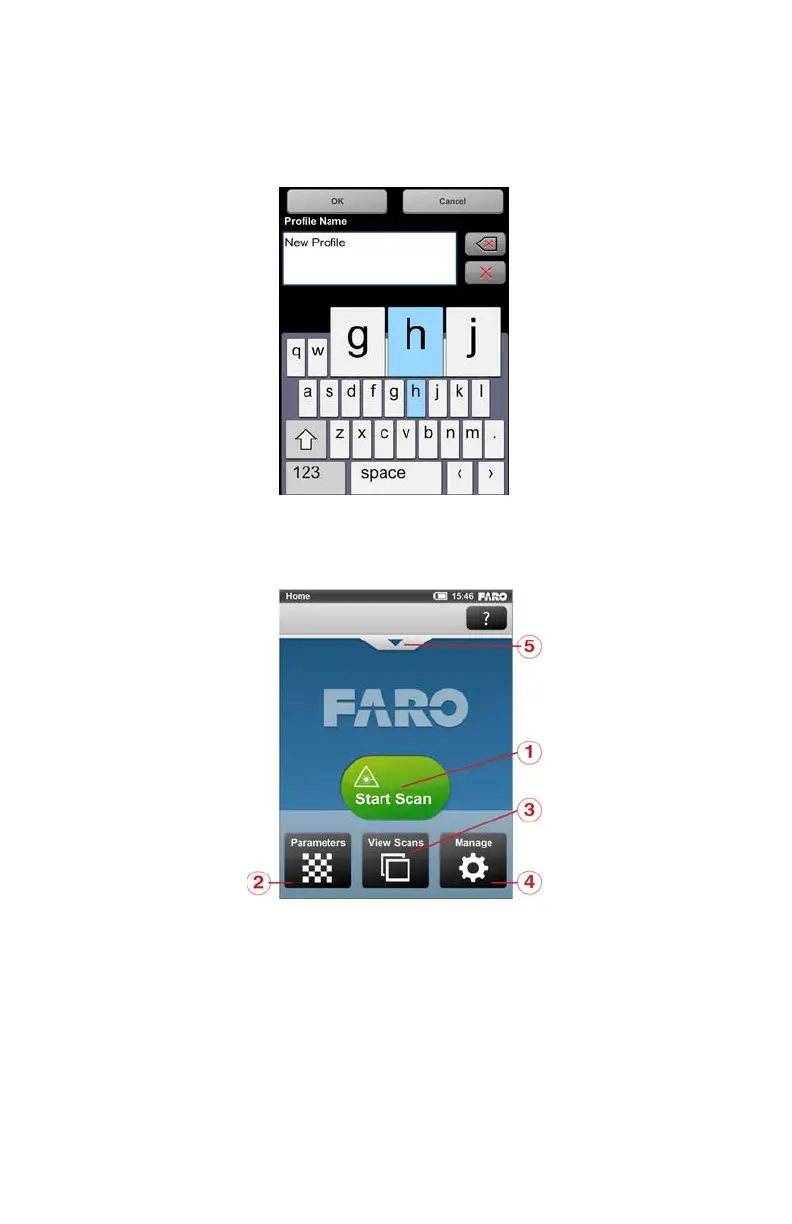
finger a bit to the right or to the left. The selected character will be highlighted
(see Figure 6-4)
.
Home Screen
Start Scan button - Starts a scan. See “Starting a Scan” on page 55.
Parameters button - Opens the dialog to select another scan profile and to
edit the current scanning parameters. See “Setting the Scanning Parameters” on
page 41.
View Scans button - Preview the scans that are stored on the SD card. See
“View Scans” on page 102.
Figure 6-4 Onscreen Keyboard
Figure 6-5 Home Screen



 To Next Page