FARO
®
Laser Scanner Focus
3D
X 130 Manual
January 2014
79
Chapter 6: The Focus
3D
X 130 Controller Software
Selecting an Operator
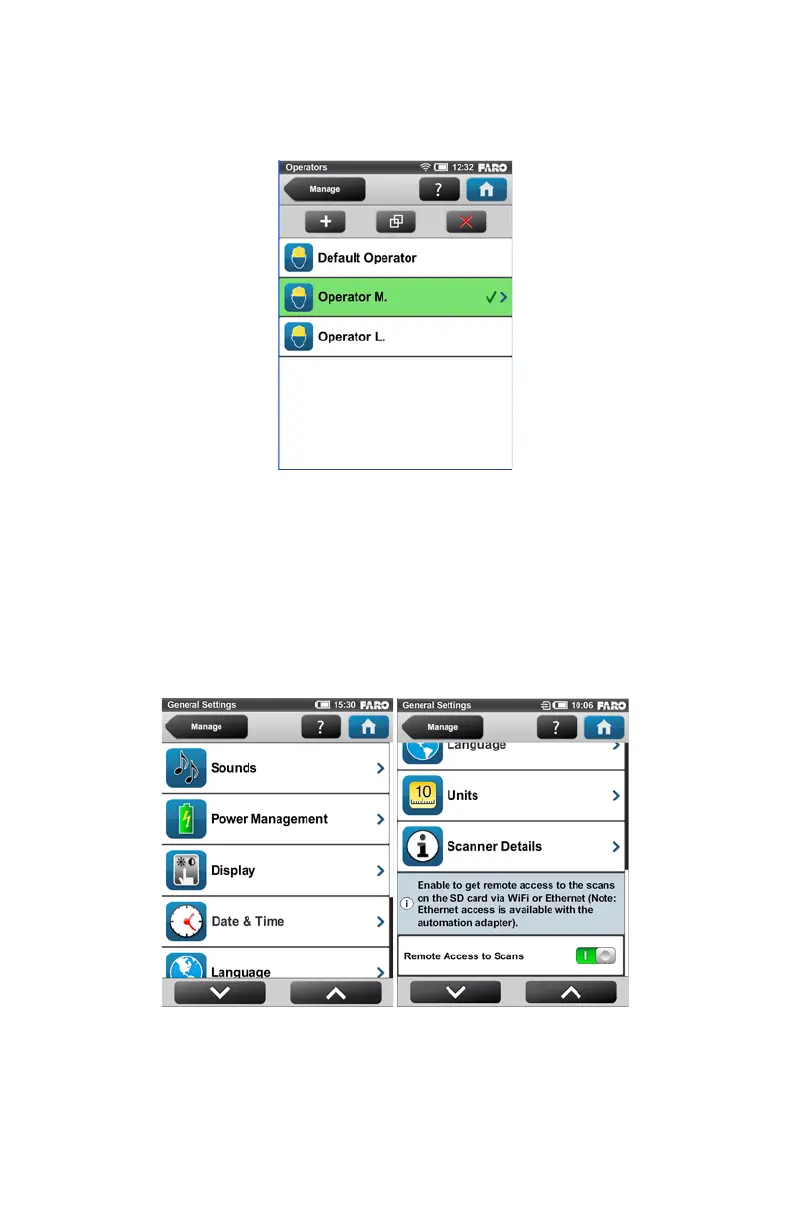
Select an operator in the list by touching the corresponding button. The selected
operator will be highlighted, marked with a check mark and assigned to the next
captured scans until another operator is selected. To view or edit the details of the
selected operator, touch its button once again.
General Settings
(Home > Manage > General Settings)
Sounds - Change the volume of the scanner sounds, enable or disable scanner
sounds. See “Sounds” on page 79.
Figure 6-16 Operators List
Figure 6-17 General Settings



 To Next Page