FARO
®
Laser Scanner Focus
3D
X 130 Manual
January 2014
84
Chapter 6: The Focus
3D
X 130 Controller Software
See “Setting the Interface Language” on page 37.
Units
(Home > Manage > General Settings > Units)
See “Setting the Unit of Length and the Temperature Scale” on page 40.
WLAN / Connecting to the scanner via WLAN
(Home > Manage > General Settings > WLAN)
P
LEASE NOTE: WLAN is only officially supported with scanners that have the
multi-sensor package.
The Focus
3D
X 130 has an integrated WLAN antenna that allows to remotely
connect to the scanner with portable devices, like notebooks, PDAs or tablet
computers. Once you have connected your remote device to the scanner via
WLAN, you are able to remotely access the scanner‘s controller software with a
standard web browser.
P
LEASE NOTE: The used web browser must support Adobe® Flash® in order to
run the controller software. The WLAN option also allows to have remote access
to the scan files on the inserted SD card.
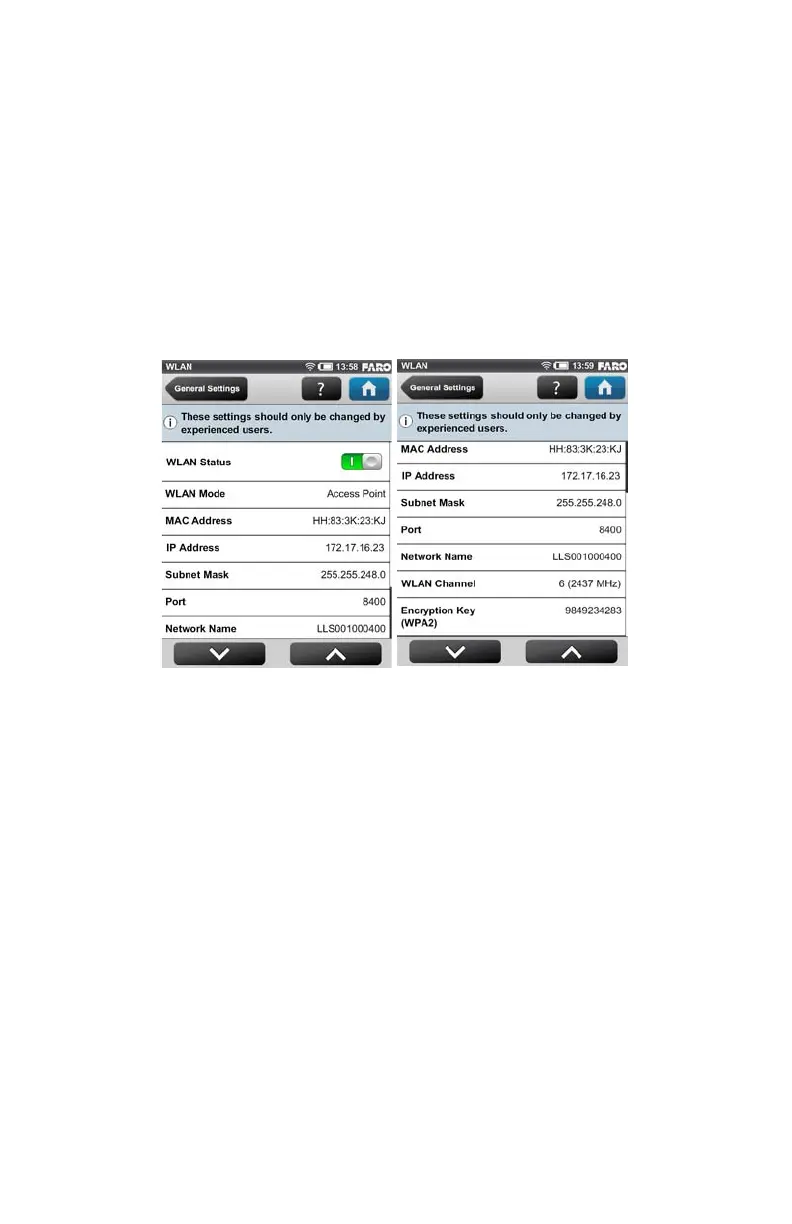
WLAN Status - Press this button to turn WLAN on or off. If WLAN is not
needed it is recommended to turn it off. Note that changes to the WLAN settings
are only possible if WLAN is turned off.
WLAN Mode - The scanner‘s WLAN network is configured as an access point
1
.
Figure 6-21 WLAN



 To Next Page