FARO
®
Laser Scanner Focus
3D
X 130 Manual
January 2014
90
Chapter 6: The Focus
3D
X 130 Controller Software
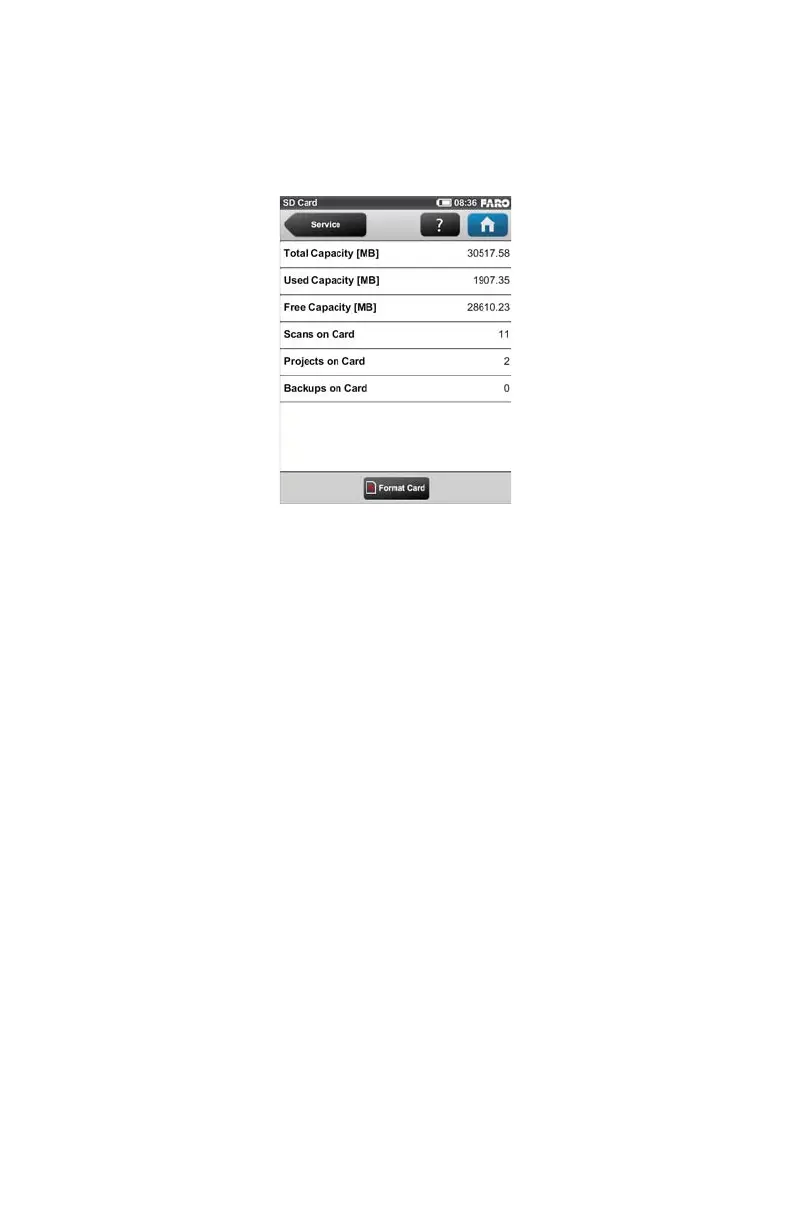
SD Card
(Home > Manage > Service > SD Card)
This view provides information about the currently inserted SD card and its
contents.
Format Card - Format the inserted SD card. P
LEASE NOTE: This operation will
delete all scans and other data of the SD card. Always use this formatting
function for SDXC cards with a capacity of 64GB or more as Windows will
format such cards with its own file system which is not supported by the scanner.
For more information, see “Preparing a SD Memory Card” on page 31.
Log File
(Home > Manage > Service > Log File)
Figure 6-27 SD Card



 To Next Page