FARO
®
Laser Scanner Focus
3D
X 130 Manual
January 2014
36
Chapter 5: Getting Started
When the Focus
3D
X 130 is ready, the LEDs will stop blinking and will
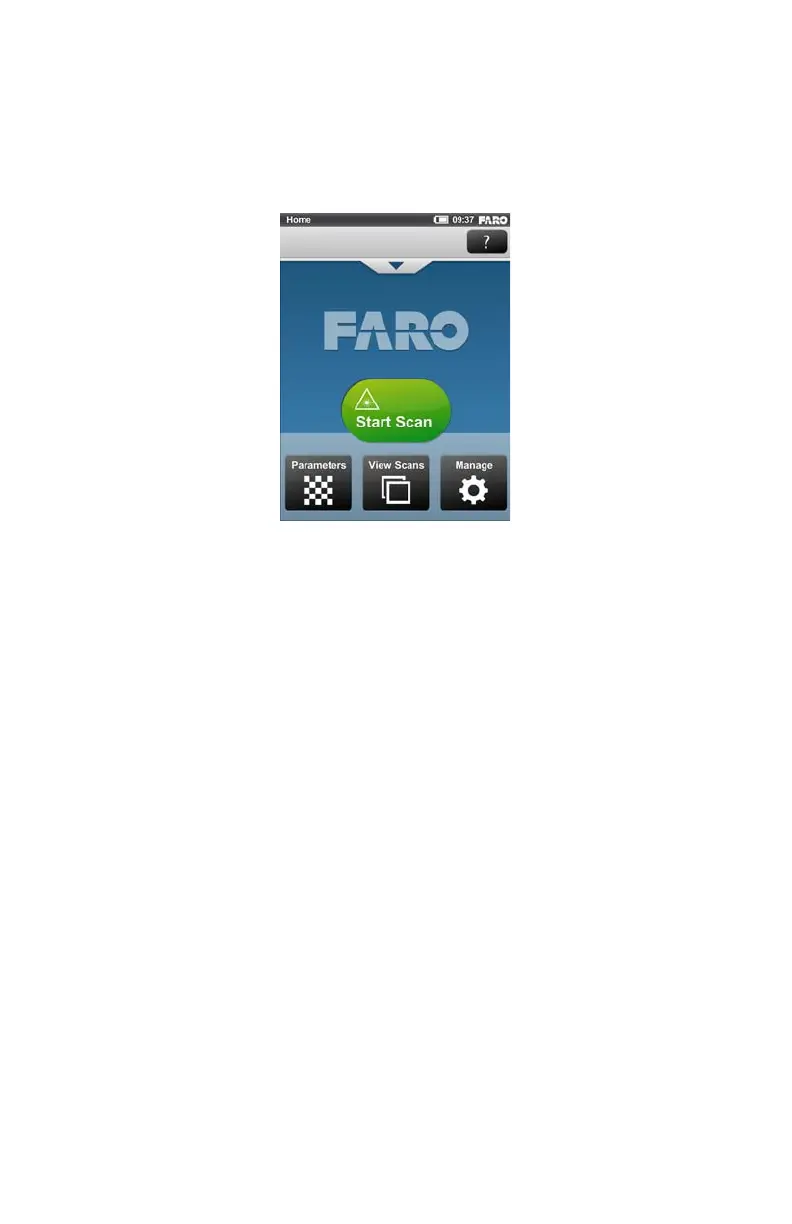
illuminate constantly blue, the Home screen of the scanner's controller software
will appear on the integrated touch screen.
The Focus
3D
X 130 can be operated to its full extent by simply touching the
elements on the screen with your fingers. The controller software is designed to
be able to be controlled with your fingers only. Nevertheless, you can also use a
stylus, if you want to.
Initial Scanner Settings
This chapter gives you a brief description on how to set up initial scanner settings
using the scanner's controller software on the integrated touch screen. For more
information, see “The Focus
3D
X 130 Controller Software” on page 61.
Figure 5-8 Home Screen of the controller software



 To Next Page