FARO
®
Laser Scanner Focus
3D
X 130 Manual
January 2014
17
Chapter 3: Safety Precautions and Maintenance
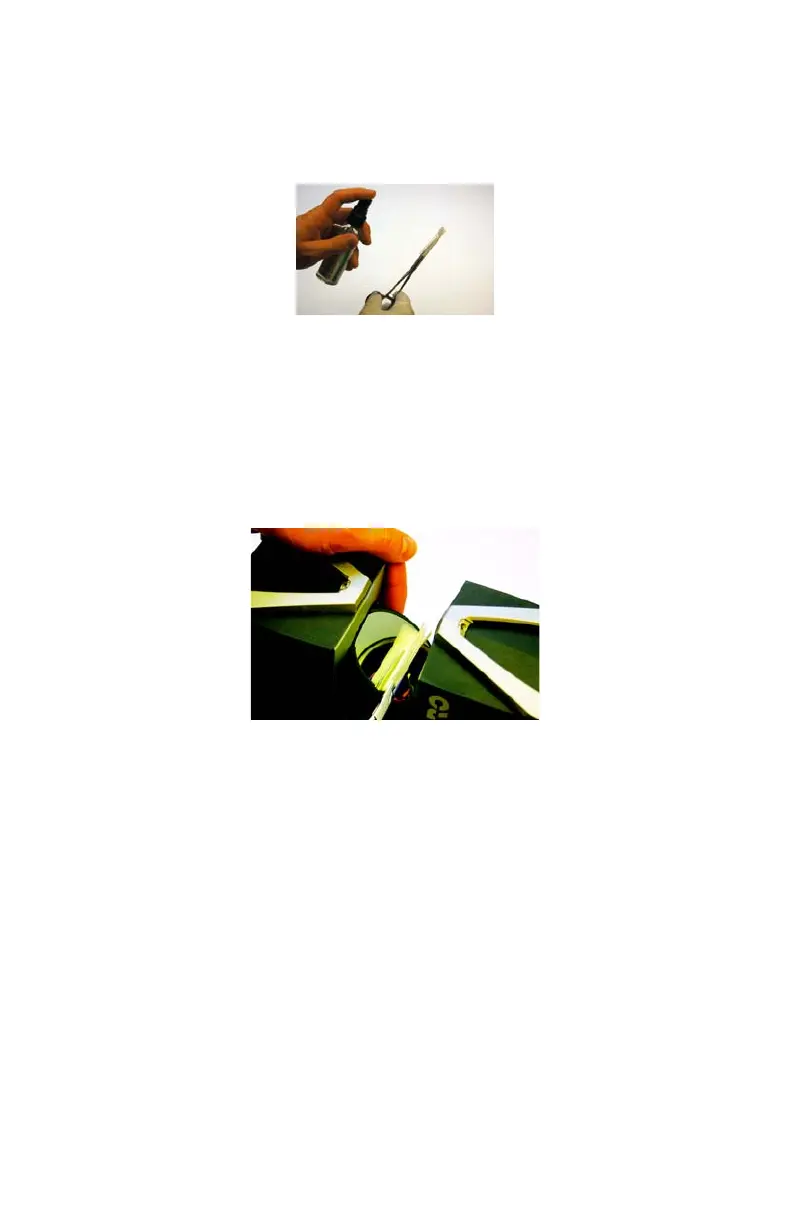
• Mist the clamped lens tissues with the cleaning fluid (do not soak). If
necessary, wait a few seconds until some of the solution has evaporated.
• Bring the scanner mirror into position and hold it with one hand; do not touch
the mirror surface. Use the other hand to clean the mirror. Starting at the edge
of the mirror, apply light pressure and wipe across the mirror into one
direction. Repeat until the mirror surface is clean. Use a clean area of the lens
tissue (fold used lens tissue accordingly) or new lens tissue for each wipe.
Avoid touching the mirror surface with gloves. Do not touch the mirror surface
and the receiver lens with the tweezers or forceps.
Greatly Contaminated Mirror
Folding laboratory cloths: Take several individual laboratory cloths out of the
package and fold twice. Set onto an oil-free surface.
• Fold the laboratory cloth and soak the edge in the cleaning fluid. Carefully
clean the edge of the mirror.
• Completely mist a fresh folded laboratory cloth with mild neutral soap along
the edge.
• Starting at the edge of the mirror, apply light pressure and wipe across the
mirror. Repeat multiple times in linear direction.
• Then clean with appropriate cleaning fluid. See “Cleaning Instructions for
Optics” on page 15.
Figure 3-3 Misting Lens Tissues
Figure 3-4 Cleaning the Mirror



 To Next Page