FARO
®
Laser Scanner Focus
3D
X 130 Manual
January 2014
37
Chapter 5: Getting Started
Setting the Interface Language
Starting from the Home screen, go to Home > Manage > General Settings >
Language to change the language of the controller software.
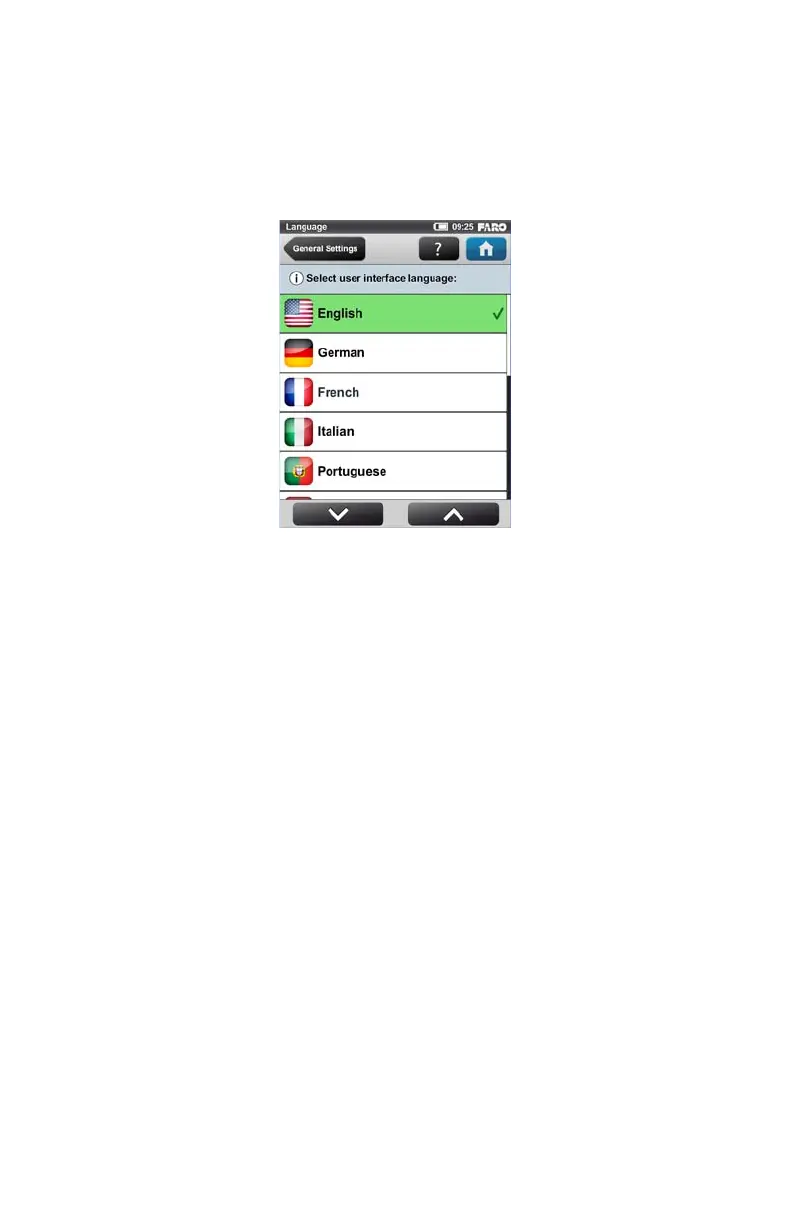
Select the language by touching the corresponding button. The selected language
will be highlighted and marked with a check mark.
If the list of available languages exceeds the screen size, scroll the list up or down
with the arrow buttons on the bottom.
Figure 5-9 Language Selection Screen



 To Next Page